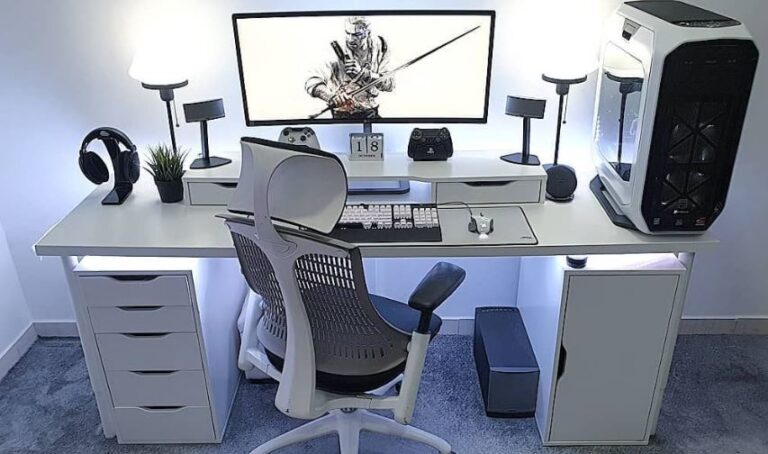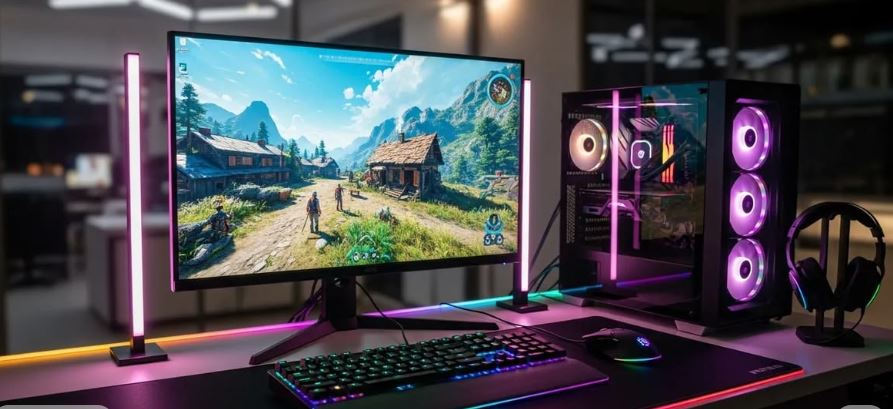
In 2026, building a complete budget gaming setup under $2,000 might sound impossible. Think about it—you need a gaming PC or gaming laptop, a monitor, gaming desk, gaming chair and every gaming peripheral to complete your setup. At first glance, squeezing all of that into a $2,000 budget seems unrealistic.
The good news is that gaming hardware has become much more affordable over the years. While some components, such as RAM, have seen noticeable price increases, most gaming peripherals now offer far better value than they did just a few years ago. This means you can build an incredible gaming setup without spending a fortune.
In this guide, I’ll show you exactly how I would spend a $2,000 budget to build a complete gaming setup. Even better, each recommendation includes links to more detailed buying guides where I’ve compared additional options to help you choose the products that best fit your needs.
After all, I’m not perfect—and neither is my opinion. Having more choices is always a good thing.
So, what would my ideal $2,000 budget gaming setup look like?
Affiliate Disclosure
Some of the links in this article are affiliate links, which means I may earn a small commission if you purchase a product through one of these links, at no additional cost to you. This helps support me and allows me to continue creating gaming guides and hardware recommendations.
Budget Breakdown
| Component | Budget |
| Gaming PC / Laptop | $1000 |
| Gaming Monitor | $200 |
| Gaming Chair | $100 |
| Gaming Desk | $150 |
| Gaming Keyboard | $80 |
| Gaming Mouse | $50 |
| Gaming Headset | $50 |
| Gaming MousePad | $30 |
| Gaming Webcam | $40 |
| Gaming Microphone | $40 |
| Total | $1,740 |
Gaming PC or Gaming Laptop
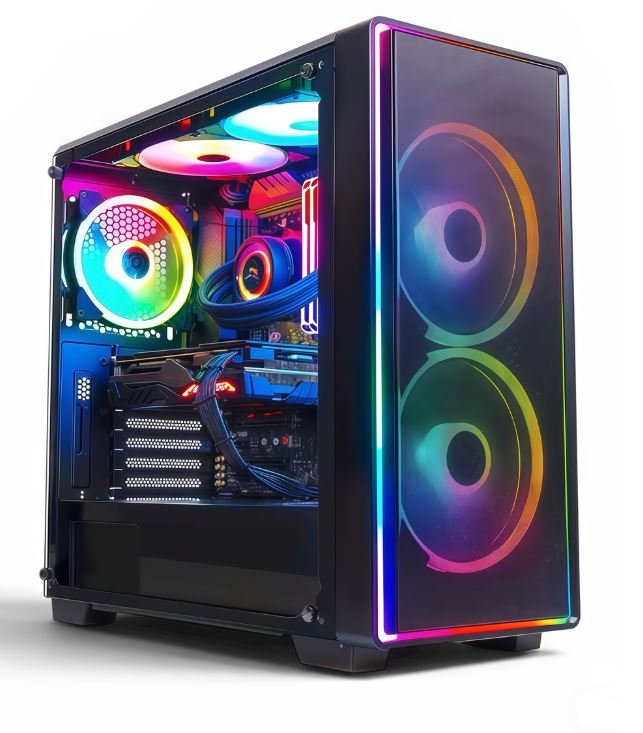
I recommend budgeting around $1,000 for the gaming PC or gaming laptop because it’s the most important part of your setup. Whether you choose a desktop or laptop depends entirely on your lifestyle.
If you spend most of your time at home, a gaming PC is the better investment thanks to its superior upgradeability and better gaming performance. For an AMD build, I recommend the Ryzen 7 5700X3D, while Intel users should consider the Core i5-13400F. Pair either processor with an NVIDIA GeForce RTX 4060 Ti 8GB or the AMD Radeon RX 7700 XT 12GB, depending on your preference. Complete the build with 16GB DDR4 3200MHz CL16 RAM, a 1TB NVMe Gen4 SSD, an MSI B550 Tomahawk (AMD) or MSI PRO B760-P DDR4 (Intel), a quality 750W 80+ Gold PSU, and a well-ventilated case such as the NZXT H5 Flow or Montech AIR 100 ARGB. Well If you want more thorough explanation of each individual picks check out the Best PC Build under $1000.
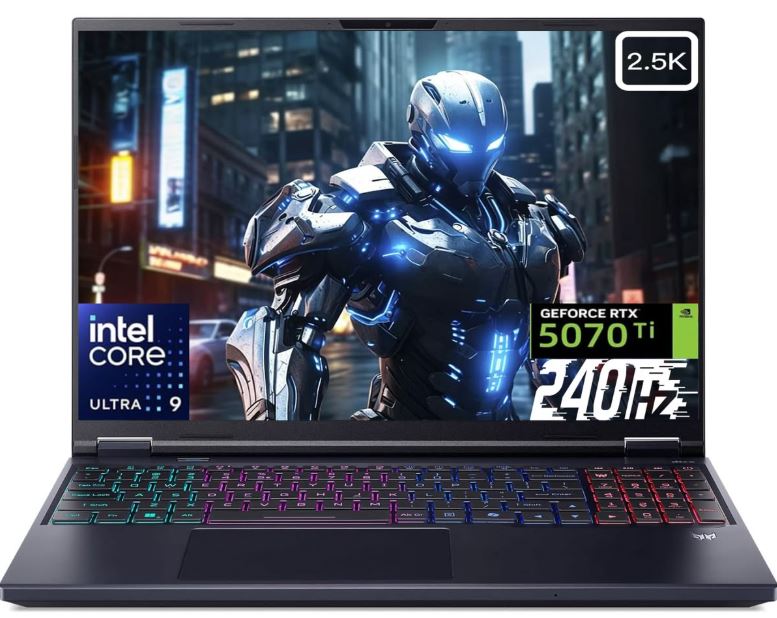
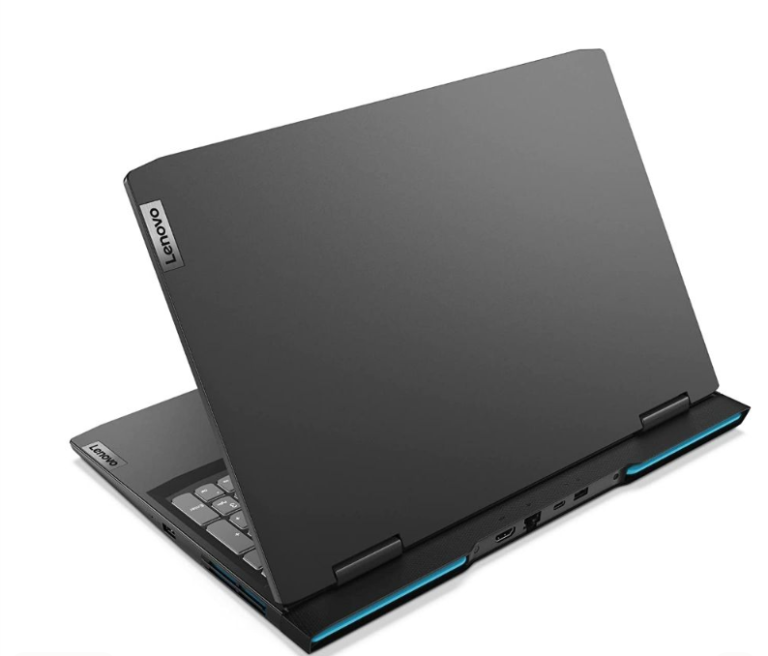
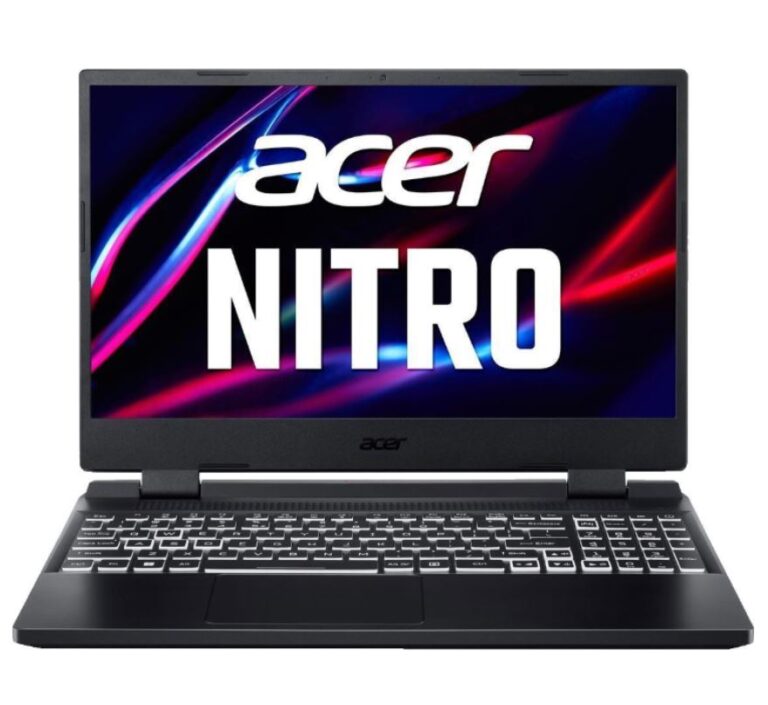
If portability matters more because you’re a student or travel frequently for work, I’d recommend a gaming laptop instead. My favorite pick is the Acer Predator Helios Neo 16, featuring an Intel Core i7-13650HX, RTX 4060, 16GB DDR5 RAM and 512GB SSD. I have other picks for gaming laptops under $1000
Gaming Mouse
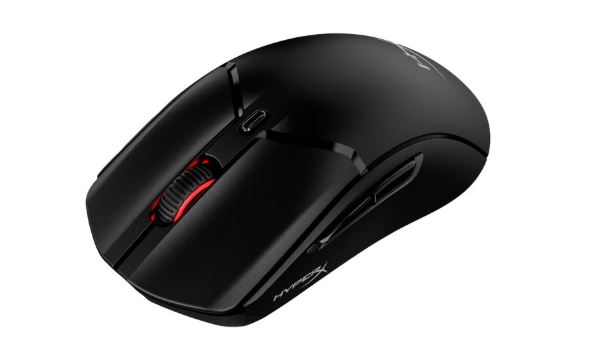
Budget around $40–60 for your gaming mouse. My favourite wired option is the HyperX Pulsefire Haste 2, while the MCHOSE G3 V2 Pro is an excellent wireless alternative. Both offer lightweight designs, high-quality optical sensors and excellent performance for competitive FPS games.
If you prefer a cleaner, minimalist setup, go wireless. If you don’t want to worry about charging batteries, a wired gaming mouse is still an excellent choice. Luckily for you we have written articles about the best wireless gaming mouse under $40 and the Best Gaming Mouse for FPS games.
Gaming Keyboard
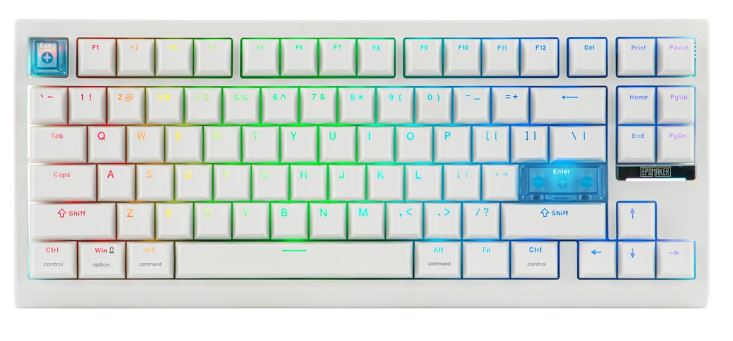
An $80 budget gives you plenty of excellent options. The Epomaker HE68 Lite is my top recommendation thanks to its Rapid Trigger, adjustable actuation, hot-swappable switches and RGB lighting. Another favorite is the Logitech G413 TKL SE, which I personally use. It features tactile brown switches, a premium aluminum build and a tenkeyless layout that creates extra space for mouse movement. I know you want more options, check out Best Mechanical Keyboard under $100 and Best Gaming Keyboards for FPS Games.
Gaming Monitor
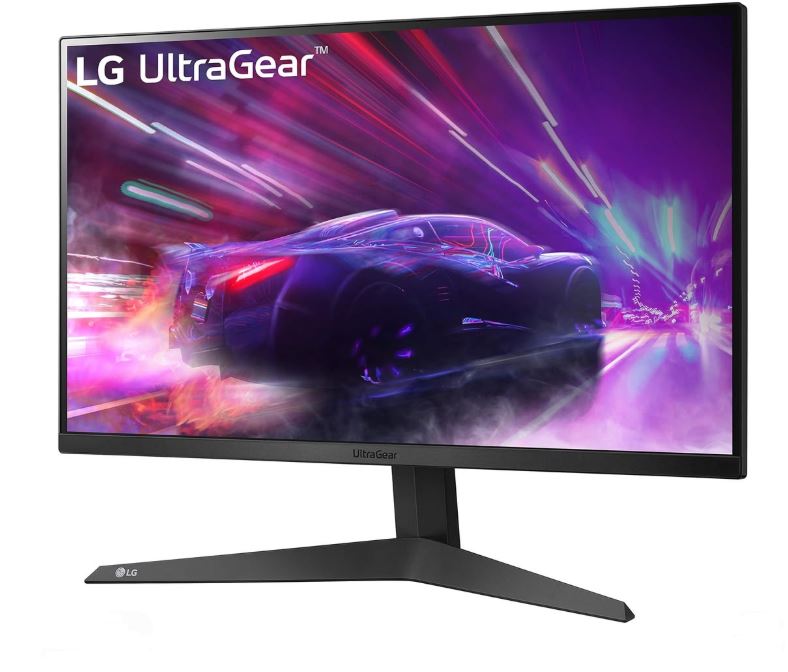
I recommend allocating around $200–250 for your gaming monitor. My favourite choice is the LG UltraGear 24GS65F-B, featuring a 24-inch Full HD IPS display, 180Hz refresh rate and 1ms response time. It’s an excellent monitor for competitive FPS games and pairs perfectly with a $1,000 gaming PC.
If you’d like more recommendations, I’ve written an entire guide covering the best gaming monitors under $300.
Gaming Headset
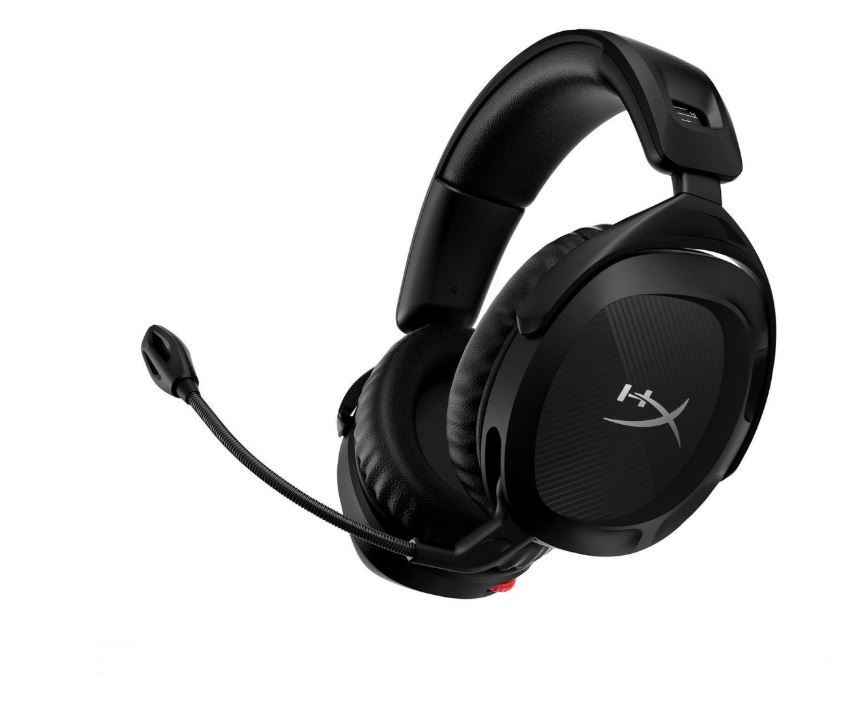
Budget $30–80 for your headset. My top pick is the HyperX Cloud Stinger 2, offering excellent comfort, solid bass and an easy-to-use flip-to-mute microphone. Another excellent option is the Razer BlackShark V2 X, which is incredibly lightweight and features memory foam ear cushions that honestly remind me of a helicopter pilot’s headset. And again if you want more options which I know you do, check out the Best Gaming Headset for FPS games.
Gaming Mouse Pad
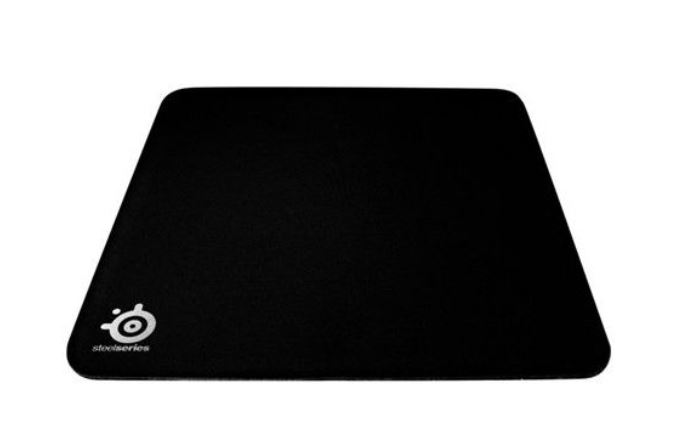
A large gaming mouse pad is something I highly recommend. Whether you prefer speed or control, having extra room for mouse movement makes a noticeable difference. My favourite all-round pick is the SteelSeries QcK Heavy, which performs well across almost every FPS game. If you want a more fast or control mousepad depending on the game you mostly play check out best mousepad for FPS games.
Gaming Webcam
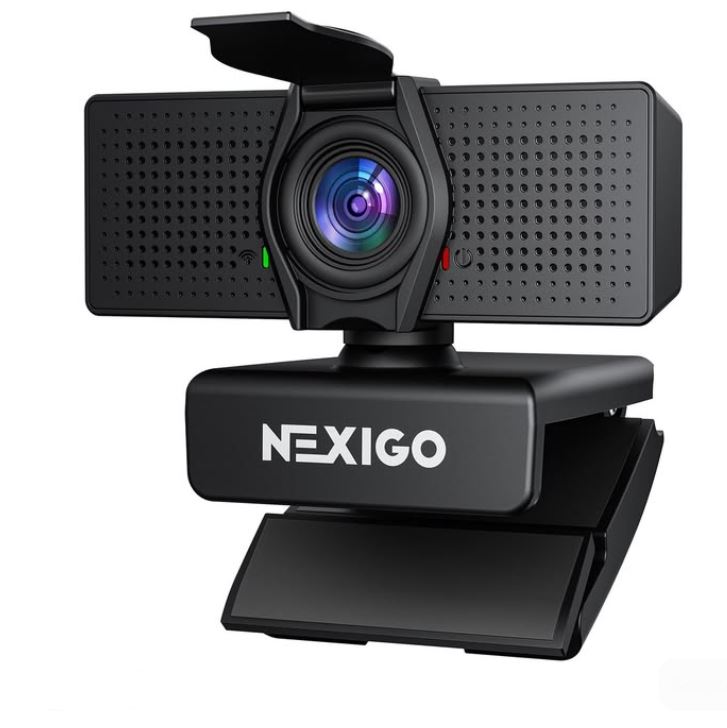
If you’re interested in streaming or creating content, budget around $40–50 for a webcam. My recommendation is the NexiGo N60, offering 1080p Full HD at 30 FPS, autofocus and a wide field of view. It’s an excellent entry-level webcam for Twitch, YouTube and Discord. For more options gaming webcam for streaming and gaming
Gaming Microphone
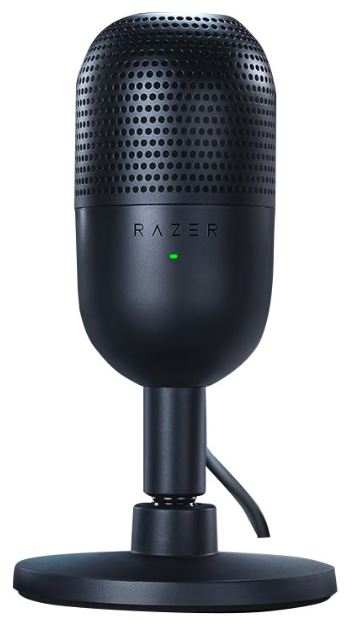
Communication is everything in multiplayer games, and if you plan to stream or record voiceovers, a dedicated microphone is well worth the investment. My favorites pick under $50 is the Razer Seiren Mini, thanks to its supercardioid pickup pattern, compact design and surprisingly impressive audio quality for the price. I have other gaming microphone waiting for you to give them a chance, check out best gaming microphone under $50
Gaming Desk
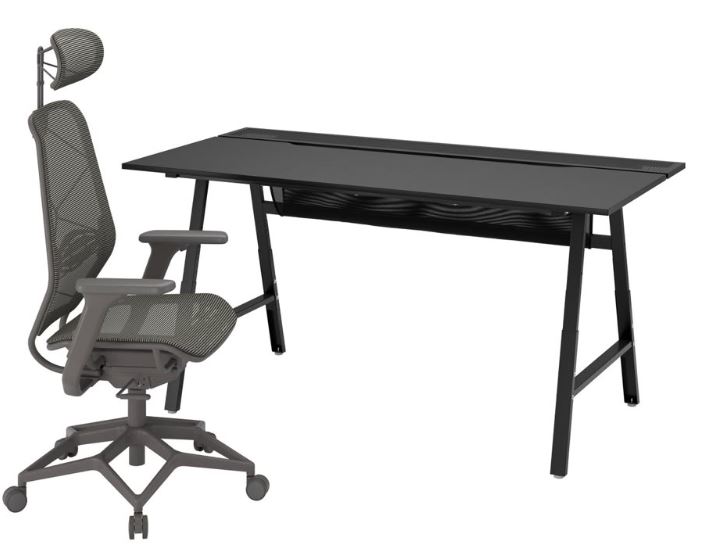
With a budget of around $150, I’d choose the IKEA Utespelare. It offers outstanding build quality, a spacious desktop and a clean, modern design that’s perfect for gaming, studying or content creation. If you’d like more options, I’ve also written a complete gaming desk buying guide which is the best gaming desk under $200.
Gaming Chair
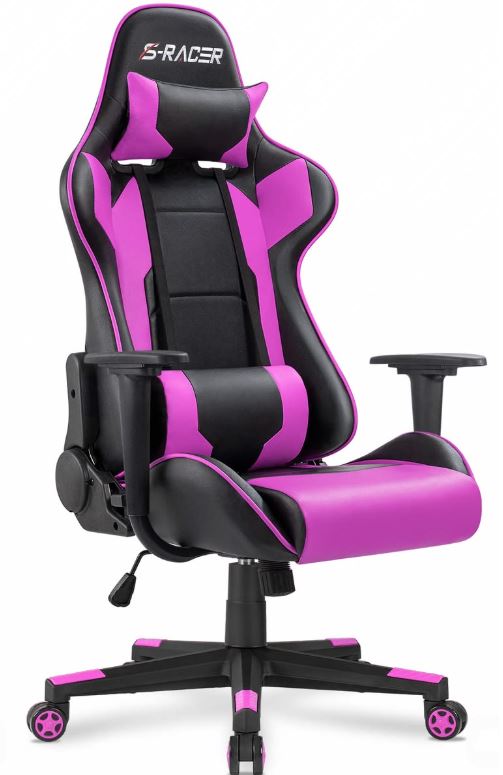
After spending all this money building your dream setup, don’t overlook your comfort. Budget around $100 for a quality gaming chair. My recommendation is the Homall Gaming Chair, featuring a high-back racing-style design, adjustable lumbar support, headrest pillow and a 155° reclining backrest that makes long gaming sessions much more comfortable. For more comfortable picks check out best gaming chairs under $200 (did you get it?)
Conclusion
Building a budget gaming setup under $2,000 is far more achievable than most people think. With careful budgeting, you can put together a powerful gaming PC or laptop, a high refresh rate monitor, quality gaming peripherals and comfortable furniture without exceeding your budget. The best part is that every component recommended in this guide offers excellent value, allowing you to enjoy competitive FPS games, immersive single-player titles, content creation and even productivity for years to come.
One thing I want to point out is that there isn’t a single “perfect” gaming setup. Every gamer has different preferences. Some people prefer gaming laptops because they travel often, while others would rather have a desktop gaming PC for its upgradeability and extra performance. Some players love lightweight gaming mice, while others prefer something heavier. That’s completely normal.
That’s exactly why I’ve linked every component in this guide to its own dedicated buying guide. If one of my recommendations isn’t quite what you’re looking for, you’ll find plenty of alternative options in those articles to help you build a setup that perfectly matches your needs.
Finally, don’t feel pressured to buy everything at once. Building a gaming setup is a journey, not a race. Upgrade one component at a time as your budget allows. Before you know it, you’ll have a gaming setup you’ll genuinely enjoy sitting at every single day.
Now all that’s left is to jump into your favourite game, blame your teammates when things go wrong… and if you’re the one who missed every shot, well… at least you can’t blame the setup anymore.
And again, your time spent reading my article means the world to me and I Thank You. Enjoy the rest of your day!