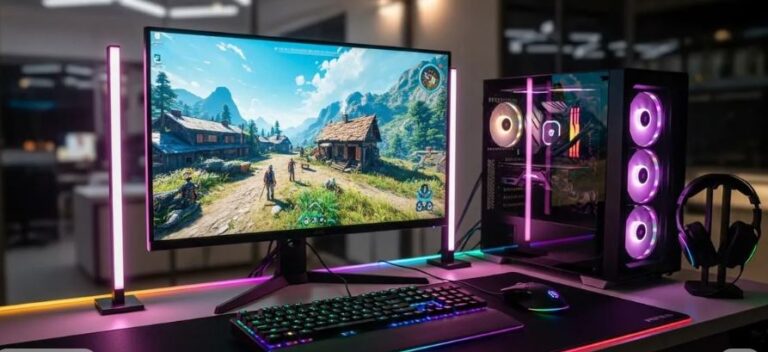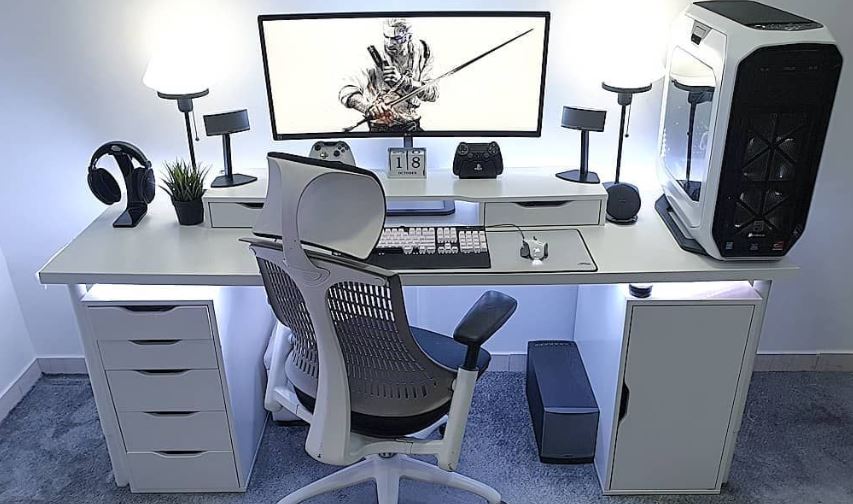
Building a gaming setup under $1500 is absolutely doable, and the good news is that this budget gives you far more flexibility than a true entry-level setup. While you will still be working with budget to mid-range gaming parts, $1500 is enough to build a proper setup that can handle modern games at high frame rates if you spend the money wisely.
If you choose to build a gaming PC instead of buying a gaming laptop, you also get the advantage of being able to upgrade parts over time, which is one of the biggest strengths of a desktop setup. A gaming laptop, on the other hand, gives you portability and convenience, so the right choice really depends on how and where you plan to game.
One thing I have to mention before we continue is that RAM prices have increased noticeably over a short period of time, which can affect how much performance you can squeeze out of a $1500 budget. I had to get that out of the way.
Still, $1500 is more than enough for a proper gaming PC or gaming laptop, a budget gaming monitor, a solid gaming mouse, keyboard, headset, and even a real gaming chair and desk if you budget smartly.
By the end of this article, you should have a gaming setup that not only looks good on your desk but can also play most modern games at high FPS without making you feel like you cheaped out on every part.
Affiliate Disclosure
Some of the links in this article are affiliate links, which means I may earn a small commission if you purchase a product through one of these links, at no additional cost to you. This helps support me and allows me to continue creating gaming guides and hardware recommendations.
How to Split the Budget
For this setup, you have two choices: a gaming PC setup or a gaming laptop setup.
A gaming PC is the better choice for gamers who mostly play at home and want the freedom to upgrade parts in the future. A gaming laptop, on the other hand, is ideal for gamers who move around often, are students, or need a machine they can carry to work, school, or travel with easily.
To make things simple, this is how I would split the $1500 gaming setup budget:
Option A – Gaming PC Setup
| Components | Adjusted Price Range |
| Gaming PC | $650 – $780 |
| Monitor | $130 – $190 |
| Gaming Chair | $80 – $140 |
| Gaming Desk | $80 – $130 |
| Mouse | $20 – $45 |
| Keyboard | $30 – $60 |
| Headset | $25 – $55 |
| Mousepad | $10 – $25 |
Option B – Gaming Laptop Setup
| Components | Adjusted Price Range |
| Gaming Laptop | $850 – $1,100 |
| Monitor | $130 – $150 |
| Gaming Chair | $80 – $140 |
| Gaming Desk | $80 – $130 |
| Mouse | $20 – $45 |
| Keyboard | $30 – $60 |
| Headset | $25 – $55 |
| Mousepad | $10 – $25 |
My Picks for the Full Gaming Setup
Gaming PC
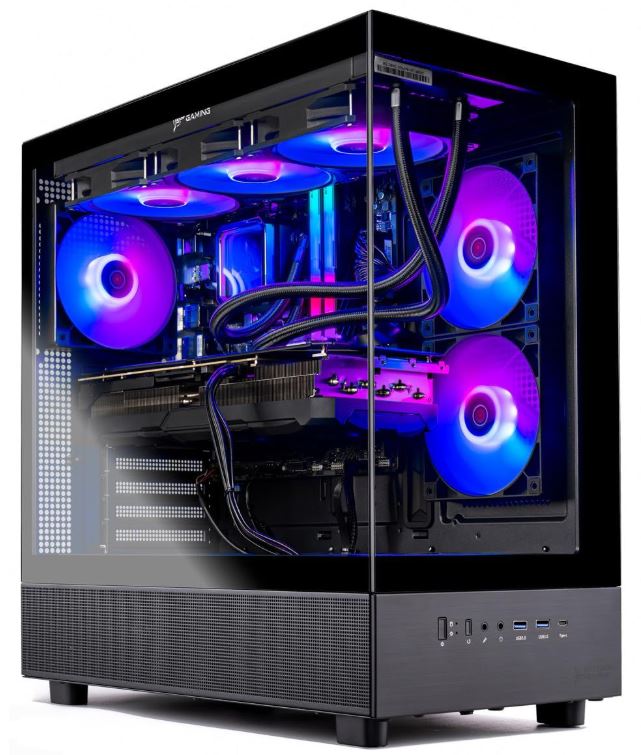
Budget: $700–850
If you want the best long-term value, the gaming PC route is the smarter option because you can upgrade individual parts over time instead of replacing the whole machine.
For the CPU, the AMD Ryzen 5 5600 and Intel Core i5-13400F are excellent choices in this price range. The Ryzen 5 5600 still delivers very strong gaming performance for the money, while the i5-13400F gives you a more modern Intel option with solid performance in both gaming and productivity.
For the GPU, I would look at the Radeon RX 7600 or Radeon RX 7700 XT depending on current pricing and sales. AMD graphics cards are often the better value at this budget because they usually offer stronger rasterization performance and excellent high-FPS gaming for competitive titles.
For the rest of the build, I’d aim for:
- 16GB DDR4 3200MHz RAM
- 1TB NVMe SSD for fast boot times and game loading
- If a 1TB SSD is too expensive, you can drop to a 512GB SSD and add a 1TB HDD as backup storage
- 650W 80+ Bronze or Gold modular PSU
- B550 motherboard for AMD builds or B660/B760 motherboard for Intel builds
- A good airflow-focused ATX case to keep temperatures under control
Prices will always vary, so I’ll keep updating this section as the market changes. If you want a more detailed breakdown of the full build, I’ve also written a comprehensive guide on the Best Gaming PC Build Under $1000, where I go deeper into part-by-part recommendations.
Gaming Laptop
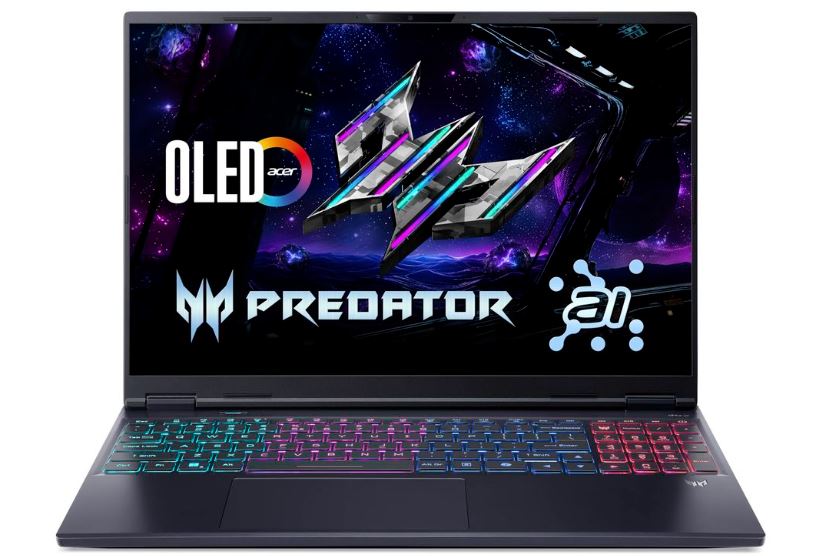
Budget: $900–1100
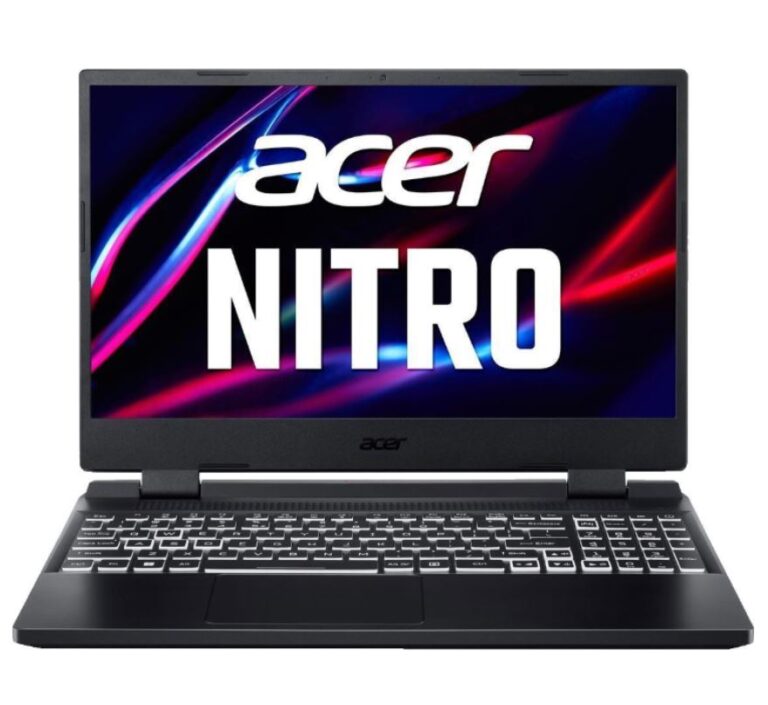
The gaming laptop route is the better choice for people who want portability, don’t want to build a PC, or need a machine for school, work, or travelling. At this budget, gaming laptops are still very capable and can handle most modern games comfortably at 1080p.
Some of the best gaming laptop picks in this price range include:
- Acer Predator Helios Neo 16
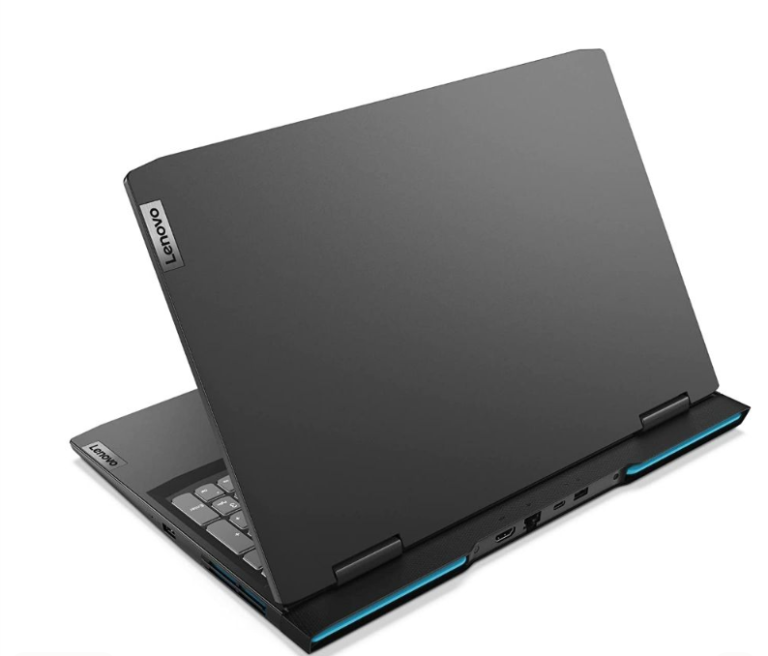
- Lenovo LOQ
- ASUS TUF A15 / F15
These laptops give you a good balance of gaming performance, decent cooling, and everyday usability. If you mostly game at a desk, I still recommend pairing your gaming laptop with an external monitor for a much better overall experience.
It never hurts to have more options to make a personal choice checks out Best Gaming Laptop Under $1000
Gaming Monitor
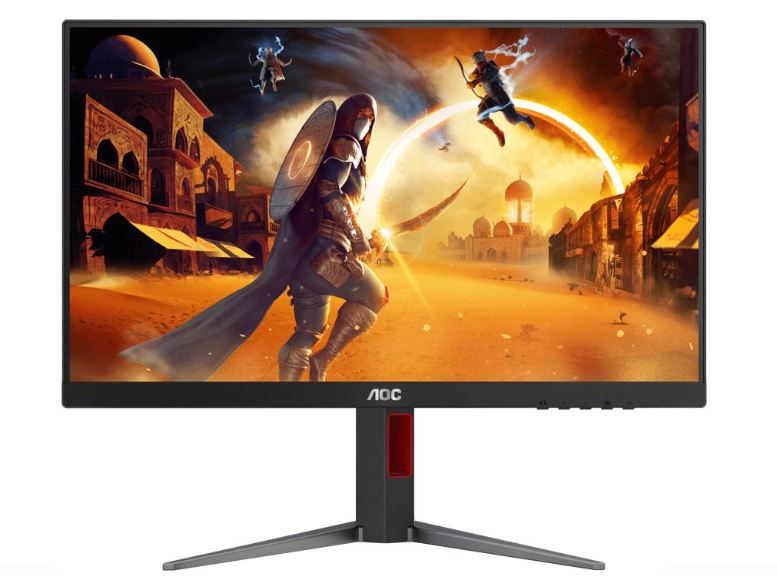
Budget: $180–250
At this budget, a 1080p 180Hz gaming monitor is what you should realistically expect, and that is still excellent for competitive FPS gaming. A high refresh rate monitor makes aiming, tracking and general gameplay feel much smoother than a standard 60Hz display.
Some great options here are:
- LG UltraGear 24GS65F-B
- AOC 24G4
- AOC Q27G4 if you find it at a good sale price
For more 1080p and 1440p monitors checkout Best Gaming Monitor Under $200
Gaming Mouse
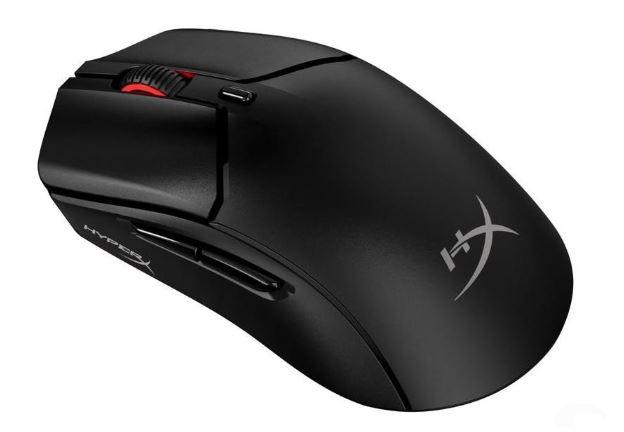
Budget: $25–45
A good gaming mouse is essential for FPS games, and thankfully you don’t need to spend a fortune to get one.
My favorite picks in this budget are:
- HyperX Pulsefire Haste 2
- MCHOSE G3 V2 Pro
- Razer Cobra
All three are lightweight, responsive, and well-suited for competitive shooters.
Gaming mice my vary in sizes and may depend on your grip style, hand size and the game you play. check out Best Wired Gaming mouse and wireless gaming mouse .
Gaming Keyboard
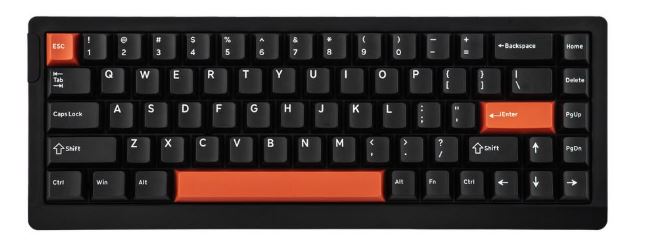
Budget: $40–70
For the keyboard, I would stick to budget mechanical keyboards that still offer a good typing and gaming experience.
Good picks include:
- Epomaker HE68 Lite
- Redragon
- Aula
- Royal Kludge
If you can find a keyboard with Hall Effect switches or Rapid Trigger support at this budget, even better.
Mechanical keyboards has a lot of features that makes the a staple in todays gaming communities luckily I have more picks for you to choose from Best Mechanical Keyboards under $100 is one of them and Best Gaming Keyboard for FPS is another.
Gaming Headset
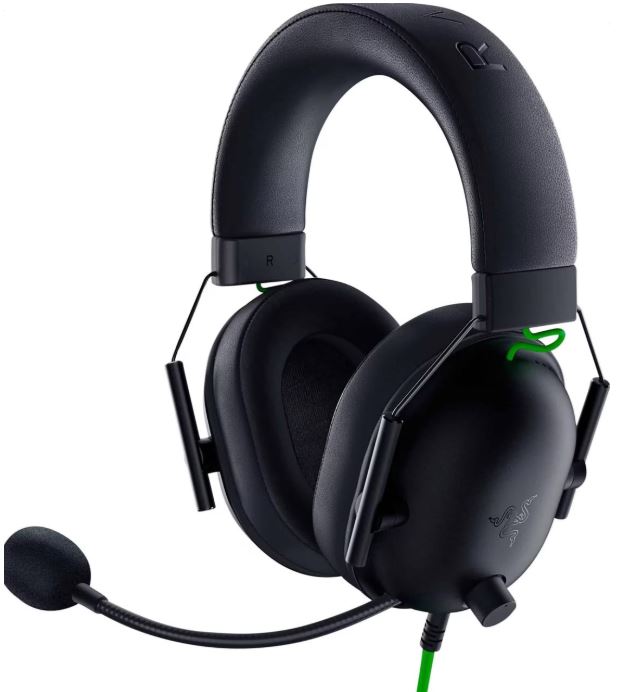
Budget: $30–60
A good headset is important not just for sound quality but also for communication in multiplayer games.
My top picks here are:
- HyperX Cloud Stinger 2
- Razer BlackShark V2 X
Both are comfortable, lightweight and good enough for long gaming sessions without destroying your budget.
Sound in gaming really matters a lot when it comes to emersion and that’s why having a quality gaming headset matters I’d be glad if you check out best budget gaming headset for fps games
Gaming Mousepad
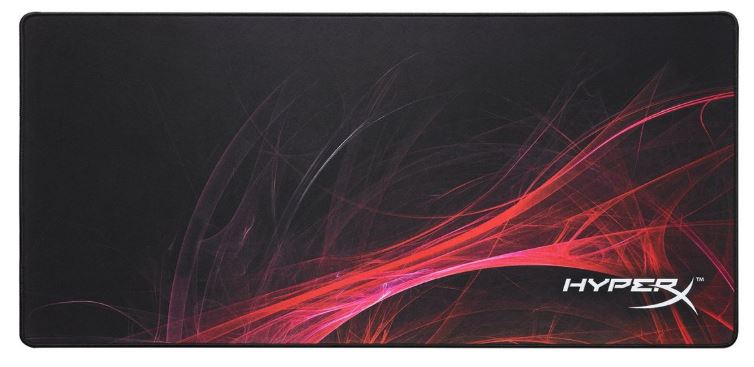
Budget: $15–25
For the mousepad, I would keep it simple and go for something reliable with enough space for comfortable mouse movement.
My picks are:
- SteelSeries QcK
- HyperX Fury S
Both are safe choices for FPS gaming and offer a good balance between control and speed.
And if you play games fast paced games like Apex Legends and The Finals you can go for the speed mousepads, for slower paced games where precision matters control mouse pads so check out the best budget gaming mousepad
Gaming Desk
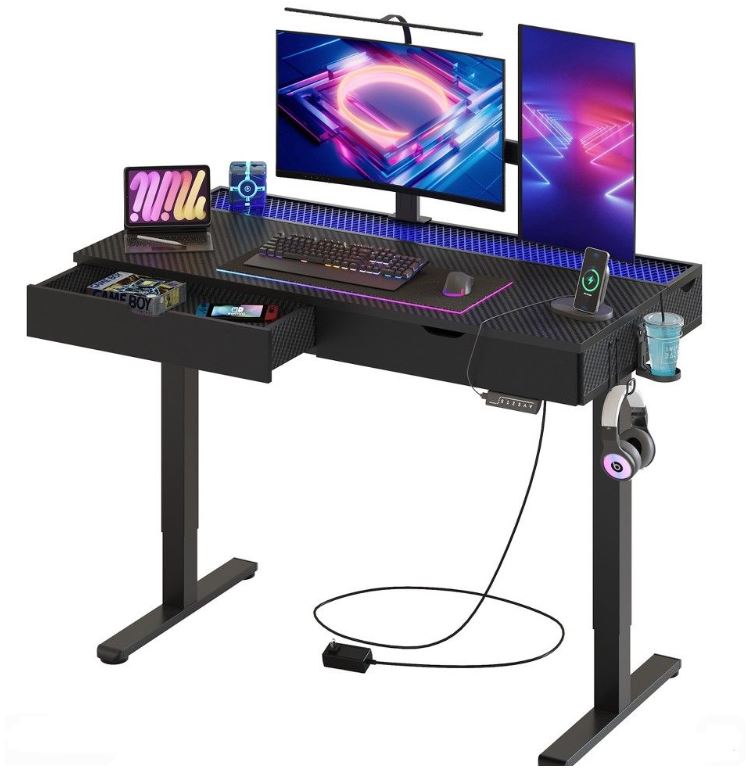
Budget: $100–150
A gaming desk doesn’t need to be expensive, but it should still be spacious enough for your monitor, keyboard, mousepad and PC or laptop.
Some good desk options in this price range are:
- Homall
- Bestier
- GTPlayer
For more options on the gaming desks check out best gaming desk under $200. There are more budget picks.
Gaming Chair
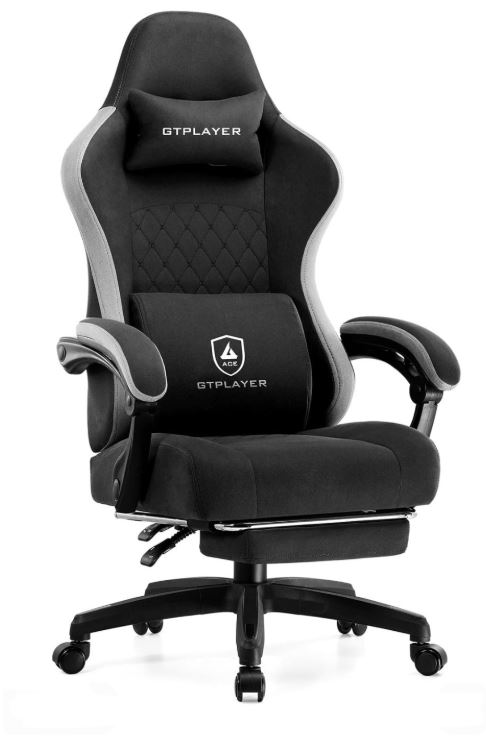
Budget: $100–150
Finally, for the gaming chair, I would focus on comfort and decent lumbar support rather than flashy looks.
Some good options here are:
- Homall
- GTPlayer
- Dowinx
At this price range, they offer a decent balance of comfort, adjustability and affordability for long gaming sessions.
If you prioritize comfort check out more picks of the gaming chairs from the best gaming chairs under $100
Common Mistakes When Building a Gaming Setup Under $1500
1. Spending Too Much on the PC and Neglecting the Rest of the Setup
One of the most common mistakes is pouring most of the budget into the gaming PC while ignoring the rest of the setup.
Why it’s a mistake: A powerful gaming PC paired with a poor chair, a low-quality monitor, and cheap peripherals creates an unbalanced setup. You may have strong in-game performance, but the overall experience still feels disappointing because comfort, immersion and usability suffer.
Better approach: Spend roughly 50–60% of the budget on the gaming PC or gaming laptop, then use the rest on a good monitor, chair, desk and peripherals so the setup feels balanced.
2. Pairing a Good GPU with a 60Hz Monitor
Buying a decent graphics card and then using a basic 60Hz monitor is one of the fastest ways to waste gaming performance.
Why it’s a mistake: A good GPU is meant to push high frame rates, but a 60Hz monitor can only display 60 frames per second. That means you miss out on the smoothness and responsiveness that make gaming feel much better.
Better approach: Pair your setup with at least a 144Hz monitor, and ideally 165Hz or higher if the budget allows. A high refresh rate monitor makes a huge difference, especially in FPS games.
3. Buying Random Peripherals Instead of Balanced Ones
A setup should feel consistent, not like a random mix of great and terrible parts.
Why it’s a mistake: A strong PC combined with a bad gaming mouse, poor keyboard, uncomfortable headset or weak chair ruins the overall experience. Even if your system runs games well, the setup itself won’t feel enjoyable to use.
Better approach: Choose peripherals that are balanced for your budget. Focus on comfort, responsiveness, and reliability instead of buying one premium item and sacrificing everything else.
4. Overspending on Aesthetics
RGB lights, fancy desk mats and decorative accessories look great, but they shouldn’t come before the core parts of your setup.
Why it’s a mistake: Spending too much money on aesthetics leaves less room for the things that actually improve your gaming experience, such as a better monitor, a better chair or stronger hardware.
Better approach: Prioritize performance, comfort, and the essential parts of the setup first. Once the fundamentals are covered, then you can start adding RGB and visual upgrades.
5. Choosing a Gaming Laptop but Forgetting an External Monitor
A gaming laptop is a great option for portability, but many people forget how much better the experience becomes with a proper desk setup.
Why it’s a mistake: Laptop screens are often smaller and less comfortable for long gaming sessions, especially if you mostly play at a desk.
Better approach: If you choose the gaming laptop route and spend most of your gaming time at home, pair it with a good external monitor, gaming mouse, and keyboard. You keep the portability while still enjoying a much better gaming experience at your desk.
Conclusion
A gaming setup under $1500 is one of the best price points for gamers who want a setup that feels complete without entering high-end territory. At this budget, you can comfortably build a proper gaming PC or gaming laptop setup, pair it with a high refresh rate monitor, and still have enough left for a solid gaming mouse, keyboard, headset, gaming desk, and gaming chair if you budget wisely.
The key to building the best gaming setup under $1500 is balance. You do not want to spend your entire budget on a powerful PC or gaming laptop only to leave yourself with a terrible chair, a 60Hz monitor, and peripherals that feel like they came free with a cereal box. A balanced setup always feels better than a setup with one expensive part and six disappointing ones.
If you want the best raw gaming performance for the money, I would lean toward the gaming PC setup because it gives you upgrade flexibility and better long-term value. But if you’re a student, move around often, or need something portable for both gaming and work, the gaming laptop setup is still a very smart choice—especially when paired with an external monitor for desk gaming.
If your budget is lower, you can also check out my Best Budget Gaming Setup Under $1000 guide. And if you want a more premium battlestation with better components, better ergonomics, and fewer compromises, my Best Budget Gaming Setup Under $2000 guide is the next step up.
Now all that’s left is to build the setup, boot up your favorite game, and enjoy the smooth FPS. And if you’re still getting destroyed in ranked after that… I’m sorry, but at this point we may have to stop blaming the setup.
Thank You for reading.