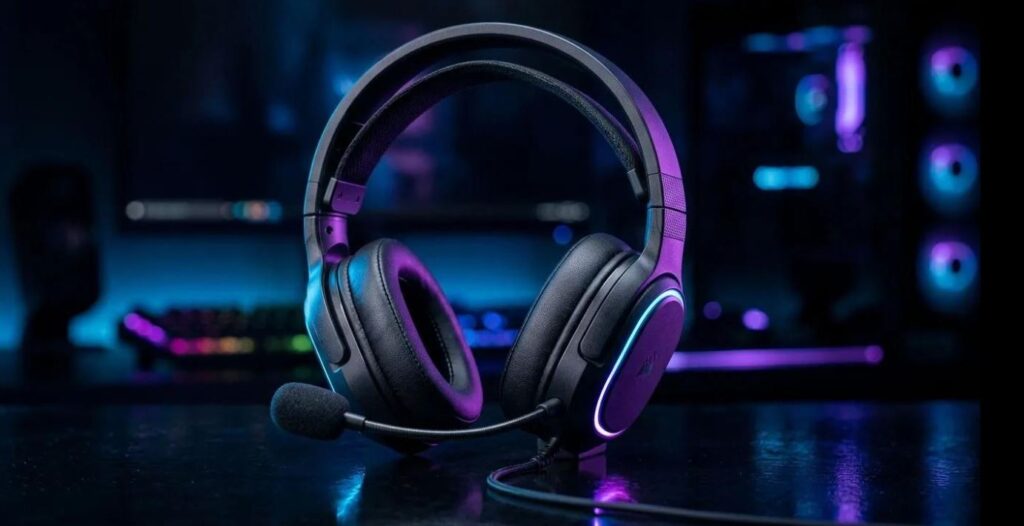
A complete gaming setup isn’t truly complete without a good headset.
In FPS games, audio can be the difference between winning and losing. A good headset helps you hear footsteps, detect enemy positions, and react faster—while a poor one leaves you guessing where shots are coming from. Games like Rainbow Six Siege is prioritizes game sense over aim, why? because in siege, footsteps, varies on what the character stands on, the sounds of breaking barricades, using zip, rappelling and even reloading uses different sound ques which with a decent headset help you gain information over your opponents.
In games like Apex Legends, where multiple things happen at once, clear audio can be inconsistent, making a decent headset even more important. On the other hand, games like Counter-Strike 2 and Valorant offer more precise and reliable sound—but you still need a quality headset to fully take advantage of it.
The bottom line is simple:
Better audio gives you a competitive edge.
In this guide, we’ll look at the best budget gaming headsets for FPS games and help you choose one that improves your awareness, communication, and overall performance—without overspending.
Affiliate Disclosure
Some of the links in this article are affiliate links, which means I may earn a small commission if you purchase a product through one of these links, at no additional cost to you. This helps support me and allows me to continue creating gaming guides and hardware recommendations for you.
What to Look for in a Gaming Headset
Choosing the right gaming headset can significantly improve your awareness, communication, and overall performance in FPS games.
Here are the key factors to consider:
Sound Quality
Sound quality is the most important aspect of any gaming headset, especially for FPS games where directional audio matters.
There are four main things to consider:
Drivers (Speaker Size & Quality)
The drivers are the speakers inside the headset.
- Common sizes: 40mm, 50mm, 53mm
- Larger drivers generally produce stronger bass and fuller sound
For gaming, 40mm–50mm drivers are ideal and widely used.
Frequency Response
Frequency determines how different sounds are heard.
Mid to high frequencies (1kHz–8kHz) are crucial for:
- Footsteps
- Reload sounds
- Enemy movement
These frequencies matter more than heavy bass in FPS games.
Soundstage & Imaging
This refers to how well you can tell where sounds are coming from.
- Good imaging = accurate enemy positioning
- Helps with directional awareness
In FPS games, imaging is more important than bass
Detail & Clarity
Clarity determines how well you can hear subtle sounds.
Better clarity = easier to detect:
- Distant footsteps
- Reloads
- Movement
A headset with clear audio gives you a major advantage.
Comfort
Comfort is essential for long gaming sessions.
Look for:
- Memory foam ear cushions
- Lightweight design
- Minimal clamping force
Uncomfortable headsets can affect your focus over time.
Microphone Quality
Good communication is key in team-based FPS games.
- Wired microphones → lower latency, more reliable
- Wireless/Bluetooth → can have noticeable delay
Some headsets are optimized for platforms like Discord, helping reduce background noise.
Build Quality
Build quality determines how long your headset will last.
Look for:
- Durable frame (preferably reinforced plastic or metal)
- Strong hinges
- Flexible but sturdy design
As a budget gamer, durability matters more than flashy design.
Best Budget Gaming Headset
HyperX Cloud Stinger 2
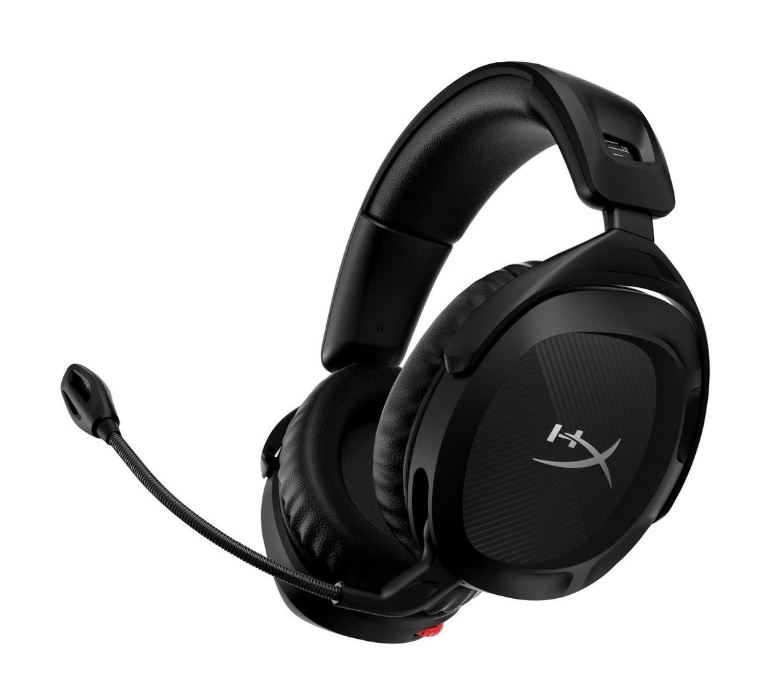
The HyperX Cloud Stinger 2 is one of the most reliable budget headsets, offering strong bass, comfort, and durability for long gaming sessions. This is the most popular budget headset most popular streamers have tried this gaming headset and have had good results with it.
Features
- Lightweight design
- Leatherette ear cushions (good noise isolation)
- Flip-to-mute microphone
- Durable build
Pros
- Very comfortable and lightweight
- Easy-to-use flip-to-mute mic
- Strong bass performance
- Solid build quality
Cons
- Leatherette can trap heat over time
- Microphone is not detachable
Razer BlackShark V2 X
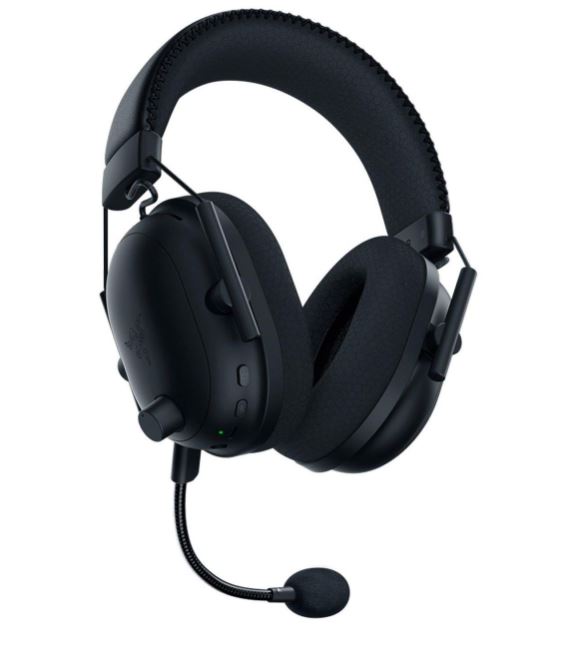
The Razer BlackShark V2 X delivers excellent sound clarity and comfort at a competitive price. The Razer BlackShark V2 has been on my radar for quite some time because of how consistently it gets recommended by gamers and reviewers. One thing that stands out is its incredibly comfortable memory foam ear cushions. Many users describe the headset as feeling like you’re wearing a helicopter pilot’s headset, and that’s actually the type of design Razer was aiming for—maximum comfort during long gaming sessions.
Features
- Lightweight design
- Memory foam ear cushions
- Detachable microphone
- Passive noise isolation
Pros
- Extremely lightweight (great for long sessions)
- Comfortable memory foam pads
- Clear microphone (optimized for platforms like Discord)
- Good overall sound quality
Cons
- No software EQ customization
- Build feels less premium
Logitech G432
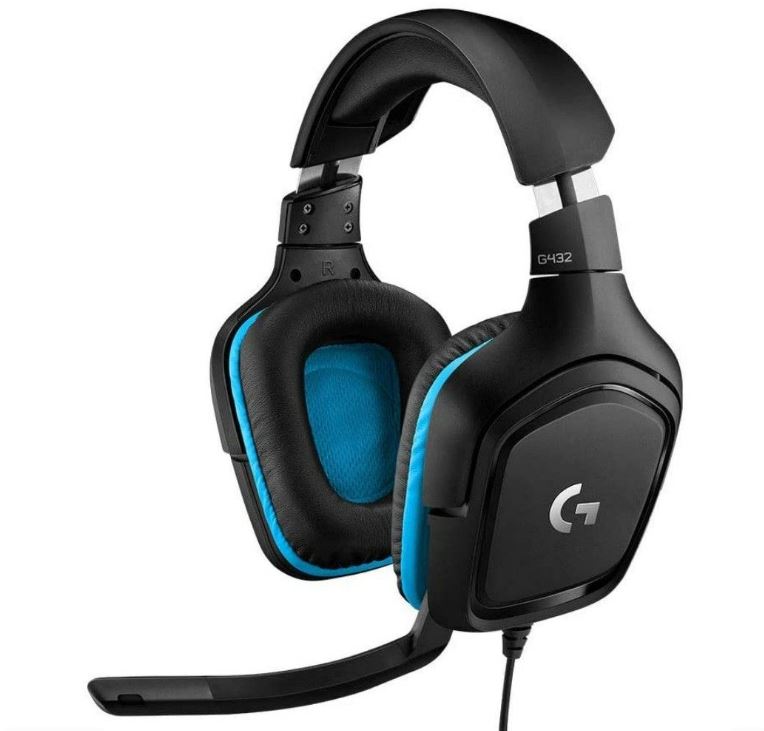
The Logitech G432 stands out for its features, especially its virtual surround sound support.
Features
- 7.1 surround sound
- Logitech G Hub software (EQ + voice settings)
- Leatherette ear pads
- Flip-to-mute microphone
Pros
- Good noise isolation
- Useful flip-to-mute feature
- Software customization options
- Surround sound support
Cons
- Heavier and tighter fit
- Microphone quality is average
- Leatherette may peel over time
- Build quality could be better
SteelSeries Arctis Nova 1
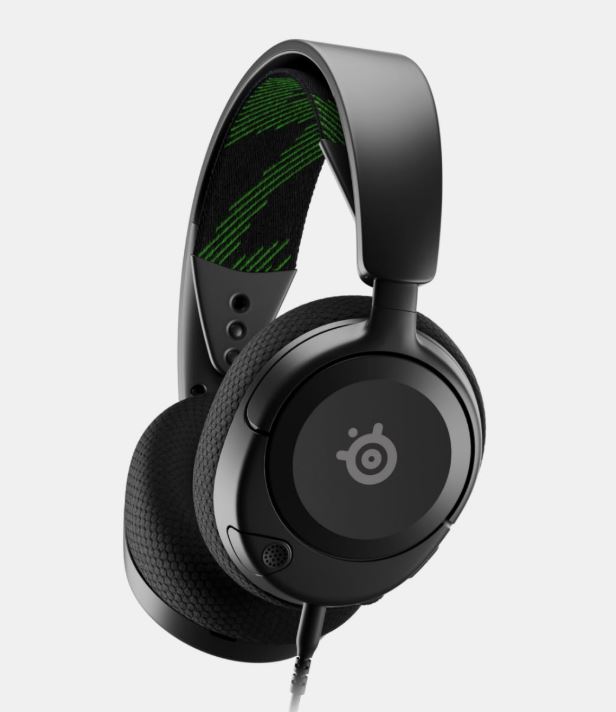
The SteelSeries Arctis Nova 1 focuses on comfort, clarity, and customization.
Features
- Lightweight design
- Retractable ClearCast microphone
- Sonar software with EQ customization
- AI noise cancellation
Pros
- Very comfortable for long sessions
- Lightweight with minimal head pressure
- Strong software customization
- Clear microphone quality
Cons
- 40mm drivers = less bass compared to
- 50mm Slightly more expensive than other options
Corsair HS55
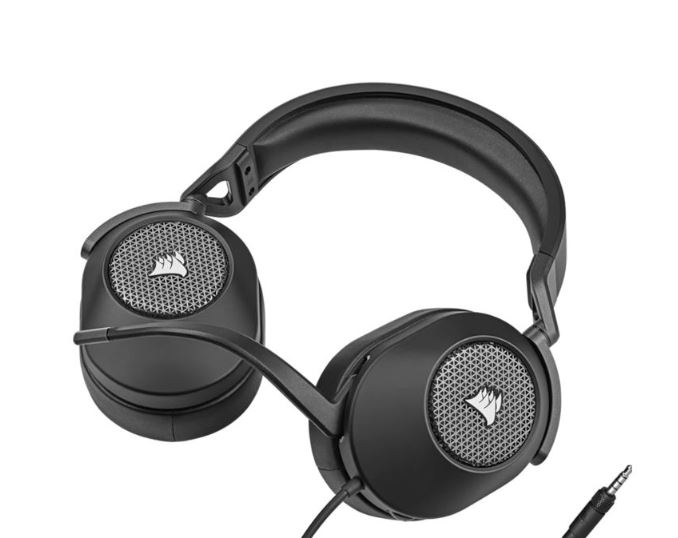
The Corsair HS55 is an affordable option with decent comfort but compromises in performance.
Features
- Lightweight design
- Memory foam ear cushions
- Flip-to-mute microphone
Pros
- Lightweight
- Comfortable ear pads
- Affordable
Cons
- Weaker sound quality
- Microphone quality is below average
- Build quality is not the strongest
- No software support
Which Headset Should I choose
Best Overall — Razer BlackShark V2 X
The Razer BlackShark V2 X is the best overall choice for FPS gaming on a budget.
Why:
- Excellent sound clarity and imaging (great for footsteps)
- Extremely lightweight for long sessions
- Solid microphone quality
Best for:
- Competitive FPS players
- Long gaming sessions
- Balanced performance
Best Comfort & Value — HyperX Cloud Stinger 2
The HyperX Cloud Stinger 2 is a reliable all-rounder with strong comfort and solid audio.
Why:
- Lightweight design under 300g for long sessions
- 50mm drivers deliver strong, immersive sound
- Easy-to-use flip-to-mute mic
Best for:
- Beginners
- Long gaming sessions
- Plug-and-play users
Best Balanced Premium Budget — SteelSeries Arctis Nova 1
The SteelSeries Arctis Nova 1 offers great comfort and customization.
Why:
- Lightweight with minimal head pressure
- Good mic clarity
- Strong software EQ options
Best For:
- Players who want customization
- Comfort-focused gamers
Feature-Rich Option — Logitech G432
The Logitech G432 stands out with extra features like surround sound.
Why:
- 7.1 surround sound support
- Software EQ via G Hub
- Good noise isolation
Best For:
- Players who want software control
- Immersive audio experience
Budget Only Pick — Corsair HS55
The Corsair HS55 is only worth considering if you’re on a very tight budget.
Why:
- Comfortable and lightweight
- Affordable
Downsides:
- Weak sound quality
- Poor mic performance
- Lower build quality
Conclusion
Choosing the best budget gaming headset for FPS games can have a huge impact on your performance.
In competitive titles like Apex Legends, Valorant, and Counter-Strike 2, audio is just as important as your aim. Being able to clearly hear footsteps, reloads, and enemy movement can give you the edge you need to react faster and win more fights.
From this guide, it’s clear that you don’t need an expensive headset to gain that advantage. Options like the Razer BlackShark V2 X and HyperX Cloud Stinger 2 provide excellent sound, comfort, and reliability without breaking your budget.
The key takeaway is simple:
Focus on clarity, comfort, and consistency—not just bass or flashy features.
A headset that lets you accurately hear enemy positions and stay comfortable during long sessions will always perform better than one that only looks good.
Take the time to choose the headset that fits your playstyle and setup, and once you do, stick with it and build your audio awareness over time.
Now that you’ve found the perfect gaming headset, you’ll be able to hear enemy footsteps and gunfire much more clearly. But hearing your enemies is only half the battle—can you actually see them clearly? If you’re still gaming on an old 60Hz display, you’re missing out on smoother gameplay and better motion clarity. Be sure to check out our Best Gaming Monitor Under $200 for FPS Games (2026 Guide) to find the perfect monitor for competitive gaming.
If you’re a student, frequent traveler or someone who prefers gaming on the go, you may also want to upgrade your laptop. A budget of $1000 is considered the sweet spot for mid-range gaming laptops in 2026, offering excellent performance for modern FPS titles. Check out our Best Budget Gaming Laptop Under $1000 (2026 Guide) to find the right laptop for your needs.
Thank you so much for reading my article, You are the reason I do this. Even though AI is taking over our blogs, I will do my best to continue writing for you. Again… Thank You!