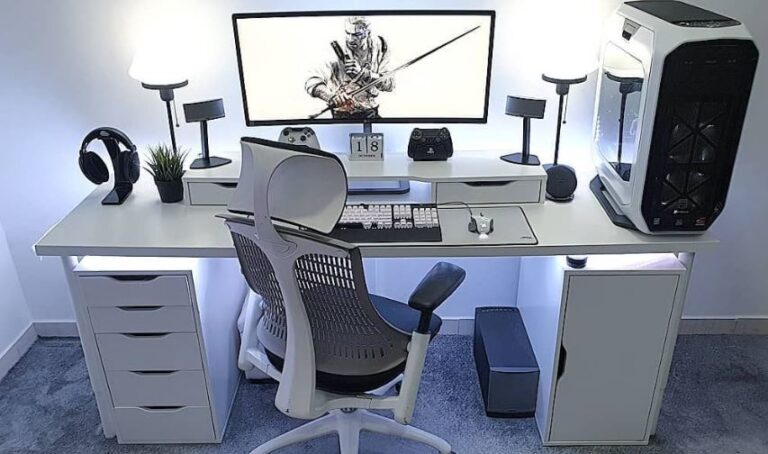
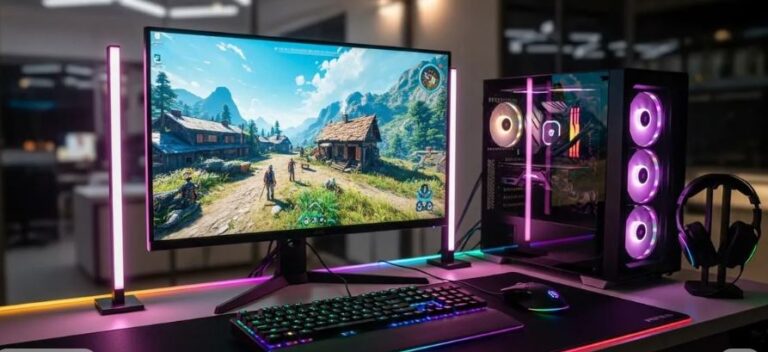
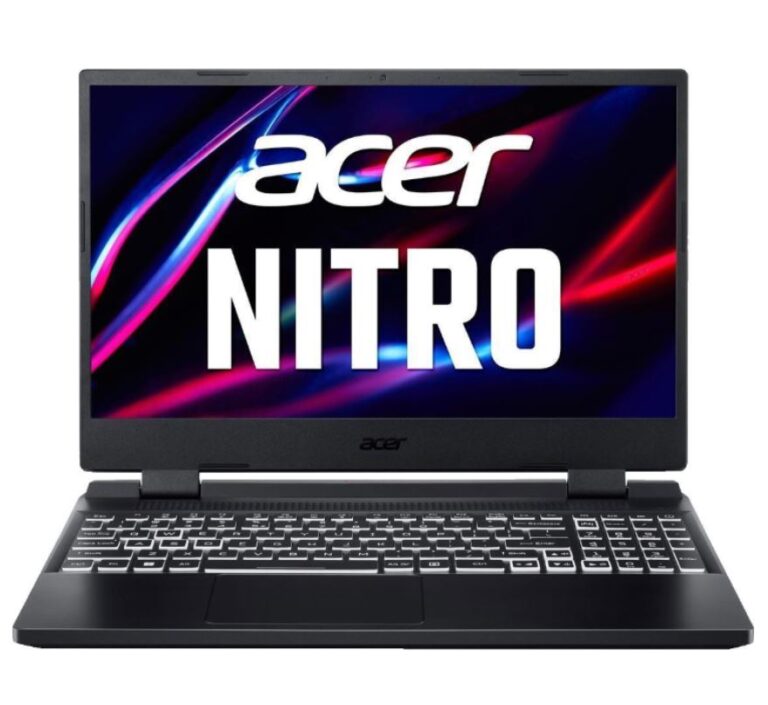
Every gamer with a mid to high-end setup started somewhere—and for most people, it begins with a budget build. If you’re planning to build a $600 gaming setup, you’re already on the right path. It means you’re starting now, learning what works, and giving yourself room to upgrade in the future. But for now, let’s focus on the present. With a $600 budget, you can still build a functional gaming setup that allows you to play your favorite titles and improve your skills. You just need to make smart choices.
It’s important to set realistic expectations:
- Most modern games will run on low settings
- Competitive games like Apex Legends and Valorant will still be very playable
- Performance will depend on optimization and settings
The goal at this level isn’t perfection—it’s getting started with a setup that works.
And the good news is: You’ll still be able to play the games you want and enjoy a real gaming experience. In this guide, we’ll build the best gaming setup under $600, focusing on value, performance, and smart upgrades so you can get the most out of your budget.
Affiliate Disclosure
Some of the links in this article are affiliate links, which means I may earn a small commission if you purchase a product through one of these links, at no additional cost to you. This helps support me and allows me to continue creating gaming guides and hardware recommendations.
What to Expect From a $600 Gaming Setup.
At a $600 budget, it’s important to set realistic expectations and focus on what this setup can do well.
Graphics Performance
At this price range, you can expect entry-level GPUs like:
- NVIDIA GTX 1650 / GTX 1650 Ti
- NVIDIA RTX 2050 (4GB VRAM)
These GPUs are designed for 1080p gaming on low to medium settings.
For example:
- Older titles like Grand Theft Auto V can run smoothly, even reaching high frame rates on optimized settings
- Esports titles like Apex Legends and Valorant will still be very playable
However, newer AAA titles such as Baldur’s Gate 3 or upcoming heavy releases will struggle and may require very low settings to run smoothly.
CPU Performance
You can expect processors like:
- AMD Ryzen 5 series
- Intel Core i5 (10th–12th Gen)
These CPUs are reliable and capable of handling gaming, multitasking and everyday use. And a Ryzen 5 can handle a lot of CPU intensive games surprisingly well.
RAM (Very Important)
Most laptops in this range come with 8GB DDR4 RAM and we know since the emergence of AI the prices of RAM has significantly increased. And since nobody gets stuck at budget gaming laptop, you can save money you will use for buying a new ram to actually build a PC. You can manage a 8GB DDR4 ram buy closing background apps while gaming.
This is usable, but:
- Upgrading to 16GB (dual-channel) is highly recommended
- Helps reduce stutters and improves overall performance
Storage
Storage is a key part of performance
You should look for SSD even as low as 240gb and also having HDD as a secondary storage for keeping backup files and some movies, music and installer files. But play your games and install your windows on the SSB because the game texture loads faster with the SSD than the HDD. You will be sad if you play games like PUBG on HDD. Very sad.
This ensures:
- Faster game loading
- Smoother system performance
Recommended Gaming Setup Under $600
Here’s a practical setup that balances cost and performance, giving you a solid entry point into PC gaming.
Gaming Laptop — Lenovo IdeaPad Gaming 3 (~$440–$490)
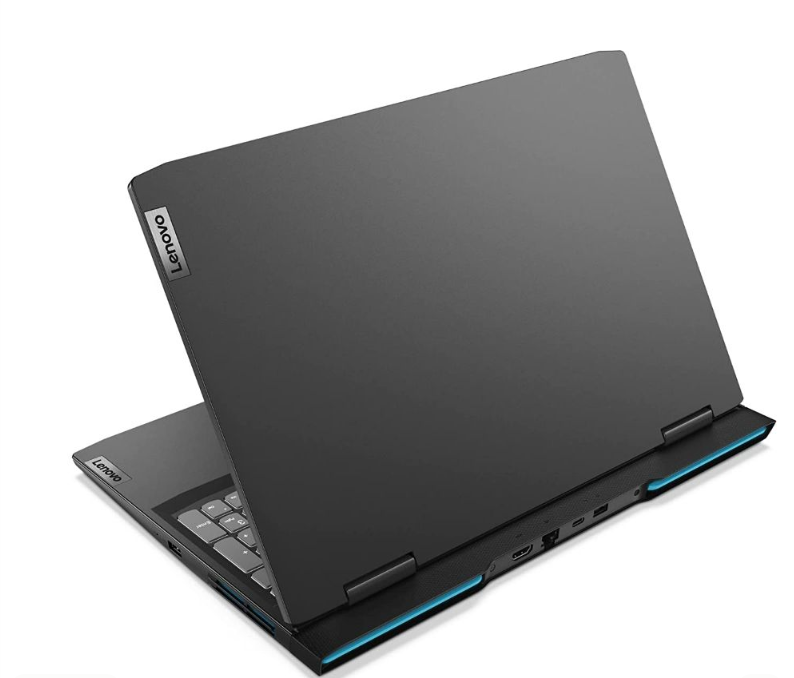
The Lenovo IdeaPad Gaming 3 is one of the best value options at this price.
Key Specs
- GPU: NVIDIA GTX 1650 Ti
- CPU: AMD Ryzen 5 4600H
- RAM: 8GB (upgradeable)
- Storage: 512GB NVMe SSD
Why It’s a Great Pick
- Strong performance for esports and older AAA titles
- Good thermals with dual-fan cooling
- Upgradeable RAM for future performance boost
- Reliable overall build for budget gaming
Downsides
- 8GB RAM out of the box (upgrade recommended)
- Entry-level GPU limits newer AAA performance
If you want to explore more options at this price range, check out the best gaming laptop under $500 for esports for similar budget-friendly picks.
Gaming Mouse — Razer DeathAdder (~$20)
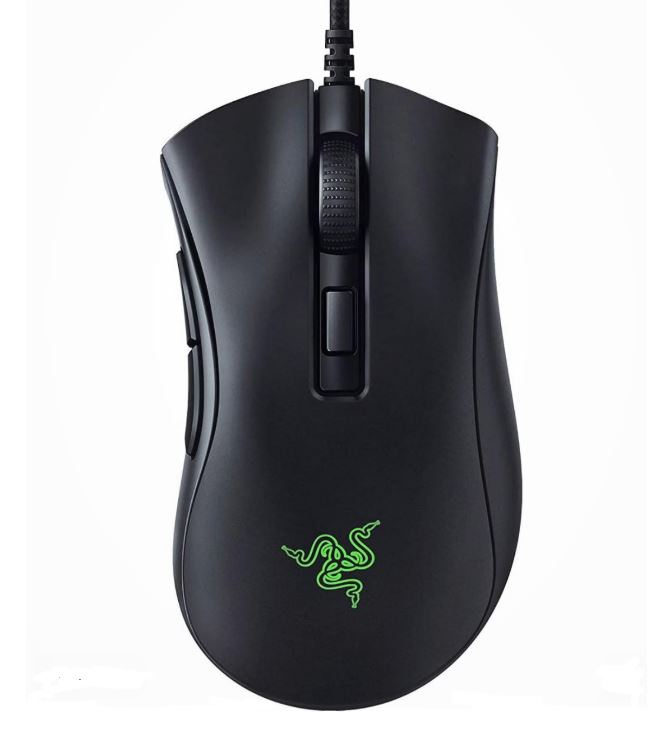
The Razer DeathAdder is a classic budget-friendly mouse, especially for right-handed players.
Why It’s a Great Pick
- Comfortable ergonomic shape
- Reliable sensor for FPS games
- Very affordable for the performance
Downsides
- Known scroll wheel durability issues over time
- Not ideal for left-handed users
A gaming laptop us not fully utilized without a good gaming mouse. Since you can use the keypads on the laptop, you can’t actually game long hours with the touchpad. That’s why I have written an article to give you more options to choose from. And personally I love mice so I have actually written three article but I will suggest two of the to you which is the Best Wired Gaming Mouse Under $40 for FPS Games and Best Wireless Gaming Mouse Under $40 for FPS Games
Gaming Keyboard — RK61 (Royal Kludge) (~$30–$40)
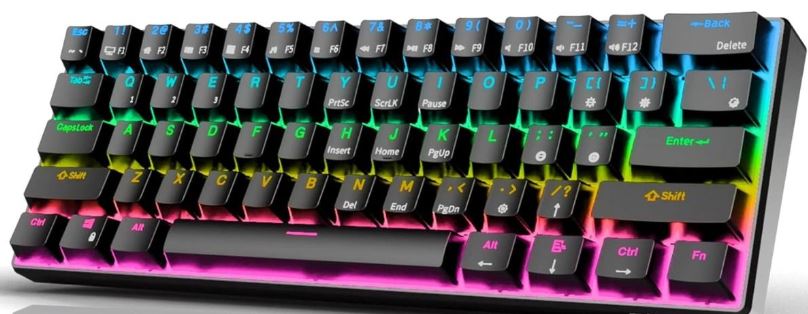
The RK61 remains one of the best budget mechanical keyboards.
Why It’s a Great Pick
- Compact 60% layout (more space for mouse movement)
- Mechanical switches for fast response
- Supports both wired and Bluetooth (use wired for gaming)
- Great value for the price
Not everyone likes a compact sized keyboard like the Royal Kludge 61, personally I love the TKL size keyboard since I want my function keys and arrow keys separate. That’s why I have written some articles about other gaming keyboards for you to choose from. Check out one for under $50 which is the Best Gaming Keyboard Under $50 and some Best Budget Gaming Keyboard for FPS
Gaming Headset — Razer BlackShark V2 X (~$30–$40)
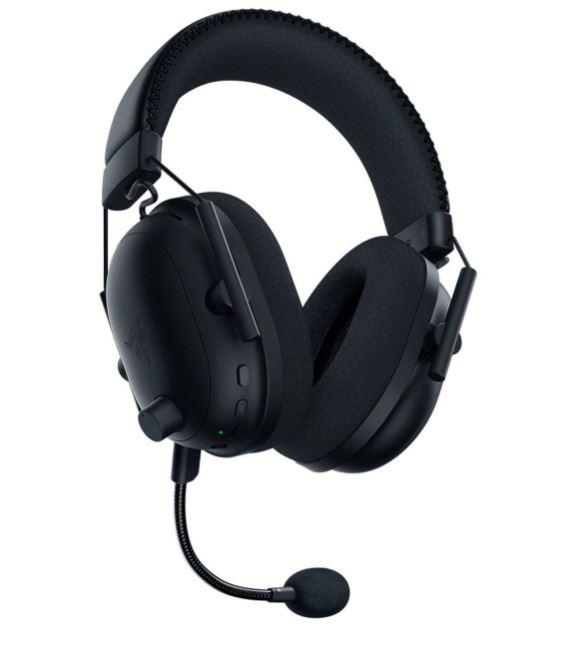
The Razer BlackShark V2 X is an excellent budget headset for both competitive and casual gaming.
Why It’s a Great Pick
- Extremely lightweight (great for long sessions)
- Clear audio for footsteps and positioning
- Durable and comfortable design
If you play tactical shooters like CS2, Valorant and Rainbow Six Siege where the skill ceiling is so high and the difference between you winning and losing is the audio ques, I highly recommend you check out the Best Budget Gaming Headset for FPS. If you play games like Apex Legends and The Finals we all know those games has no audio but you can still check out the article link above.
Mousepad — Razer Gigantus V2 (~$10–$15)
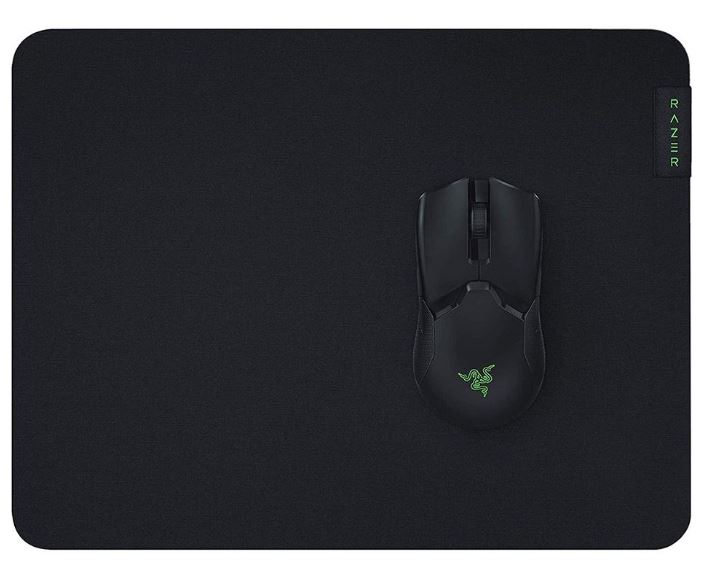
The Razer Gigantus V2 offers a balanced surface for both speed and control.
Why It’s a Great Pick
- Smooth glide for fast-paced games
- Good control for precise aiming
- Large size options for better movement
- Great value at a low price
Do you know there are two types of mouse pad? The Speed and Control mouse pad? If not check out the Best Budget Gaming Mousepad for FPS I have other mouse pad picks in that article.
Tips to Maximize Your $600 Gaming Setup Performance
At a $600 budget, performance isn’t just about your hardware—it’s about how well you optimize it.
Here are the most important ways to get the best experience from your setup:
Play on Optimized Settings
Don’t chase high graphics—chase smooth gameplay.
For games like Apex Legends and Valorant:
- Use low settings
- Turn off motion blur and shadows
- Prioritize higher FPS over visuals
If you’re unsure, follow the best Apex Legends settings for low-end laptops.
Upgrade to 16GB RAM (Biggest Boost)
Most laptops at this price come with 8GB RAM, which is limiting.
Upgrading to 16GB will:
- Reduce stutters
- Improve FPS stability
- Make games feel smoother
Close Background Apps
Your system is already limited—don’t waste resources.
Before gaming:
- Close browsers
- Disable unnecessary startup apps
Keep Your Laptop Cool
Thermal throttling can reduce performance.
To avoid this:
- Use a flat surface
- Keep vents clean
- Consider a budget cooling pad
Improve Your Setup, Not Just Specs
Even on a budget:
- A good mouse = better aim
- A proper mousepad = more control
- A comfortable setup = longer sessions
Small improvements make a big difference.
To get the best performance out of this setup, learn how to increase FPS in Apex Legends.
Conclusion
Building the best gaming setup under $600 is all about making smart decisions and understanding your limits. At this budget, you’re not aiming for ultra settings or maximum graphics—you’re aiming for playable performance and a solid gaming experience. That’s more than enough to enjoy gaming. With this setup, you can comfortably play competitive titles like Apex Legends, Valorant, and Counter-Strike 2 while continuing to improve your skills.
More importantly, this is just the beginning.Every upgrade you make in the future builds on this foundation—whether it’s more RAM, better peripherals, or a stronger system. The goal isn’t perfection—it’s progress.
Start with what you can afford, optimize your setup, and grow from there. If you have a slightly higher budget, you can also check out the best gaming setup under $800 for better overall performance.
If you finally reached the end of this article, Thank You. It’s hard to rank on Google when AI is taking over so but you managed to find my article and actually read it and I’m forever Grateful.