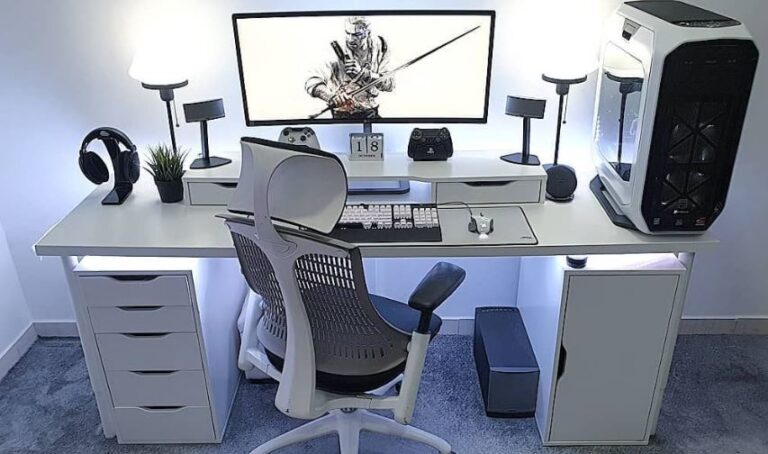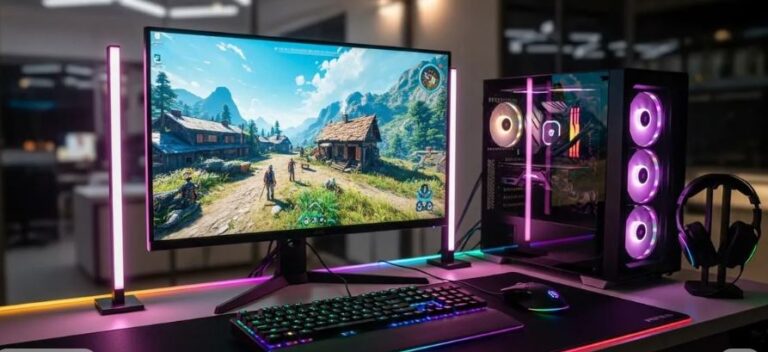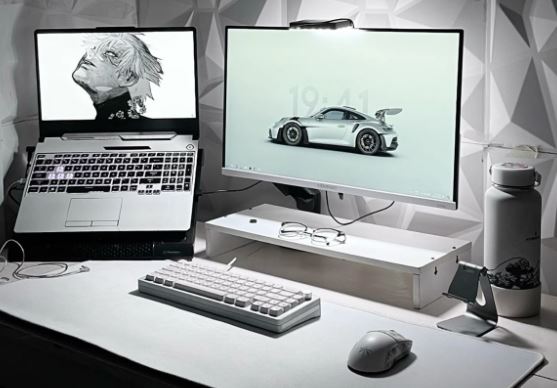
Building a complete gaming setup on a budget can feel overwhelming—especially when you’re trying to balance performance and cost.
Buying just a gaming laptop isn’t enough for the best experience. To play efficiently, you’ll also need essential accessories like a keyboard, mouse, mousepad, and a gaming headset.
With a budget of $1000, you might think it’s impossible to get a solid setup—but that’s not true. Budget gaming peripherals are less expensive giving you more room to buying a better gaming laptop
Many gamers dream of owning a full high-end setup with a desktop PC, monitor, and premium gear. But the reality is, everyone starts somewhere—and with the right choices, you can still get a setup that performs well in competitive games like Apex Legends and Valorant.
The key is simple:
You don’t need expensive gear to gain a competitive edge—you just need the right gear.
In this guide, we’ll build the best gaming setup under $1000, focusing on performance, value, and smart choices so you can get the most out of your budget.
Affiliate Disclosure
Some of the links in this article are affiliate links, which means I may earn a small commission if you purchase a product through one of these links, at no additional cost to you. This helps support me and allows me to continue creating gaming guides and hardware recommendations for you.
What You Can Expect Under $1000
To build the best gaming setup under $1000, it’s important to allocate your budget wisely so you don’t overspend on one component and neglect others.
Here’s a balanced budget breakdown:
- Gaming Laptop → ~$750–$800
- Gaming Mouse → ~$20–$40
- Keyboard → ~$30–$40
- Mousepad → ~$10–$20
- Gaming Headset → ~$40–$60
This allocation ensures you get a complete setup without sacrificing performance.
Performance Expectations
Since you’re working within a budget, it’s important to set realistic expectations.
You won’t be running games like Apex Legends at ultra settings with 200+ FPS—but that’s not the goal.
Instead, you can expect:
- Smooth gameplay on low to medium settings
- 100–144 FPS in most esports titles
- Stable performance with proper optimization
What You’re Really Getting
With the right choices, this setup will give you:
- A solid gaming experience
- Responsive controls
- Competitive performance in FPS games
In short: a setup that feels far more premium than its price.
With your budget properly planned, the next step is choosing the best components that deliver the most value.
Recommended Gaming Setup Under $1000
Here’s a complete gaming setup that delivers strong FPS performance while staying within a $1000 budget.
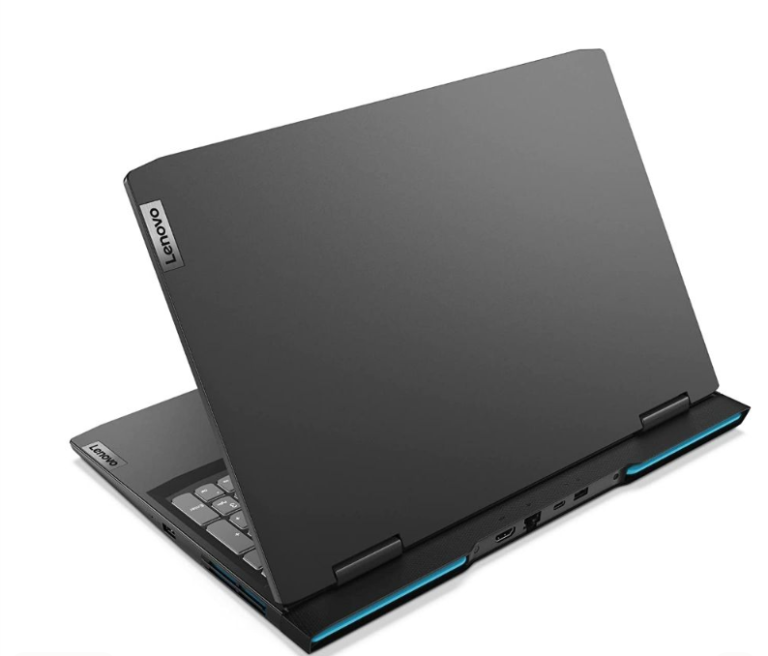
Gaming Laptop — Acer Nitro 5 (~$749)
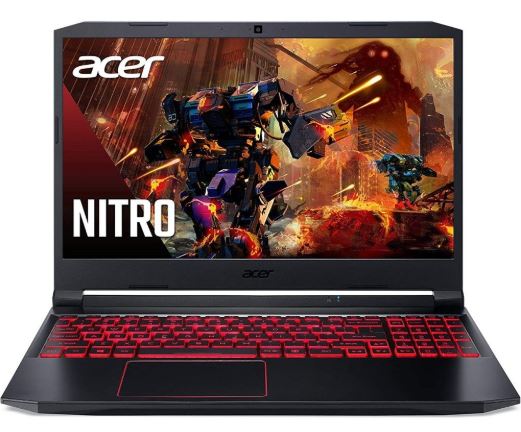
The Acer Nitro 5 is the core of this setup, offering excellent performance for its price. Most popular gaming laptop for a reason. The price to performance is exeptional.
Key Specs
- CPU: Intel Core i5-13420H
- GPU: NVIDIA RTX 4050
- RAM: 8GB DDR5 (upgradable)
- Storage: 512GB SSD
This laptop can handle most FPS games on medium to high settings with stable performance, making it a strong foundation for your setup.
If you want more options, I have written a guide on the Best Gaming laptop Under $700. But yet still Acer Nitro is a solid pick
Gaming Mouse — Logitech G305 (~$30–$40)
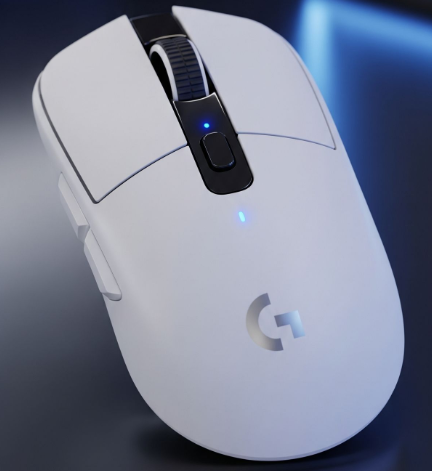
The Logitech G305 is one of the best budget wireless gaming mice available. Even though its quite heavy the 240hr battery life and incredible wireless connectivity makes up for it.
Why It’s a Great Pick
- Excellent HERO sensor (accurate tracking)
- Wireless with very low latency
- Long battery life (~200 hours)
- Great value for the price
I know 102g is heavy for people who just want a light mouse for flicking and 360 no scoping in Call of Duty so I’ve written two articles one for Best Wired Gaming Mouse Under $40 for FPS Games and Best Wired Gaming Mouse Under $40 for FPS Games so you have options for wired and wireless ones
Gaming Keyboard — RK61 (Royal Kludge) (~$35–$45)
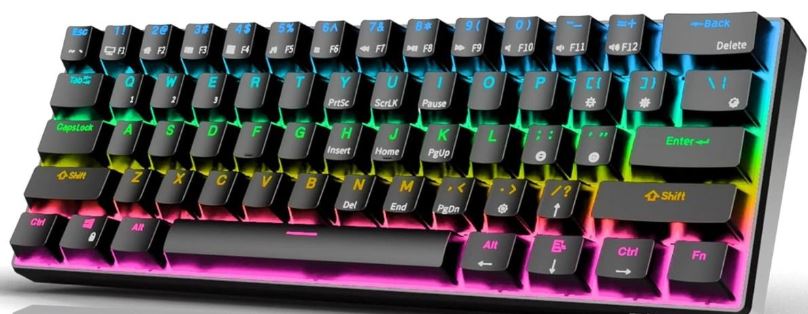
The RK61 is a compact 60% mechanical keyboard designed for FPS games, and having such a small keyboard makes up for the room for mouse movement.
Why It’s a Great Pick
- Compact layout = more mouse space
- Mechanical switches for fast input
- Software support
- Premium-feeling keycaps
Movement is just as important as aim and even gaming movements like mirror and counter strafing also help with recoil smoothing. So for more options for making a decision check out Best Gaming Keyboard Under $50 (2026 Top Picks) and Best Budget Gaming Keyboard for FPS (2026 guide).
Gaming Headset — Razer BlackShark V2 X (~$35–$45)
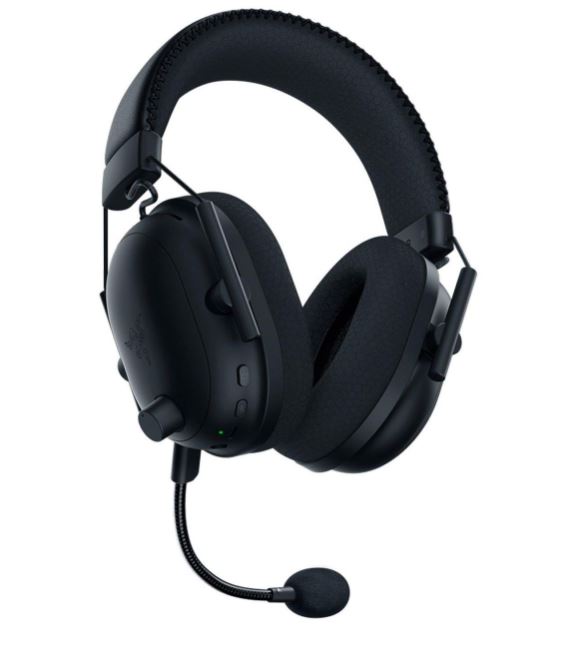
The Razer BlackShark V2 X offers excellent audio clarity and comfort for FPS gaming and the audio and design made for long gaming session stands out.
Why It’s a Great Pick
- Extremely lightweight
- Clear audio for footsteps and positioning
- Comfortable for long sessions
- Great value for the price
Dying ingame when an enemy combatant beamed you at your back sucks, that’s why having a good headset matters and luckily for you I have an article just for that check out Best Budget Gaming Headset for FPS.
Mousepad — Zowie G-SR-SE (~$25–$30)
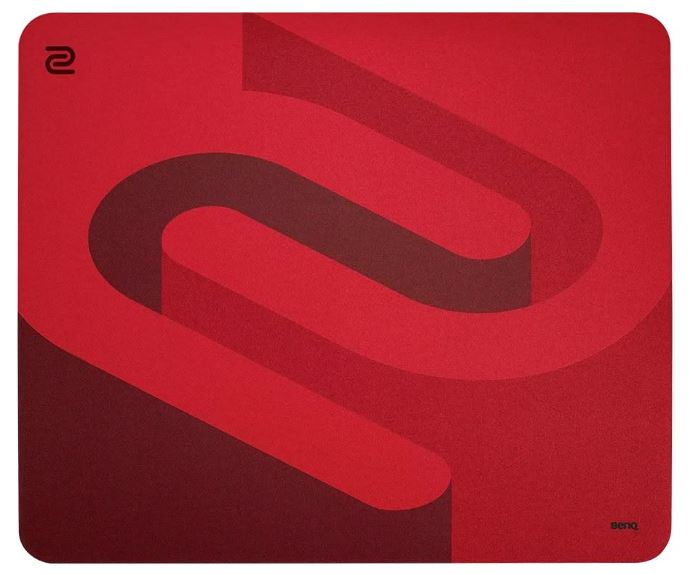
The Zowie G-SR-SE is a high-performance mousepad built for competitive FPS games since it was built for speed if you play games like Apex Legends and The Finals, you will love the speed.
Why It’s a Great Pick
- Smooth, fast surface for tracking
- Widely used in esports
- Durable and consistent glide
- Great for fast-paced gameplay
A great gaming mouse deserves an equally good mousepad. Pairing a high-performance gaming mouse with a poor-quality mousepad can negatively affect your aim, tracking and overall consistency. The mousepad I recommended above is excellent for fast-paced shooters like Apex Legends, The Finals and Battlefield, where speed and quick flicks are essential.
However, if you mainly play tactical shooters such as Counter-Strike 2, Valorant or Rainbow Six Siege, you may benefit more from a control mousepad that offers greater stopping power and precision. Be sure to check out our Best Budget Gaming Mousepad for FPS Games (2026 Guide), where I recommend some of the best control mousepads for tactical FPS titles.
Honest Feedback
This setup is actually very strong
- RTX 4050 = for your budget
- Accessories = perfectly matched
- No wasted money
Tips to Maximize Your Gaming Setup Performance
Getting the best gaming setup under $1000 is only half the job—how you use it matters just as much.
Here are some tips to help you get the most out of your setup:
Optimize Your Game Settings
Lower settings don’t mean worse performance—they often mean better performance.
For FPS games like Apex Legends and Valorant:
- Use low to medium settings
- Turn off unnecessary effects (shadows, motion blur)
- Focus on higher FPS over visuals
Upgrade Your RAM (Important)
Most budget laptops come with 8GB RAM, which can limit performance.
Upgrade to:
- 16GB RAM
This will:
- Improve FPS stability
- Reduce stutters
- Make multitasking smoother
Keep Your System Clean and Updated
- Update your GPU drivers regularly
- Close unnecessary background apps
- Keep your storage from getting full
This helps maintain consistent performance.
Use the Right Sensitivity and Settings
Your peripherals matter—but your settings matter more.
Find a sensitivity that works for you and stick with it:
- Consistency = better aim
- Avoid constantly changing settings
Manage Temperatures
Gaming laptops can get hot.
To improve performance:
- Use your laptop on a flat surface
- Consider a cooling pad
- Keep vents clean
To get the most out of this setup, learn how to increase FPS in Apex Legends.
Conclusion
Building the best gaming setup under $1000 is completely possible—you just need to make the right choices.
As shown in this guide, a well-balanced setup with a capable gaming laptop and the right accessories can deliver a smooth and competitive experience in games like Apex Legends, Valorant, and Counter-Strike 2.
You don’t need expensive gear to perform well. What matters is choosing reliable components, optimizing your setup and staying consistent with your settings
The truth is simple is a smart $1000 setup can outperform a poorly optimized expensive one.
Start with what you can afford, upgrade over time, and focus on improving your skills. With the right setup and practice, you’ll be able to compete and enjoy your games without breaking your budget.
Thank you for reading. You are the reason I write I appreciate you spending your time on my page.