Apex Legends launched in 2019 with relatively low system requirements, meaning even lower-end PCs could run the game surprisingly well. Over the years, however, Respawn has expanded the game significantly. Since Season 1, they’ve introduced new maps, added around 20 new Legends, released countless new abilities, and continued to update and evolve the game with every season.
As a result, Apex Legends has become much more demanding than it was at launch. For example, if you were getting well over 100 FPS with a GTX 1050 Ti back in 2020, you’ll likely struggle to maintain even 90 FPS today without your GPU running close to 90–100% usage in busy fights.
With Apex Legends continuing to evolve every season, choosing the right graphics card has become more important than ever. So, what should you look for when buying a GPU that can keep up with both the game today and the updates still to come?
Affiliate Disclosure
Some of the links in this article are affiliate links, which means I may earn a small commission if you purchase a product through one of these links, at no additional cost to you. This helps support me and allows me to continue creating gaming guides and hardware recommendations.
What to Expect
Now we should cover what actually matters when choosing a GPU for Apex Legends.
GPU Performance
The GPU is the biggest factor when it comes to achieving high FPS in Apex Legends. Ideally, you want a graphics card that can comfortably run the game at 1080p (at a minimum), 1440p, or even 4K if that’s your preferred resolution.
If your GPU can maintain high frame rates at higher graphics settings, you’ll have even more performance available when you lower those settings for competitive play. Most professional Apex players use lower settings to maximize FPS, reduce input lag, and keep gameplay as smooth as possible.
VRAM
Aim for a graphics card with at least 8GB of VRAM, although 6GB can still handle Apex Legends if you’re on a tighter budget.
If you’re building a gaming PC that you don’t plan to upgrade for several years, consider a GPU with 12GB or more VRAM. Extra VRAM gives you more breathing room for future games, higher resolutions, and larger textures.
Additional Features
Modern NVIDIA graphics cards come with features like Ray Tracing and DLSS, while AMD offers technologies such as FSR. Although these are excellent features in many games, they aren’t major selling points for Apex Legends.
What matters most is traditional rasterization performance, and this is where AMD graphics cards often provide excellent value. AMD GPUs are well known for delivering outstanding FPS at competitive prices, and since Apex Legends relies heavily on rasterization, they perform exceptionally well in the game.
Power Consumption
A powerful GPU doesn’t have to consume huge amounts of electricity.
Look for a graphics card that offers a good balance between performance and power efficiency. A more efficient GPU generates less heat, places less strain on your power supply, and can even help reduce your electricity costs over time.
Future-Proofing
A graphics card is one of the biggest investments in a gaming PC, so it’s worth thinking beyond today’s performance.
Choose a GPU that’s powerful enough to handle future Apex Legends updates and newer games for years to come. Spending a little more now can save you from needing another upgrade sooner than expected.
Best Overall GPU: NVIDIA GeForce RTX 5070 (~$550–700)
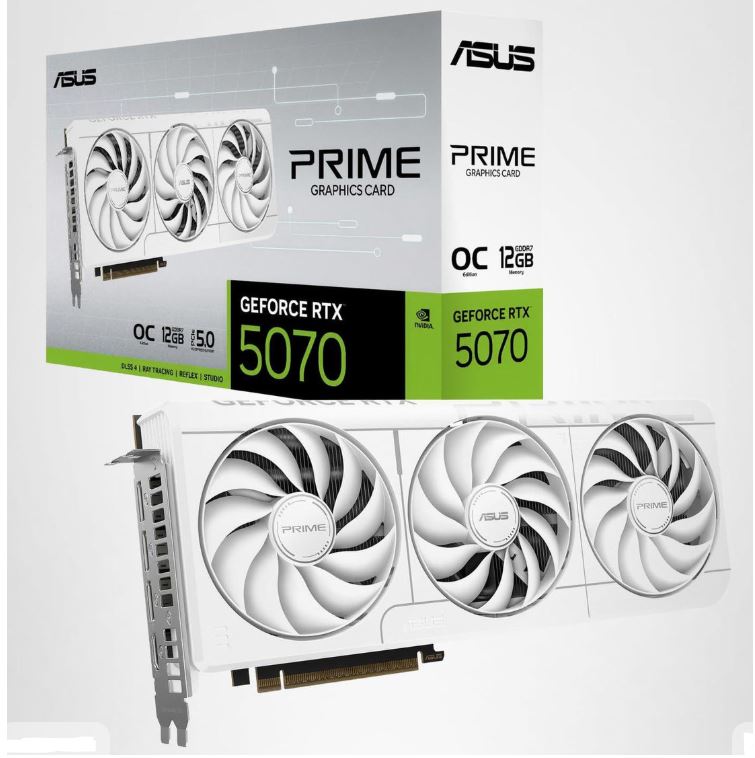
Pros: Outstanding 1440p performance, excellent power efficiency, strong ray tracing performance, and supports the latest NVIDIA features.
Cons: More expensive than previous-generation graphics cards.
Why It’s the Best: The RTX 5070 strikes the perfect balance between price, performance, and longevity. It delivers exceptionally high FPS in Apex Legends at both 1080p and 1440p while leaving plenty of performance for future games.
Best Budget GPU: NVIDIA GeForce RTX 3060 12GB (~$200–350)
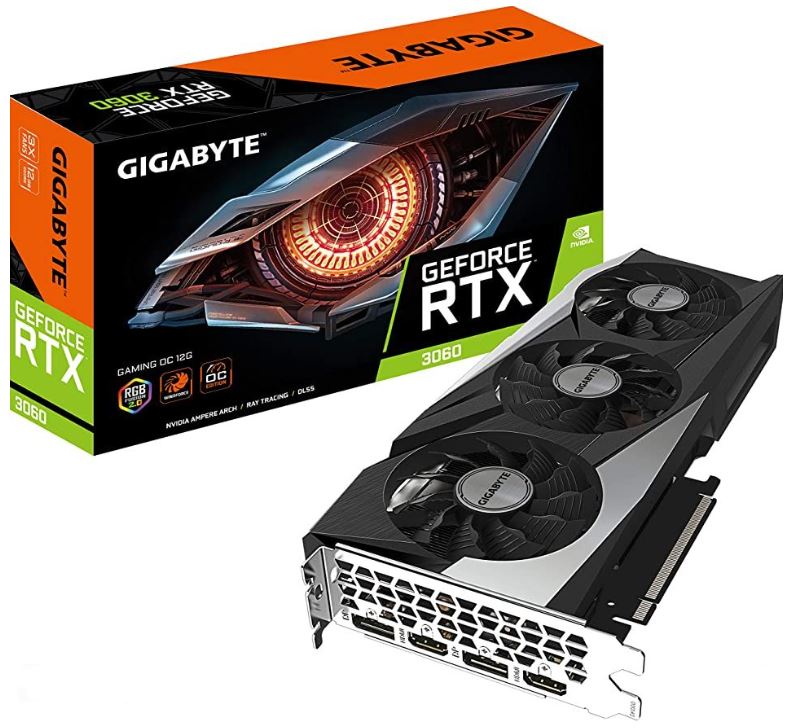
Pros: Excellent value, 12GB VRAM, reliable 1080p performance, and widely available on the used market.
Cons: Older architecture and less efficient than newer GPUs.
Why It’s the Best: The RTX 3060 remains one of the best budget graphics cards for Apex Legends. It easily handles competitive settings, and its generous 12GB of VRAM gives it better longevity than many other budget options.
Best Value GPU: AMD Radeon RX 7800 XT (~$400–550)
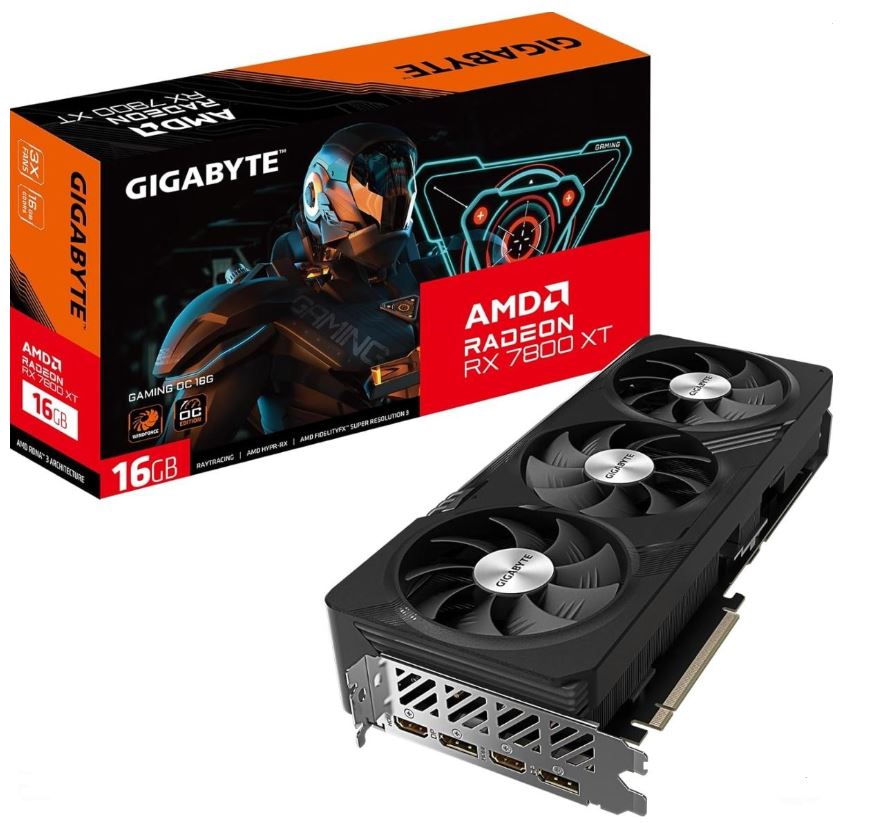
Pros: Fantastic rasterization performance, 16GB VRAM, excellent price-to-performance ratio, and efficient cooling on most models.
Cons: Ray tracing performance trails NVIDIA competitors.
Why It’s the Best: If your main goal is getting the highest FPS per dollar, it’s hard to beat the RX 7800 XT. Apex Legends relies heavily on rasterization, making this one of the strongest value GPUs available.
Best 1440p GPU: AMD Radeon RX 9070 XT (~$650–800)
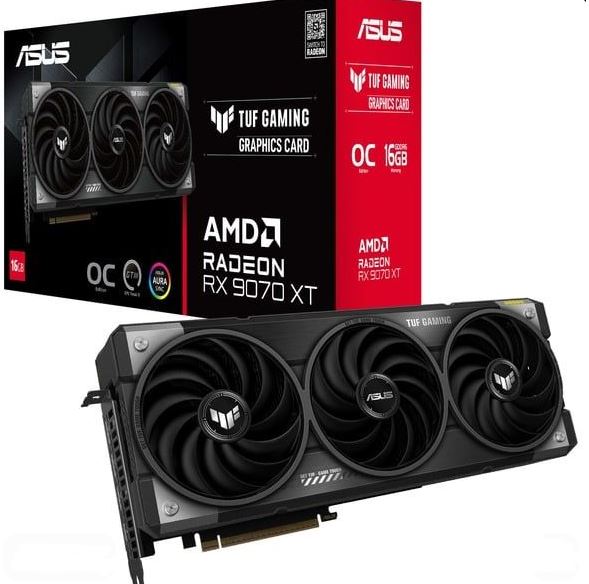
Pros: Outstanding 1440p performance, generous VRAM, excellent rasterization, and built for high refresh rate gaming.
Cons: Higher power consumption than some competing cards.
Why It’s the Best: The RX 9070 XT is built for players who want consistently high frame rates at 1440p. Whether you’re climbing Ranked or simply enjoying smooth gameplay, it delivers excellent performance without stepping into flagship pricing.
Best 4K GPU: NVIDIA GeForce RTX 5080 (~$900–1,500)
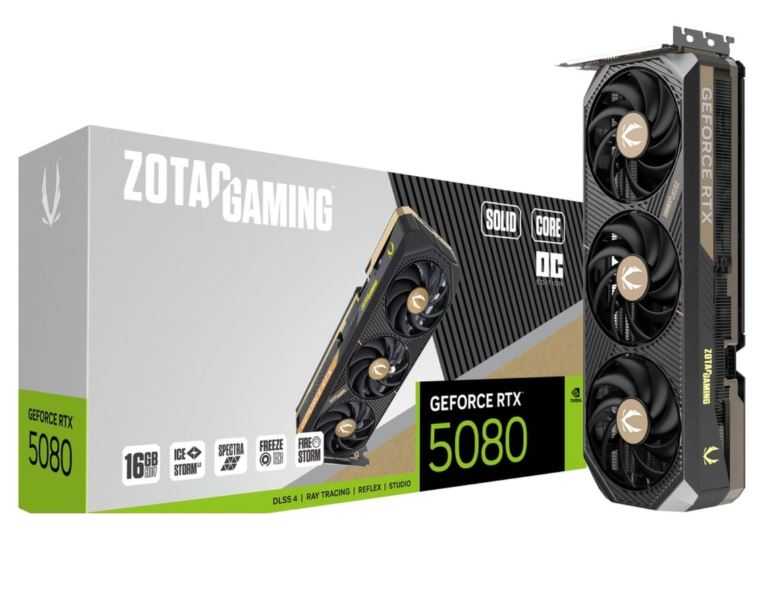
Pros: Exceptional 4K gaming performance, excellent ray tracing, powerful AI features, and plenty of headroom for future games.
Cons: Expensive and requires a quality power supply.
Why It’s the Best: If you want to experience Apex Legends at 4K while maintaining high frame rates, the RTX 5080 is one of the best options available. It combines incredible performance with excellent longevity.
Best Premium GPU: NVIDIA GeForce RTX 5090 (~$1,800–2,200+)
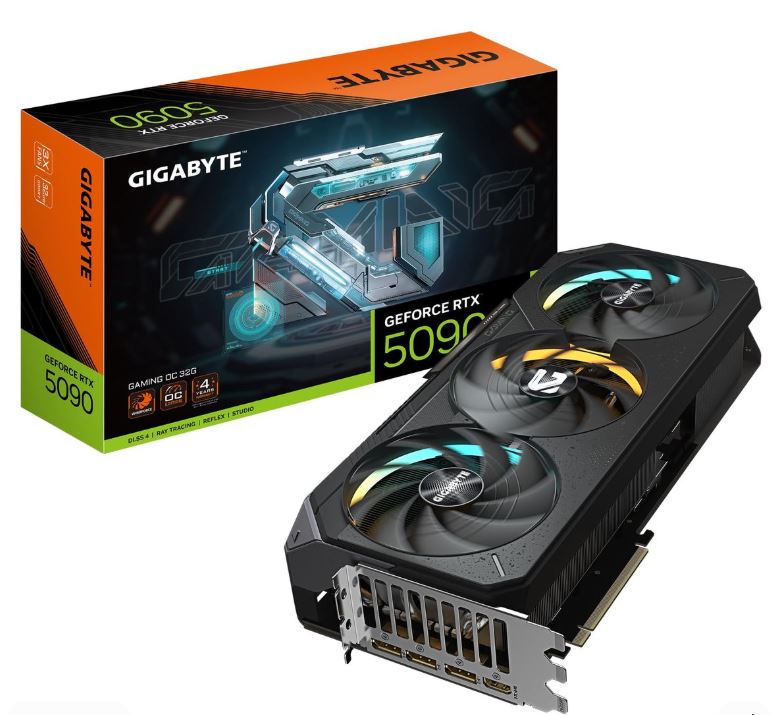
Pros: The fastest consumer graphics card available, massive VRAM, industry-leading ray tracing performance, and unmatched gaming performance.
Cons: Extremely expensive and unnecessary for most Apex Legends players.
Why It’s the Best: If money isn’t a concern and you want the absolute best gaming experience possible, the RTX 5090 delivers unrivaled performance that will remain relevant for years to come.
How to Choose the Right GPU for Apex Legends
Casual Player
Recommendation: RTX 3060 12GB (~$200–280)
If you mostly play Apex Legends for fun and don’t mind lowering a few settings, the RTX 3060 12GB is still an excellent choice. It delivers smooth 1080p gameplay and can even handle 1440p with optimized settings, all without stretching your budget.
Ranked Grinder
Recommendation: AMD Radeon RX 7800 XT (~$400–500)
If you’re constantly grinding Ranked and want the best FPS for your money, the RX 7800 XT is hard to beat. Its excellent rasterization performance makes it one of the best value graphics cards for Apex Legends, especially at 1440p.
Competitive Player
Recommendation: NVIDIA GeForce RTX 5070 (~$550–700)
Competitive players want one thing above everything else—consistent high frame rates. The RTX 5070 delivers excellent 1080p and 1440p performance, strong power efficiency, and plenty of headroom for high refresh rate monitors, making it an outstanding choice for serious Apex Legends players.
Streamer / Content Creator
Recommendation: NVIDIA GeForce RTX 5080 (~$900–1,100)
If you stream, record gameplay, edit videos, or create content alongside gaming, the RTX 5080 offers exceptional gaming performance while providing the extra power needed for demanding creative workloads. If budget isn’t a concern, the RTX 5090 is the ultimate option for those who want the absolute best.
Conclusion
Finding the best GPU for Apex Legends isn’t about buying the most expensive graphics card on the market—it’s about choosing one that matches your budget, monitor, and the way you play the game. Whether you’re a casual player dropping into pubs, a Ranked grinder chasing Masters or Predator, or a content creator streaming every match, there’s a GPU that fits your needs.
For most players, a modern mid-range graphics card like the RTX 3060, RX 7800 XT, or RTX 5070 will provide an excellent Apex Legends experience with smooth frame rates and plenty of performance for competitive play. If you’re aiming for 4K gaming or simply want the best hardware available, GPUs like the RTX 5080 and RTX 5090 offer incredible performance and enough power to handle both current and future games.
Remember, even the fastest graphics card won’t instantly improve your aim. Professional Apex Legends players prioritize high FPS, low input lag, and consistent performance over maxing out every graphics setting because smooth gameplay wins more fights than fancy visuals.
If you’re building the ultimate Apex Legends gaming setup, don’t forget to check out my Best Gaming Laptop for Apex Legends, Best Gaming Monitor for Apex Legends, Best Gaming Mouse for Apex Legends, Best Gaming Keyboard for Apex Legends, Best Gaming Headset for Apex Legends, Best Gaming Mousepad for Apex Legends, Best CPU for Apex Legends, and Best Prebuilt Gaming PC for Apex Legends guides. Together, they’ll help you build a system that’s optimized for higher FPS, lower input lag, and a better overall gaming experience.
Now choose the GPU that fits your budget, jump into the Outlands, and remember your graphics card can give you smoother gameplay, but it’s still up to you to hit your shots and become the Apex Champion.
And again, I appreciate you being here. Hope you found what you were looking for. And the links do generate some commissions on my end when you make any purchases. Thank you!