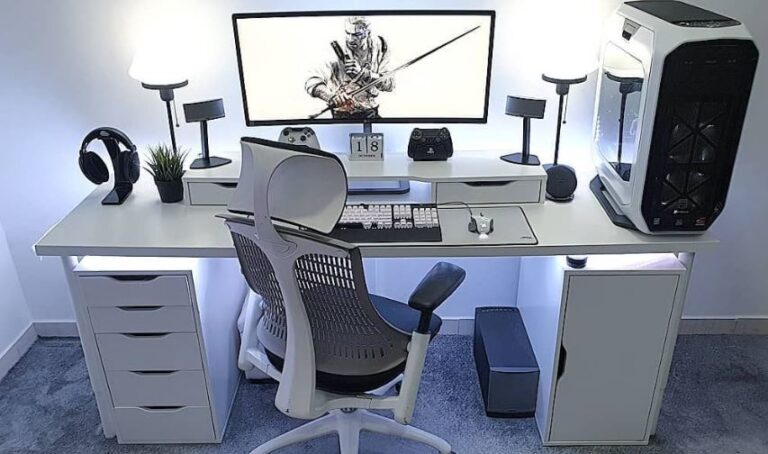
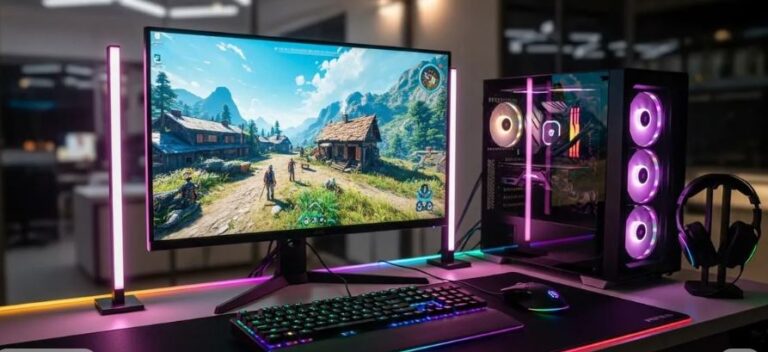
Building a gaming setup on a tight budget has become more achievable than ever—but it’s important to set realistic expectations. At a $800 budget, you won’t be running modern AAA games at 4K with ultra settings and 200+ FPS—and that’s completely fine. What matters is performance where it counts. Budget gaming setups are more than capable of handling competitive titles like Apex Legends, The Finals, Valorant and Rainbow Six at smooth frame rates, often reaching 90–120 FPS on optimized settings. That said here is how to increase fps on Apex Legends.
For more demanding games like Red Dead Redemption 2, Horizon Zero Dawn, and Days Gone, you can expect playable performance on low to medium settings, typically below 85 FPS. The biggest advantage of a setup at this price point isn’t just raw performance—it’s the upgrade. Moving from a basic office laptop to a dedicated gaming setup completely changes your experience. You gain smoother gameplay, better control, and the ability to enjoy modern titles that were previously unplayable. The goal isn’t perfection—it’s smart performance for the price.
In this guide, we’ll build the best gaming setup under $800, focusing on value, performance, and the right choices to maximize your budget.
Affiliate Disclosure
Some of the links in this article are affiliate links, which means I may earn a small commission if you purchase a product through one of these links, at no additional cost to you. This helps support me and allows me to continue creating gaming guides and hardware recommendations.
What to Expect From a $800 Gaming Setup.
To build the best gaming setup under $800, you need to allocate your budget carefully so every component delivers value without overspending.
Gaming Laptop (~$600–$650)
Your gaming laptop will take up the largest portion of your budget—and for good reason.
At this price range, you can expect:
- GPU: GTX 1650 or RTX 2050 (4GB VRAM)
- CPU: AMD Ryzen 5 or Intel Core i5 (10th–12th Gen)
- RAM: 8GB DDR4 (upgrade to 16GB recommended)
- Storage: 256GB–512GB SSD
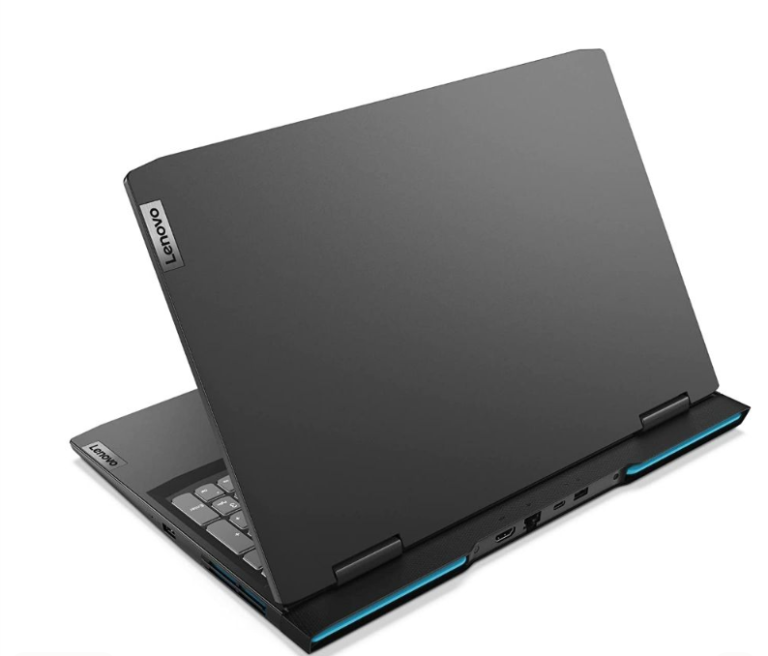
These GPUs are well-suited for esports titles and can handle most games released between 2010–2022 at low to medium settings. With proper optimization, you can still get smooth performance in games like Apex Legends—especially if you follow the best Apex Legends settings for low-end laptops. I personally own a Lenovo Legion 5 budget laptop with a GTX 1650 and Ryzen5 4600H and I can assure you that it is enough to play almost all competitive titles. I have paired my gaming laptop with an external monitor since I stay home most of the time gaming and writing. Even though I get destroyed in some lobbies, I still manage to get 10000kills only on wraith on Apex Legends and with a positive KD.
Gaming Mouse (~$20–$30)
At this budget, you can still get a solid gaming mouse with:
- Accurate sensor
- Low click latency
- Lightweight design
These are more than enough for FPS games and general gaming. And its smart to get yourself a mouse since the touchpad wasn’t designed for tracking and flicking in-game.
Gaming Keyboard (~$30–$50)
A budget mechanical keyboard is the best choice here. Why mechanical keyboards? Because every key has its own switch so incase one key gets damaged you can buy a switch online and replace them. And every keypress registers individually making you pull off certain complex movement in apex like the super glide.
You can expect:
- Mechanical switches (better response time)
- Durable build
- Long-term usability (even after upgrades)
Gaming Headset (~$30–$40)
At this price range, focus on:
- Clear audio for footsteps and positioning
- Comfortable ear cushions for long sessions
Perfect for both competitive and casual gaming. And competitive games like Rainbow Six Siege, everything you do has its own distinct sound making having a good headset important. CS2 also has better audio. I’ve also noticed tactical shooter games have the best audio but games like Apex Legends and The Finals has absolutely no audio.
Mousepad (~$10–$20)
A good mousepad improves your aim and consistency.
Choose based on your playstyle:
- Faster pads → better for tracking (e.g., Apex Legends)
- Control pads → better for precision (e.g., Valorant, Counter-Strike 2)
I have written more about the fast mousepads and control mousepad and the link can be found under my pick. And as the name implies, fast mousepad are best for making fast mouse movement and heavy tracking games. Control mousepad are best for tactical games where headshot matters the most.
Recommended Gaming Setup Under $800
Here’s a well-balanced gaming setup that delivers strong performance while staying within a tight $800 budget.
Gaming Laptop — Acer Nitro V 15 (~$550–$600)
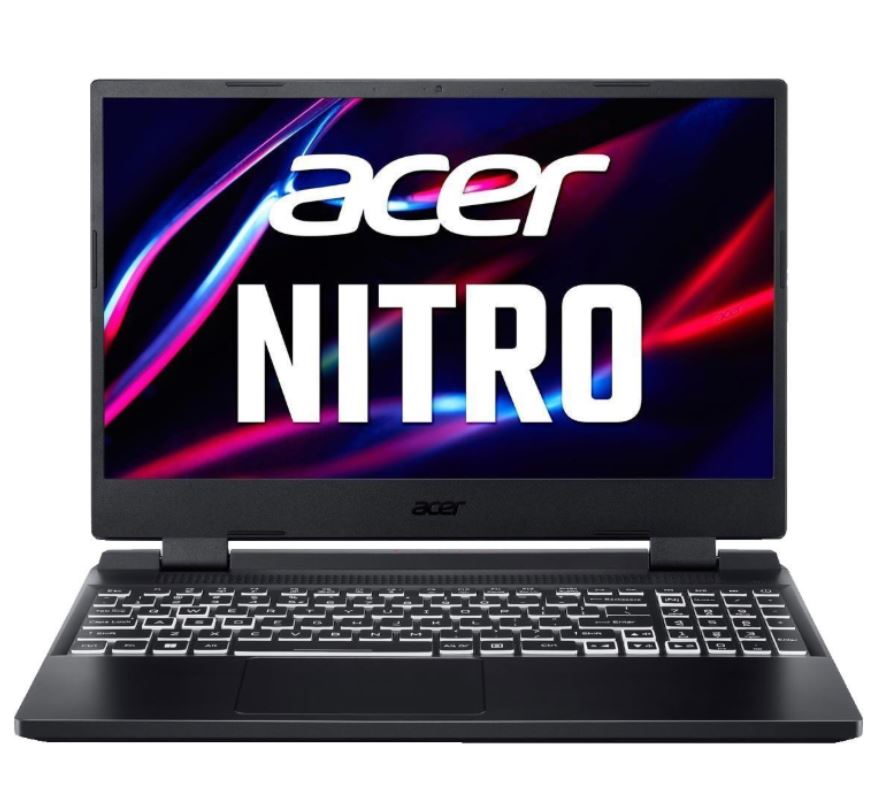
The Acer Nitro V 15 is one of the best budget gaming laptops you can get at this price point.
Key Specs:
- CPU: Intel Core i5-12450H / AMD Ryzen 5 7535HS
- GPU: NVIDIA RTX 3050
- RAM: 8GB (upgradeable to 16GB recommended)
- Storage: 512GB SSD
This laptop can handle esports titles smoothly and run modern games on low to medium settings with stable performance. If you want more options at this price range, check out the best gaming laptop under $600 for esports for similar high-performance picks.
Why It’s a Great Pick
- Strong GPU for the price (RTX 3050)
- Good cooling system for long gaming sessions
- Upgradeable RAM for better performance
- Reliable overall performance
Downsides
- Slightly bulky design
- 8GB RAM out of the box (upgrade needed)
If you want more options at this price range, check out the best gaming laptop under $600 for esports for similar high-performance picks
Gaming Mouse — Glorious Model O (~$30–$40)
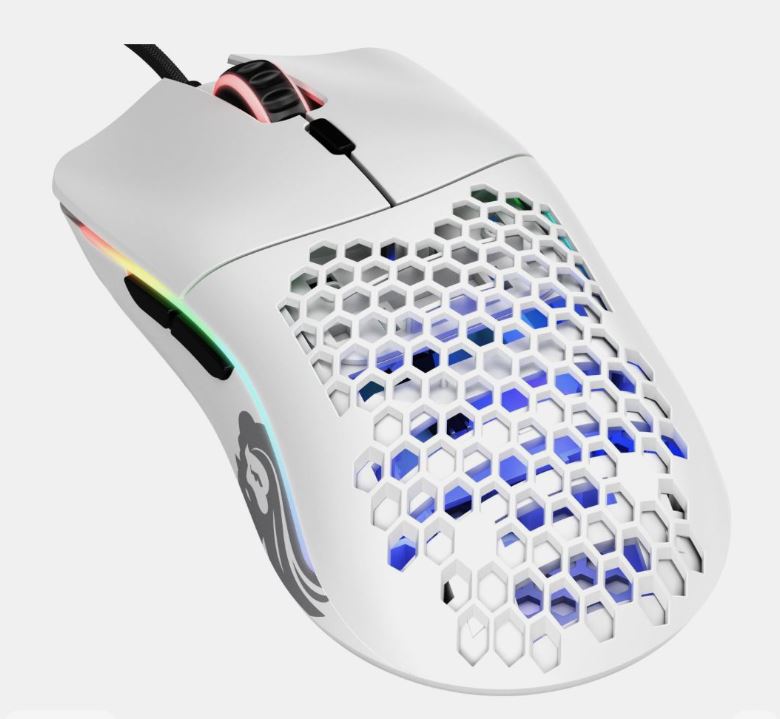
The Glorious Model O is a lightweight gaming mouse built for FPS performance.
Why It’s a Great Pick
- Ultra-lightweight design (great for fast aim)
- PixArt 3360 sensor (accurate tracking)
- Low click latency
- Smooth virgin-grade PTFE mouse feet
Downsides
- Wired (but with flexible braided cable)
Everyone has their own hand shape and size, so the Glorious Model O may be too big or small for you. Luckily I have written two articles targeting the wired and wireless mice where you have a wide variety of mice to choose all under $40. Best Wired Gaming Mouse Under $40 for FPS Games and Best Wireless Gaming Mouse Under $40 for FPS Games
Gaming Keyboard — RK61 (Royal Kludge) (~$35–$45)
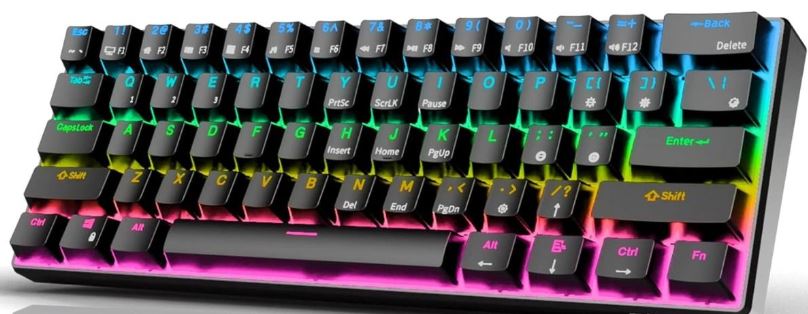
The RK61 is a compact mechanical keyboard that fits perfectly in a budget FPS setup.
Why It’s a Great Pick
- 60% layout = more mouse space
- Mechanical switches for fast response
- Durable and long-lasting
- Good value for the price
You may not be interested in compact keyboards like the Royal Kludge 61 and want a keyboard which is neither big or small and you’re in luck I have actually written an article just for that, I have actually written two of them. One is Best Gaming Keyboard Under $50 if you’re on a tight budget and Best Budget Gaming Keyboard for FPS if you want a wide range of options.
Gaming Headset — Razer Blackshark v2 x (~$30)
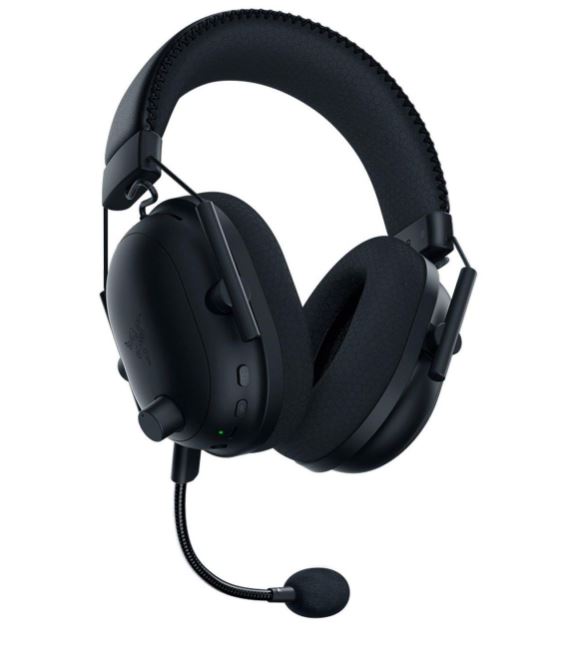
At this price range, you can find headsets that deliver solid performance for both competitive and casual gaming.
What to Expect:
- Comfortable ear cushions for long sessions
- Clear audio for footsteps and positioning
- Flexible and durable design
Perfect for improving awareness in FPS games without overspending. For better audio performance and more options, check out the best budget gaming headsets for FPS.
Mousepad — Zowie G-SR-SE (~$20–$25)
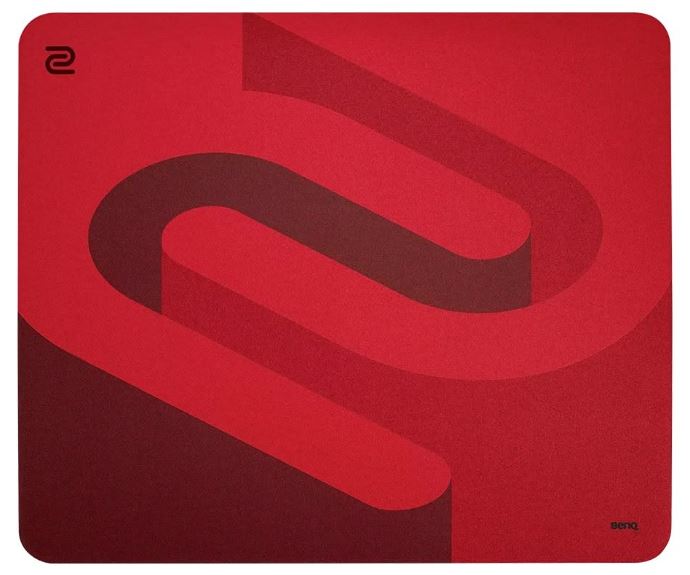
The Zowie G-SR-SE is a popular esports mousepad known for its consistent performance.
Why It’s a Great Pick:
- Smooth glide for tracking and flicks
- Widely used in competitive gaming
- Durable and long-lasting
- Great balance between speed and control
To explore more surfaces for different playstyles, check out the best budget gaming mousepad for FPS.
Tips to Maximize Your $800 Gaming Setup Performance
Getting a gaming setup under $800 is only the first step—how you use it will determine your actual performance.
Here’s how to get the most out of your setup:
Optimize Your Game Settings
For competitive FPS games like Apex Legends and Valorant:
- Use low to medium settings
- Disable unnecessary effects (motion blur, shadows)
- Prioritize higher FPS over graphics quality
If you’re unsure how to set things up, follow the best Apex Legends settings for low-end laptops.
Upgrade Your RAM to 16GB
Most budget laptops come with 8GB RAM, which can limit performance.
Upgrading to 16GB will:
- Reduce stutters
- Improve FPS stability
- Make multitasking smoother
Keep Your System Clean and Updated
- Update GPU drivers regularly
- Close background apps while gaming
- Keep at least 20–30% of your storage free
This ensures consistent performance over time.
Use Proper Sensitivity Settings
Your setup is only as good as your settings.
Find a sensitivity that works for you and stick with it:
- Consistency improves aim
- Avoid constantly changing settings
Manage Temperatures
Budget gaming laptops can heat up under load.
To improve performance:
- Use a flat surface
- Keep vents clean
- Consider a cooling pad
Conclusion
Building the best gaming setup under $800 is all about making smart choices and setting realistic expectations. While you won’t be running every game at ultra settings, this setup is more than capable of delivering smooth and enjoyable gameplay—especially in competitive titles like Apex Legends, Valorant, and Counter-Strike 2.
The key takeaway is simple: You don’t need expensive gear to enjoy gaming or perform well—you just need the right setup. With the right combination of hardware, optimized settings, and consistent practice, even a budget setup can deliver impressive results. Start with what you can afford, upgrade over time, and focus on improving your skills—the performance will follow.
Thank you so much for reading my article and actually considering my picks. Upon all the AI options in the way you still opened and read my article and for that, I am forever grateful. You are the reason I do this.