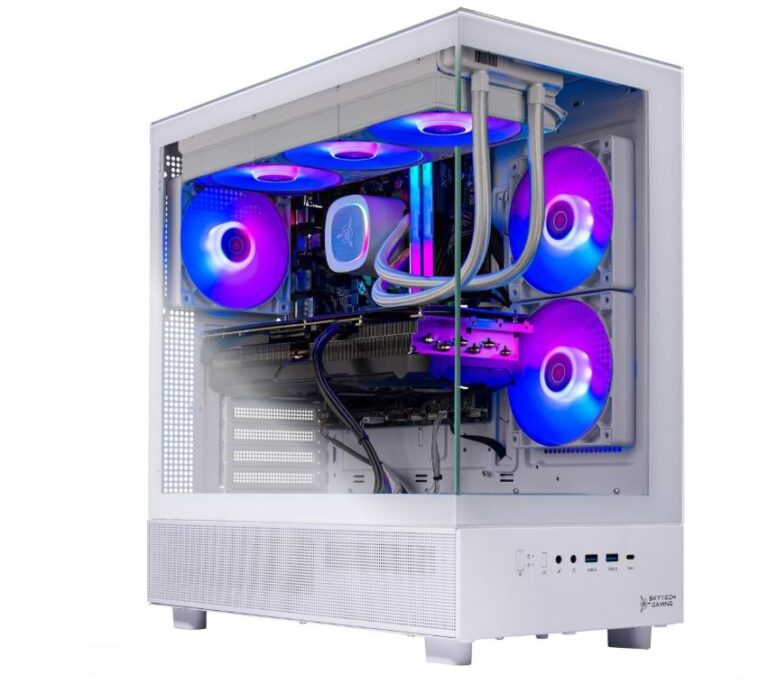
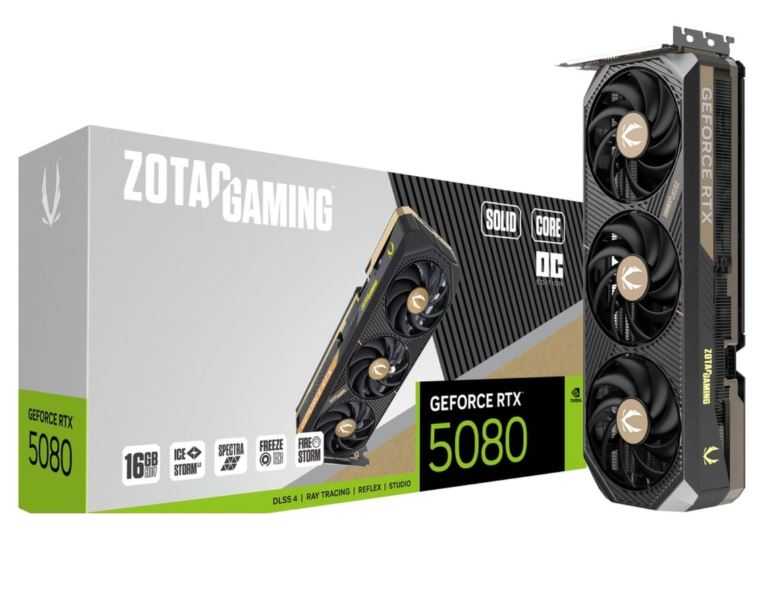
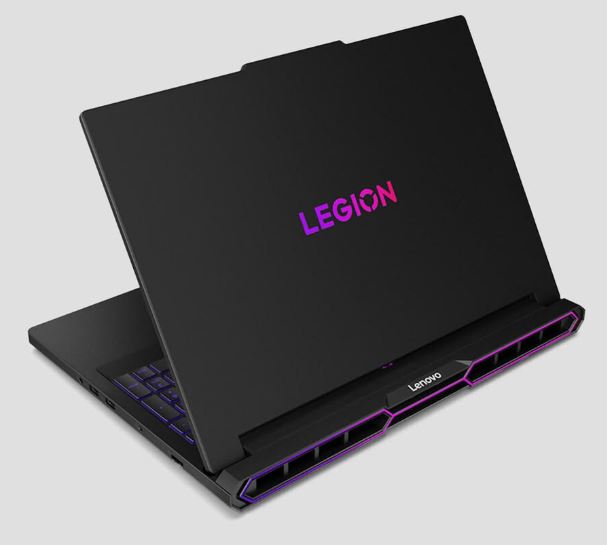
The CPU is just as important as the GPU when it comes to gaming performance. Having one component significantly more powerful than the other can create what’s known as a bottleneck. A bottleneck happens when the weaker component limits the performance of the stronger one, preventing your PC from running at its full potential—and that’s something we want to avoid.
Apex Legends relies on both the CPU and GPU working together to deliver smooth gameplay, high frame rates, and consistent performance. So, with that in mind, what should you look for when buying a CPU for a constantly evolving game like Apex Legends?
Affiliate Disclosure
Some of the links in this article are affiliate links, which means I may earn a small commission if you purchase a product through one of these links, at no additional cost to you. This helps support me and allows me to continue creating gaming guides and hardware recommendations.
What to Expect
CPU Performance
We need a CPU that’s fast enough to keep up with a constantly evolving game like Apex Legends. A powerful CPU paired with a capable GPU allows you to achieve higher FPS, better 1% lows, and smoother overall gameplay. This becomes especially noticeable during intense fights where multiple squads, abilities, and explosions are happening at the same time.
Core Count
If you’re shopping for a budget gaming CPU, 6 to 8 cores are more than enough for Apex Legends and most modern games. That’s because most games still rely more on strong single-core or few-core performance rather than efficiently using a large number of CPU cores.
12 to 16-core processors become useful if you stream while gaming, edit videos, or frequently multitask. Streaming software, video rendering, and background applications can take advantage of those extra cores, allowing your game to remain smooth while everything else runs in the background.
Clock Speed & Cache
You may wonder why higher boost clock speeds improve gaming performance.
The reason is simple: most games, including Apex Legends, are more dependent on low latency and fast single-core performance than they are on having lots of CPU cores. Higher boost clocks allow the processor to complete gaming tasks faster, resulting in higher and more consistent frame rates.
AMD’s X3D processors, such as the Ryzen 7 7800X3D and Ryzen 7 9800X3D, dominate gaming benchmarks because of their massive 3D V-Cache, not simply because they have higher clock speeds. The extra cache allows the CPU to access game data much faster, which is one of the reasons Apex Legends performs exceptionally well on X3D processors.
Platform & Upgrade Path
A CPU isn’t the only thing you’ll be buying—you’ll also need a compatible motherboard.
If you’re building a new gaming PC, it’s worth considering a platform with a good upgrade path. AMD’s AM5 platform is expected to support several future Ryzen processors, making upgrades easier without replacing your motherboard. Intel platforms also offer excellent performance, but always check socket compatibility before making your purchase.
Power Consumption
A faster CPU usually consumes more power and generates more heat.
Choose a processor that offers a good balance between gaming performance and power efficiency. Efficient CPUs not only reduce electricity usage but are also easier to cool, allowing them to maintain higher boost clocks during long Apex Legends sessions.
Future-Proofing
A CPU is one of the longest-lasting components in a gaming PC, so it’s worth thinking beyond today’s performance.
If you plan on keeping your system for several years, investing in a modern processor with strong gaming performance, DDR5 support, and a reliable upgrade path can save you money in the long run. While Apex Legends may not need 16 cores today, future games and software will continue to become more demanding.
Best Overall: AMD Ryzen 7 9800X3D (~$450–550)
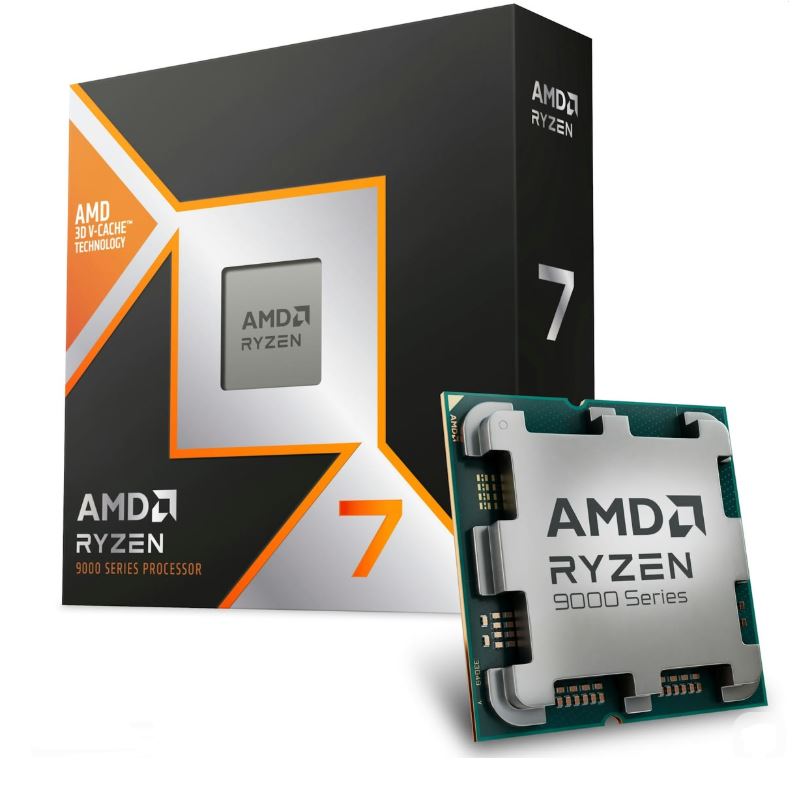
Pros: Exceptional gaming performance, massive 3D V-Cache, excellent power efficiency, strong multitasking capabilities.
Cons: Premium price, requires a capable cooler for sustained performance.
Why It’s the Best: If you want the perfect balance between gaming, streaming, and everyday productivity, the Ryzen 7 9800X3D is hard to beat. It delivers incredibly smooth gameplay in Apex Legends with outstanding 1% lows while remaining powerful enough for demanding workloads.
Best Budget: AMD Ryzen 5 5600 (~$120–200)
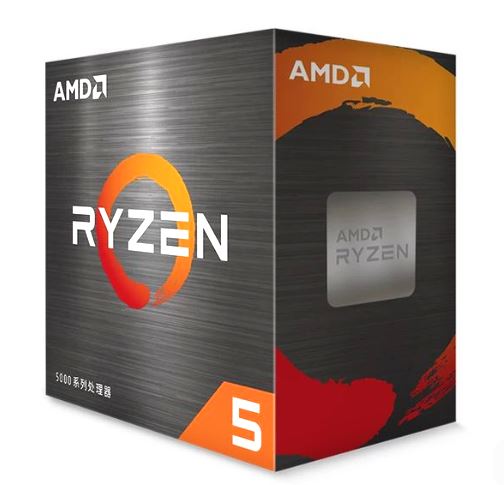
Pros: Affordable, excellent 1080p gaming performance, low power consumption, easy to cool.
Cons: AM4 platform has limited upgrade options compared to newer platforms.
Why It’s the Best: The Ryzen 5 5600 proves you don’t need to spend a fortune to enjoy Apex Legends. It offers excellent value for first-time PC builders and budget gamers looking for reliable performance.
Best Value: AMD Ryzen 5 9600X (~$150–200)
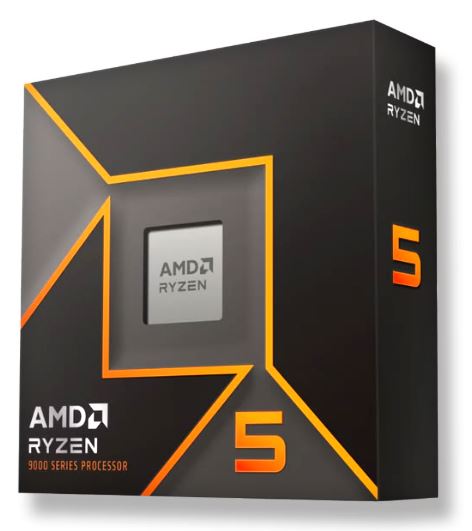
Pros: Fast Zen 5 architecture, excellent efficiency, strong gaming and productivity performance, modern AM5 platform.
Cons: Doesn’t match the gaming advantage of AMD’s X3D processors.
Why It’s the Best: The Ryzen 5 9600X offers one of the best price-to-performance ratios on the market. It provides excellent gaming performance today while giving you access to AMD’s latest platform for future upgrades.
Best Gaming: AMD Ryzen 7 7800X3D (~$300–350)
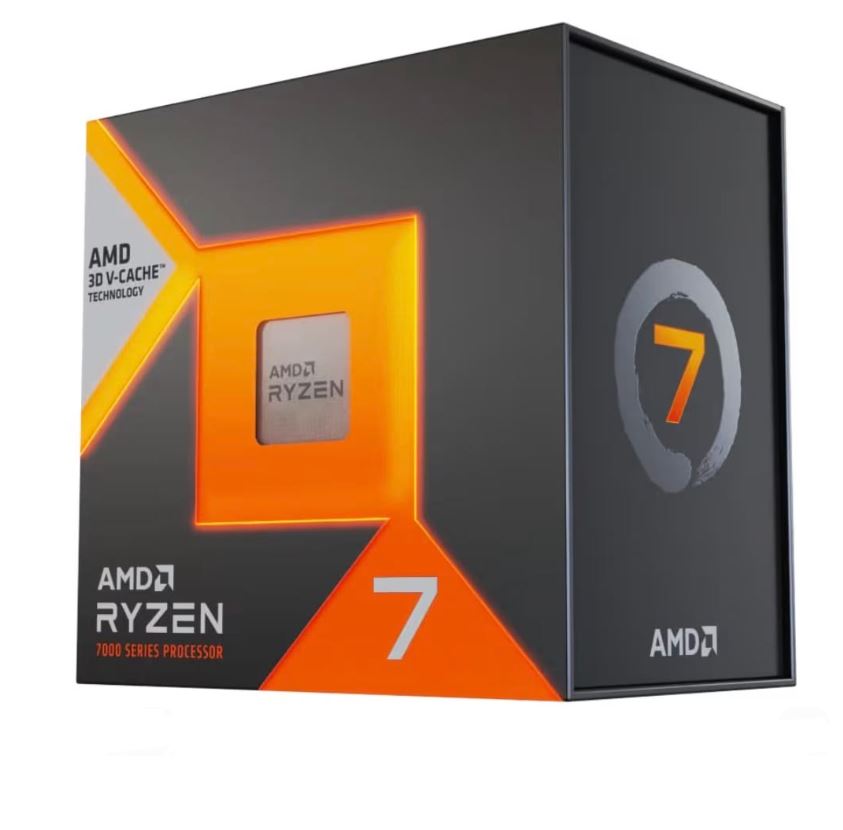
Pros: Outstanding 3D V-Cache performance, exceptional gaming efficiency, industry-leading frame consistency.
Cons: Productivity performance isn’t as strong as higher-core alternatives.
Why It’s the Best: Built with gamers in mind, the Ryzen 7 7800X3D remains one of the fastest gaming CPUs available. Its large cache allows Apex Legends to maintain exceptionally smooth frame rates, making it a favorite among competitive players.
Best Streaming & Content Creation: Intel Core Ultra 7 265K (~$250–300)
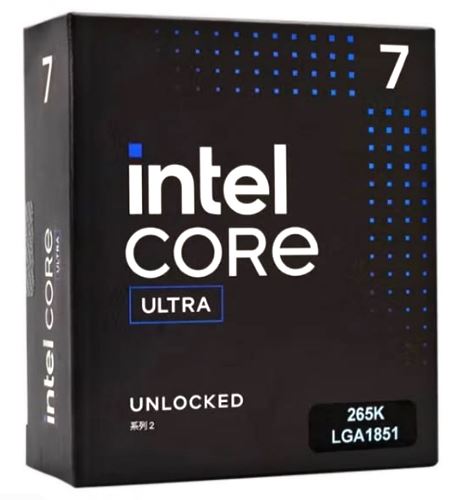
Pros: Excellent multi-core performance, ideal for streaming and video editing, strong all-around productivity.
Cons: Higher power consumption and platform costs than comparable AMD options.
Why It’s the Best: If you regularly stream Apex Legends, edit videos, or multitask while gaming, the Core Ultra 7 265K provides the extra processing power needed to handle demanding workloads without sacrificing gaming performance.
Best Premium: AMD Ryzen 9 9950X3D (~$650–750)
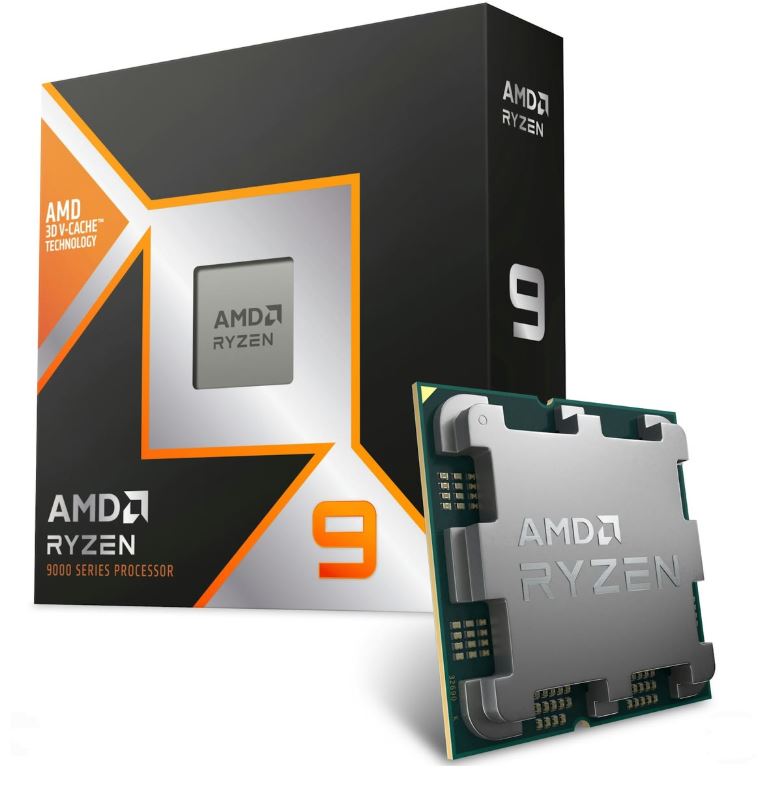
Pros: Elite gaming performance, exceptional multi-core power, massive 3D V-Cache, built for demanding workloads.
Cons: Expensive and unnecessary for most gamers.
Why It’s the Best: The Ryzen 9 9950X3D is designed for enthusiasts who want the absolute best. Whether you’re chasing maximum FPS in Apex Legends, streaming, editing, or tackling professional workloads, this processor delivers uncompromising performance.
How to Choose the Right CPU for Apex Legends
Casual Player
Recommendation: AMD Ryzen 5 5600 (~$120–150)
Who it’s for: Casual players looking for smooth 1080p or 1440p gameplay without overspending. The Ryzen 5 5600 offers excellent value and is more than capable of delivering an enjoyable Apex Legends experience, making it a great choice for first-time PC builders and budget-conscious gamers.
Ranked Grinder
Recommendation: AMD Ryzen 5 9600X (~$220–280)
Who it’s for: Players who spend hours climbing the ranked ladder and want dependable performance every session. The Ryzen 5 9600X delivers excellent efficiency, strong gaming performance, and access to AMD’s modern AM5 platform, making it a smart long-term investment.
Competitive Player
Recommendation: AMD Ryzen 7 7800X3D (~$350–420)
Who it’s for: Competitive players who want every possible advantage. Thanks to its massive 3D V-Cache, the Ryzen 7 7800X3D delivers exceptionally high frame rates and outstanding 1% lows, helping reduce stutters and providing the smooth responsiveness needed for tracking enemies and landing precise shots.
Streamer / Content Creator
Recommendation: AMD Ryzen 7 9800X3D (~$450–550) or Intel Core Ultra 7 265K (~$300–380)
Who it’s for: Gamers who stream Apex Legends, edit videos, or frequently multitask. Both processors provide the processing power needed to handle encoding, recording, and content creation while maintaining smooth gameplay, making them excellent choices for creators who want to game and produce content on the same PC.
Conclusion
Finding the best CPU for Apex Legends isn’t about buying the most expensive processor—it’s about choosing one that fits your budget, gaming goals, and the GPU you’ll be pairing it with. A well-balanced system will always deliver a smoother experience than spending all your money on one powerful component while neglecting the other.
For most players, processors like the Ryzen 5 5600, Ryzen 5 9600X, and Ryzen 7 7800X3D offer more than enough performance to enjoy high frame rates and responsive gameplay. If you’re planning to stream, create content, or simply want one of the fastest gaming CPUs available, the Ryzen 7 9800X3D, Intel Core Ultra 7 265K, and Ryzen 9 9950X3D are excellent choices.
Remember, your CPU is only one part of the equation. Pair it with the right graphics card, enough RAM, and a high refresh rate monitor to unlock the best Apex Legends experience.
And if you’re building the ultimate Apex Legends gaming setup, don’t forget to check out my Best GPU for Apex Legends, Best Gaming Laptop for Apex Legends, Best Gaming Monitor for Apex Legends, Best Gaming Mouse for Apex Legends, Best Gaming Keyboard for Apex Legends, Best Gaming Headset for Apex Legends, Best Gaming Mousepad for Apex Legends, and Best Prebuilt Gaming PC for Apex Legends guides. Together, they’ll help you build a balanced system that’s optimized for higher FPS, smoother gameplay, lower input lag, and a better overall Apex Legends experience.
Thank You for Reading. Hope you found what you were looking for. XD