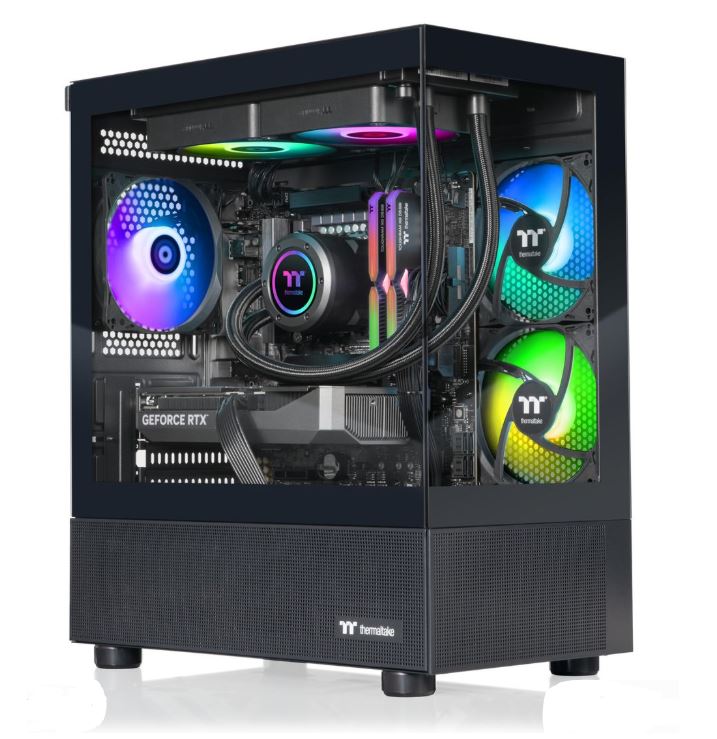
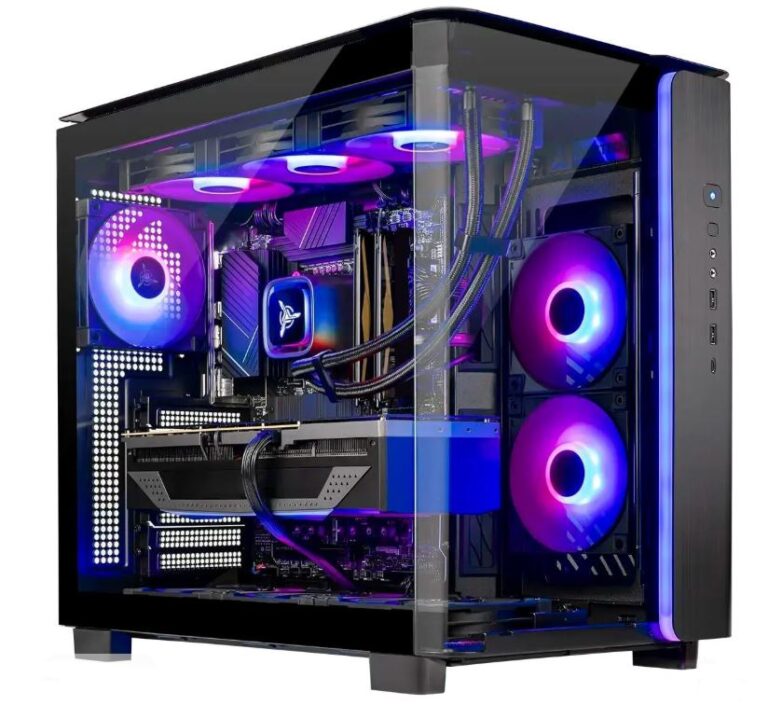
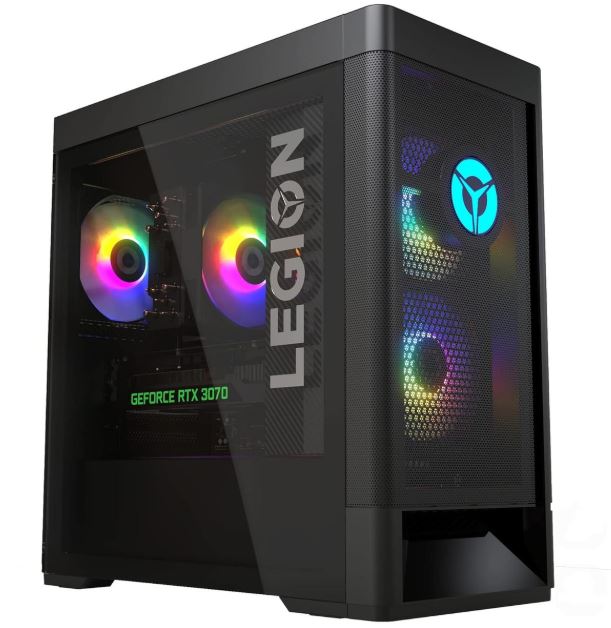
So you have $2000 to spend on a gaming PC. First of all, congratulations. At this budget, you’re entering high-end gaming territory where performance is no longer a concern for most gamers.
A well-balanced $2000 gaming PC can comfortably handle modern games at 1440p Ultra settings and even deliver excellent 4K gaming performance in many AAA titles. More importantly, you’re building a system that should remain relevant for years before needing any major upgrades.
The best part about a build in this price range is the balance between raw performance, future-proofing and productivity. Whether you’re gaming, streaming, video editing or multitasking, this PC will have enough power to handle demanding workloads without struggling.
For competitive games like Apex Legends, The Finals, Counter-Strike 2, Valorant and Rainbow Six Siege, where lower settings are often preferred to maximize FPS, you can expect extremely high frame rates that fully take advantage of high refresh rate monitors. In many cases, performance will be so high that your monitor becomes the limiting factor rather than the PC itself.
In this guide, we’ll build the best $2000 gaming PC for 2026 while focusing on performance, cooling, airflow and long-term upgradeability.
Affiliate Disclosure
Some of the links in this article are affiliate links, which means I may earn a small commission if you purchase a product through one of these links, at no additional cost to you. This helps support me and allows me to continue creating gaming guides and hardware recommendations.
Expected Performance
At this budget, the biggest bottleneck you are likely to face is no longer your PC but your monitor. A $2000 gaming PC is powerful enough to push extremely high frame rates, so pairing it with a quality high refresh rate monitor is essential if you want to fully experience the performance your hardware can deliver.
For modern AAA games, expect excellent performance at 1440p Ultra settings with high frame rates and smooth gameplay. Many titles can also be played comfortably at 4K depending on the game optimization and graphics settings used.
In competitive esports titles such as Valorant, Counter-Strike 2, Apex Legends, The Finals and Rainbow Six Siege, maintaining a consistent 240 FPS is very achievable. This makes the build a perfect match for 240Hz and even higher refresh rate gaming monitors.
Gaming is not the only area where this system excels. If you use your PC for streaming, video editing, content creation or multitasking, this build has more than enough processing power to handle demanding workloads smoothly and efficiently.
Simply put, a $2000 gaming PC offers the level of performance where you spend less time worrying about settings and more time enjoying your games.
The Build
For this budget, we will separate the build into two categories: an Intel build and an AMD build. The reason for this is simple. Once you choose a CPU platform, your motherboard choice is determined by that platform. AMD processors require AMD-compatible motherboards, while Intel processors require Intel-compatible motherboards.
The GPU choice is more flexible. Whether you choose an AMD or Intel CPU, you can pair it with either an AMD Radeon or NVIDIA GeForce graphics card.
Generally speaking, AMD GPUs tend to offer better price-to-performance and stronger rasterization performance for gaming, while NVIDIA GPUs provide access to features such as DLSS, Frame Generation, CUDA acceleration and stronger ray tracing performance. If gaming is your primary focus, AMD often provides excellent value. If you also work with content creation, 3D rendering or productivity applications, NVIDIA may be the better choice.
Intel Core i9-14900K Build (~$1980–$2050)
CPU
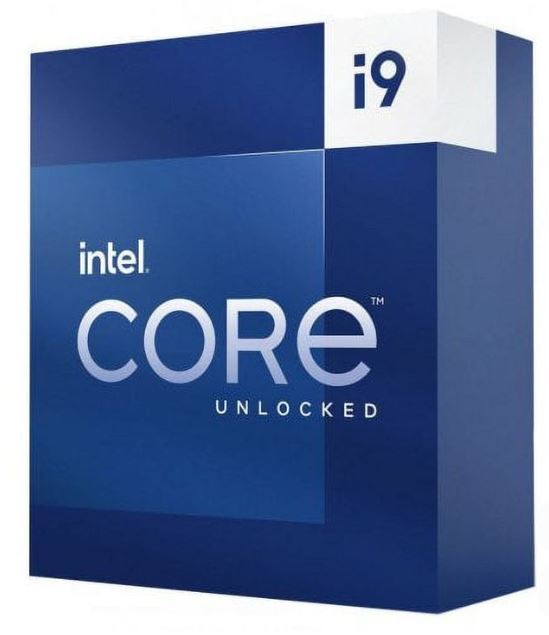
The Intel Core i9-14900K is one of the most powerful consumer processors available. With 24 cores and 32 threads, it excels in gaming, streaming, video editing, multitasking and demanding productivity workloads.
Price: $440–$480
If you want to learn more about Intel processors, check out our Best Intel CPUs for FPS Gaming (2026 Guide).
CPU Cooler
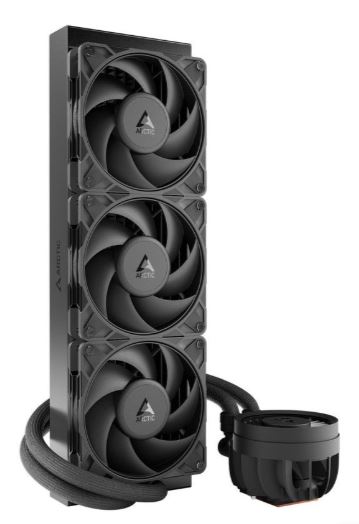
A processor this powerful requires serious cooling. A 360mm AIO such as the Arctic Liquid Freezer III provides excellent thermal performance and helps prevent thermal throttling during gaming and heavy workloads.
Price: $90–$120
For more cooling recommendations, check out our Best CPU Cooler for FPS Gaming (2026 Guide).
Motherboard
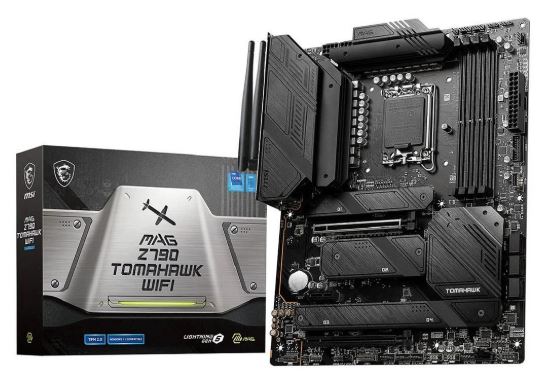
A quality Z790 or Z890 motherboard such as the MSI MAG Z790 Tomahawk WiFi provides strong power delivery, excellent connectivity and plenty of upgrade options.
Price: $220–$280
For more motherboard recommendations, check out our Best Motherboards for FPS Gaming (2026 Guide).
RAM
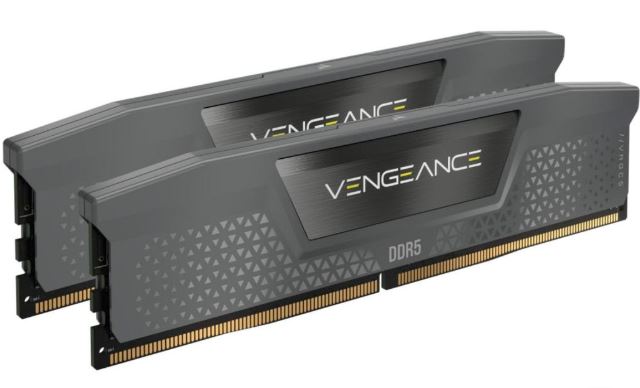
This build uses 32GB (2x16GB) DDR5-6000 memory. This provides more than enough capacity for gaming, streaming, content creation and heavy multitasking.
Price: $400–$460
For more memory recommendations, check out our Best Budget RAM for FPS Gaming (2026 Guide).
GPU
For graphics performance, you can choose between the NVIDIA RTX 5070 or AMD Radeon RX 9070 XT.
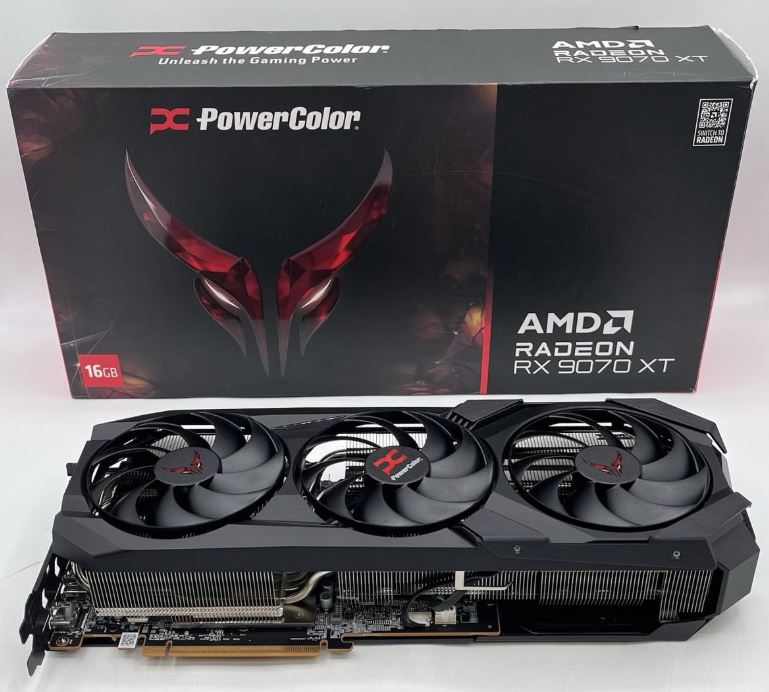
The RX 9070 XT offers excellent value and outstanding 1440p and 4K gaming performance, making it a strong choice for gamers focused on maximizing FPS.
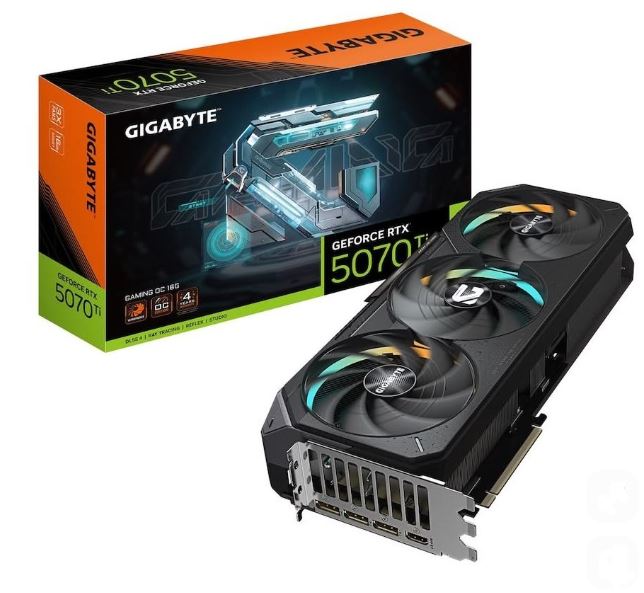
The RTX 5070 provides access to DLSS, Frame Generation and superior ray tracing performance while maintaining excellent gaming efficiency.
Price: $620–$700
For a deeper comparison, check out our NVIDIA vs AMD GPUs for FPS Games (2026 Guide).
Storage
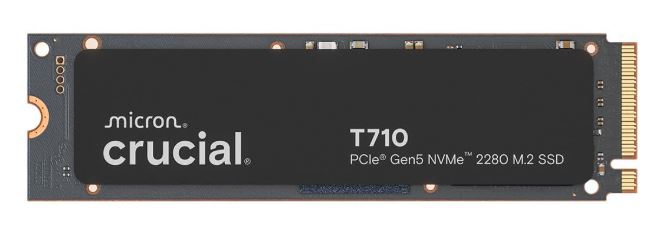
A 1TB PCIe Gen5 NVMe SSD provides extremely fast boot times, quick game loading and plenty of space for modern AAA titles.
Price: $130–$160
For more storage recommendations, check out our Best SSD for FPS Gaming (2026 Guide).
Case
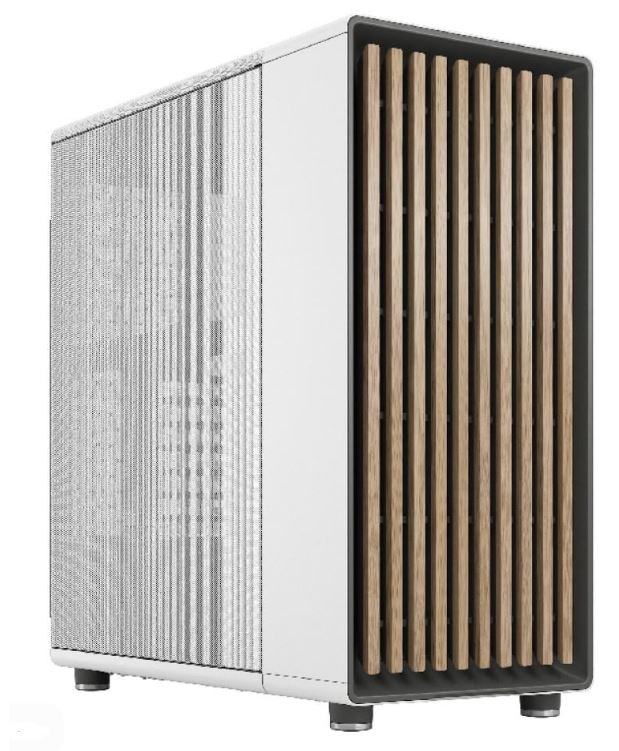
Cases such as the Lian Li Lancool 216 and Fractal North Mesh offer excellent airflow, strong build quality and plenty of room for future upgrades.
Price: $100–$130
For more airflow-focused recommendations, check out our Best PC Case for FPS Gaming (2026 Guide).
Power Supply
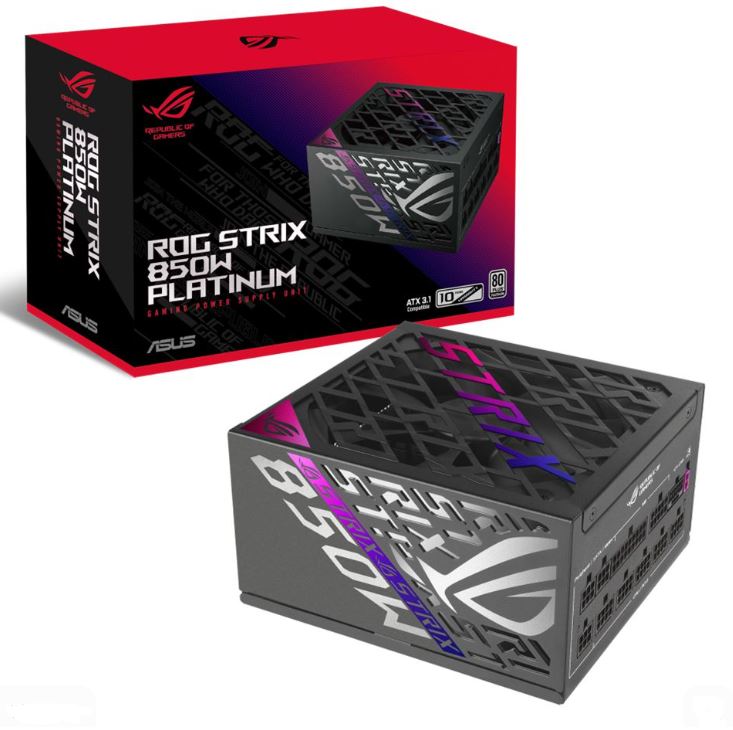
A quality 850W 80 Plus Gold or Platinum fully modular power supply provides reliable power delivery and enough headroom for future upgrades.
Price: $110–$140
For more PSU recommendations, check out our Best Power Supply for FPS Gaming (2026 Guide).
AMD Ryzen 7 9800X3D Build (~$1,950–$2,030) – Gaming Focused
CPU
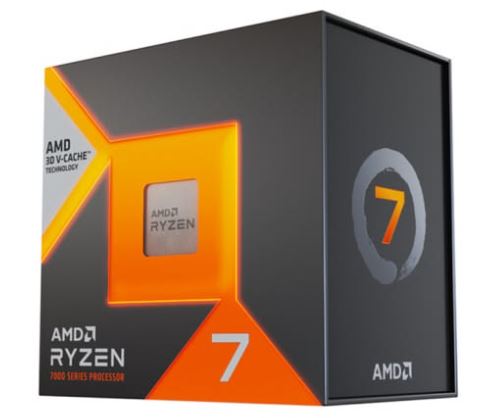
The AMD Ryzen 7 9800X3D is currently one of the best gaming processors available. Thanks to AMD’s 3D V-Cache technology, it delivers exceptional gaming performance and often sits at the top of gaming benchmark charts. For gamers who prioritize FPS above everything else, this is one of the strongest CPU choices you can make.
Price: $430–$460
If you want to learn more about AMD processors, check out our Best AMD CPUs for FPS Gaming (2026 Guide).
CPU Cooler
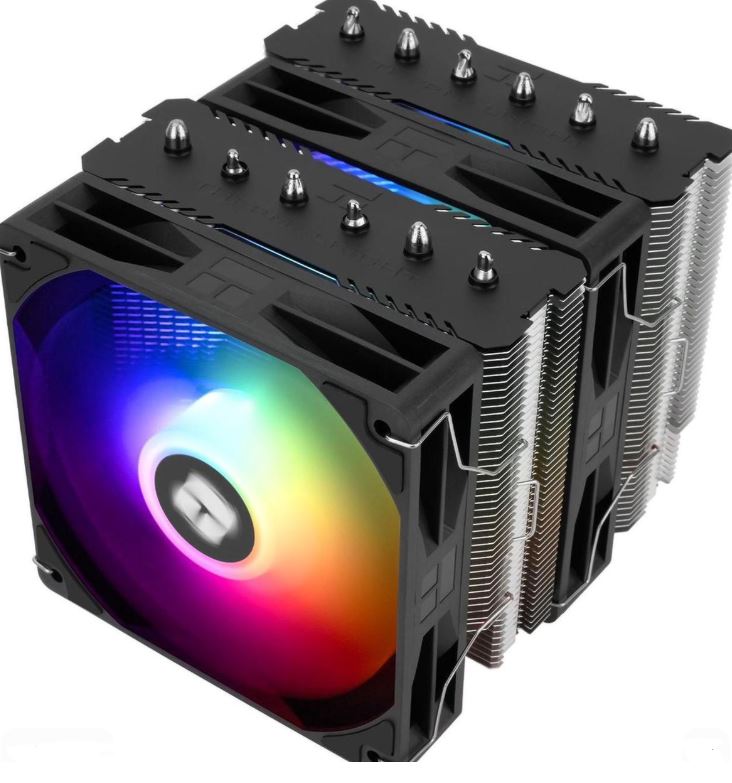
Unlike many high-end processors, the Ryzen 7 9800X3D is surprisingly efficient. The Thermalright Peerless Assassin 120 SE is more than capable of keeping temperatures under control while remaining quiet during gaming sessions.
Price: $35–$45
Motherboard
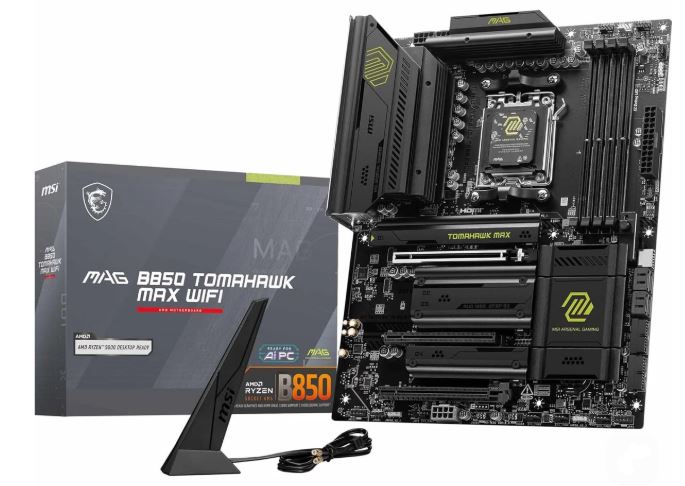
A quality B850 or X870 motherboard such as the MSI MAG B850 Tomahawk WiFi provides excellent connectivity, strong VRMs and a clear upgrade path for future AM5 processors.
Price: $180–$230
RAM
This build uses 32GB (2x16GB) DDR5-6000 CL30 EXPO memory, which is considered the sweet spot for modern Ryzen gaming systems. It provides excellent gaming performance, smooth multitasking and enough capacity for content creation workloads.
Price: $380–$450
GPU
For graphics performance, you can choose between the AMD Radeon RX 9070 XT or the NVIDIA RTX 5070.
The RX 9070 XT delivers outstanding rasterization performance and excellent value, making it a fantastic choice for gamers focused on maximizing FPS at 1440p and 4K.
The RTX 5070 offers stronger ray tracing performance, DLSS support and Frame Generation technology, making it attractive for gamers who want the latest NVIDIA features.
Price: $620–$700
Storage
A 2TB NVMe SSD provides fast boot times, quick game loading and enough storage for a growing library of modern AAA games.
Price: $130–$160
Case
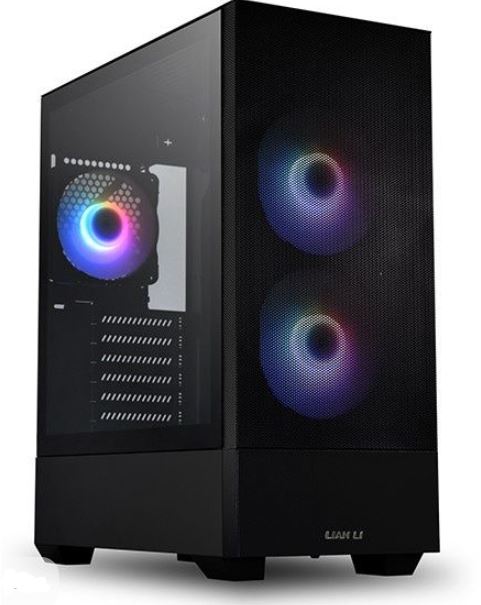
A high-airflow case such as the Lian Li Lancool series provides excellent cooling performance, strong build quality and enough room for future upgrades.
Price: $90–$120
Power Supply
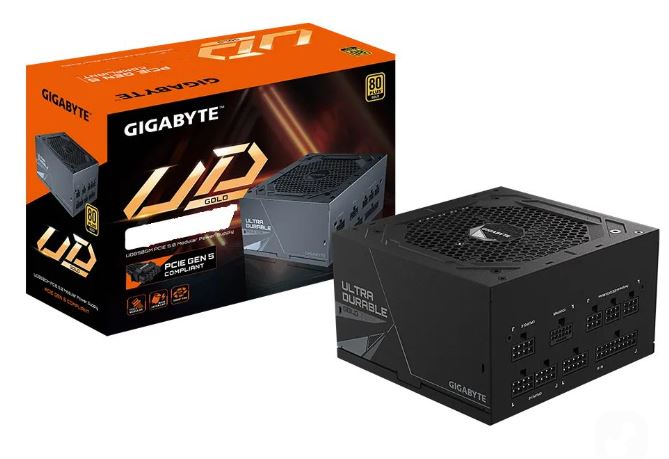
A quality 750W–850W 80 Plus Gold fully modular power supply provides stable power delivery, excellent efficiency and enough headroom for future upgrades.
Price: $100–$130
Common Mistakes When Building a $2000 Gaming PC
Spending Too Much on Aesthetics
At this budget, it’s easy to get carried away with RGB fans, LCD coolers, custom cables and expensive cases. While aesthetics can make a build look amazing, they do not increase gaming performance. Prioritize the GPU, CPU and cooling first before spending extra money on appearance.
Pairing a High-End PC With a Low-End Monitor
A $2000 gaming PC is capable of delivering extremely high frame rates, especially in competitive games. Using a basic 60Hz or 75Hz monitor prevents you from fully experiencing the performance your hardware can provide.
A high refresh rate monitor is one of the best upgrades you can make to complement a build of this caliber.
Ignoring Airflow
Many gamers focus on powerful hardware but forget that heat can still impact performance. Poor airflow leads to higher temperatures, louder fans and potential thermal throttling.
A quality airflow-focused case combined with proper fan placement helps maintain lower temperatures and stable performance during long gaming sessions.
Buying More CPU Than You Need
Many builders assume that the most expensive CPU automatically gives the best gaming experience. In reality, gaming performance is heavily influenced by the graphics card. Overspending on the processor often means sacrificing GPU performance, which has a much larger impact on FPS.
A balanced build will almost always outperform an unbalanced one.
Choosing a Cheap Power Supply
The power supply is one of the most important components in any gaming PC. A low-quality PSU can cause instability, crashes and even hardware failure. Investing in a reputable 80 Plus Gold or Platinum unit protects the entire system and provides better long-term reliability.
Conclusion
A $2000 gaming PC sits comfortably in the high-end gaming category and delivers the level of performance most gamers dream about. Whether you choose the Intel Core i9-14900K build for its incredible productivity capabilities or the Ryzen 7 9800X3D build for maximum gaming performance, both systems provide exceptional gaming experiences for years to come.
At this budget, you can expect excellent 1440p Ultra gaming, strong 4K performance, extremely high frame rates in competitive titles and enough processing power for streaming, content creation and demanding workloads.
The key is building a balanced system. By combining a powerful CPU, a high-end GPU, fast DDR5 memory, quality cooling and reliable power delivery, you create a gaming PC that not only performs exceptionally today but also remains relevant and upgradeable well into the future.