Whether you are a beginner or a veteran PC builder looking to build a solid gaming setup for yourself, this guide is for you. In 2026, budget gaming PCs have become incredibly powerful thanks to modern hardware technology and more futureproof gaming components.
The best part is that you no longer need an extremely high-end PC to enjoy smooth gaming at 1080p or even 1440p. With the right hardware combination, a $1000 gaming PC can comfortably handle competitive FPS games, modern AAA titles, streaming and multitasking.
The three most important hardware components that directly affect gaming performance are the GPU, CPU and RAM. These parts mainly determine your FPS, frame stability and overall gaming smoothness. The remaining components like the motherboard, SSD, power supply, cooling and airflow all work together to support the system and help the hardware perform efficiently under gaming workloads.
In this article, we will build the best balanced gaming PC under $1000 for high FPS gaming in 2026 while focusing on performance, airflow, upgrade path and long-term value.
Affiliate Disclosure
Some of the links in this article are affiliate links, which means I may earn a small commission if you purchase a product through one of these links, at no additional cost to you. This helps support me and allows me to continue creating gaming guides and hardware recommendations.
What To Expect From A $1000 Gaming PC
A $1000 gaming PC is a very strong starting point for a modern gaming setup because it gives you a good balance between performance, upgradeability and aesthetics. At this budget, you are no longer limited to basic entry-level gaming. You can build a system capable of handling both competitive FPS games and demanding AAA titles comfortably.
For modern AAA games, expect:
- smooth 1080p Ultra settings,
- and very solid 1440p High settings
depending on the game optimization and graphics settings used. For competitive Esports titles like:
- Apex Legends,
- THE FINALS,
- CS2,
- Rainbow Six Siege,
- and Valorant,
you can expect well over 200+ FPS at competitive settings, especially on lower settings where FPS optimization matters more than visual quality. This type of gaming PC is also powerful enough for:
- streaming,
- video editing,
- multitasking,
- and even some 3D rendering workloads
without struggling heavily under load. If you are an NVIDIA enthusiast, you also gain access to technologies like:
- DLSS,
- Reflex,
- and Ray Tracing
while AMD users can enjoy:
- AMD FSR,
- Fluid Motion Frames,
- and strong rasterization performance
for even higher FPS during gaming sessions.
The $1000 Gaming PC Build
CPU
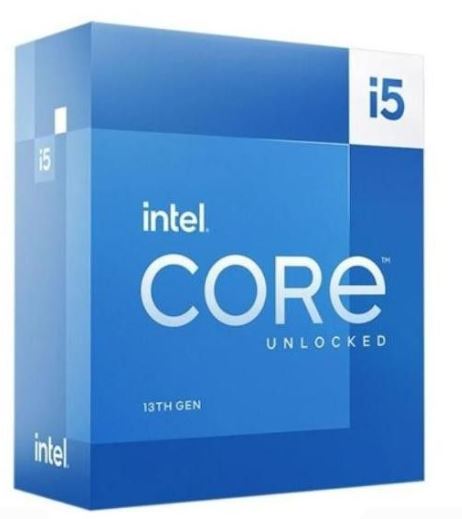
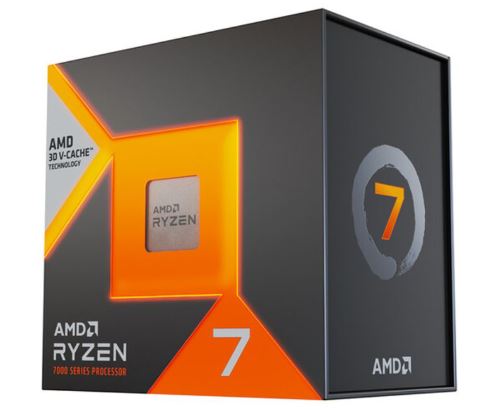
For a $1000 gaming PC build, the CPU should be powerful enough to handle:
- high FPS gaming,
- multitasking,
- streaming,
- and future GPU upgrades.
For an AMD build, the AMD Ryzen 7 5700X3D is an excellent choice because of its incredible gaming performance and 3D V-Cache technology which performs extremely well in FPS games.
For Intel users, the Intel i5-13400F is a very strong mid-range gaming processor that delivers excellent gaming performance while keeping temperatures and power consumption relatively low.
Do not worry about compatibility because the remaining hardware choices below will match the platform you decide to build on.
If you want to learn more about gaming processors, also check out:
GPU
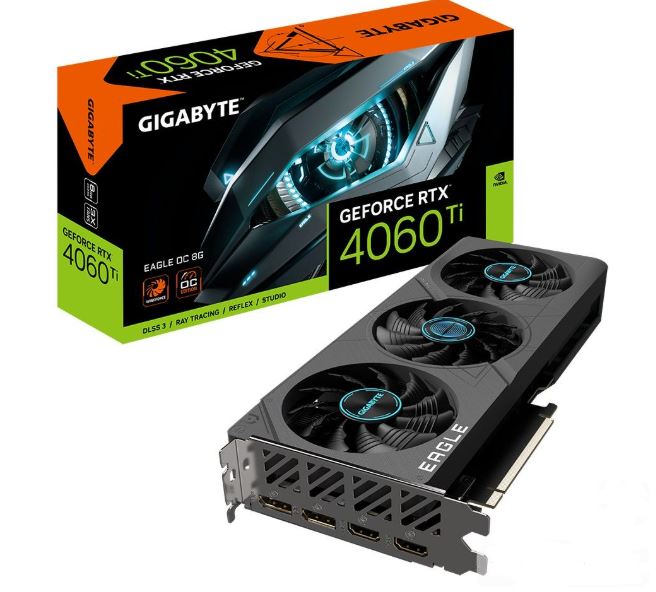
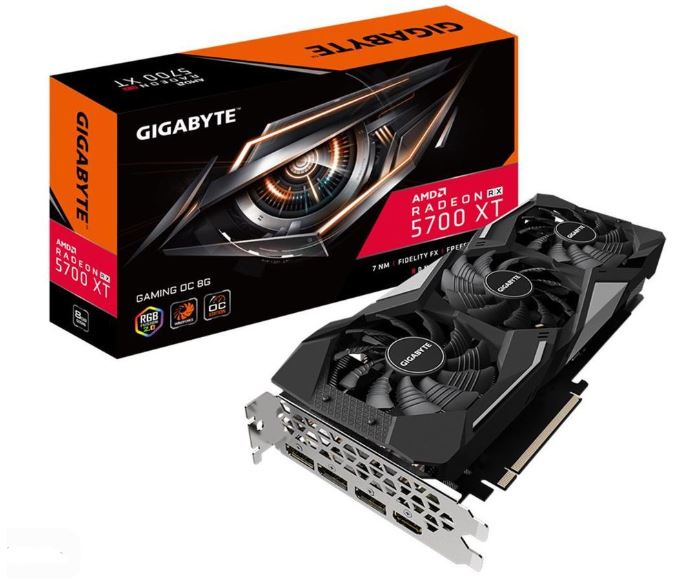
The GPU is the most important part of a gaming PC because it directly affects:
- FPS,
- graphics quality,
- and gaming smoothness.
Depending on whether you prefer AMD or NVIDIA, both options offer excellent performance around this budget range.
For AMD users, the AMD Radeon RX 7700 XT is one of the best value GPUs currently available. It comes with 12GB of VRAM and delivers very strong:
- 1080p Ultra performance,
- 1440p High settings,
- and excellent rasterization performance.
NVIDIA users can also opt for cards like the RTX 4060 Ti if they prefer features such as:
- DLSS,
- Reflex,
- and Ray Tracing.
If you want a deeper GPU comparison, also check out:
RAM
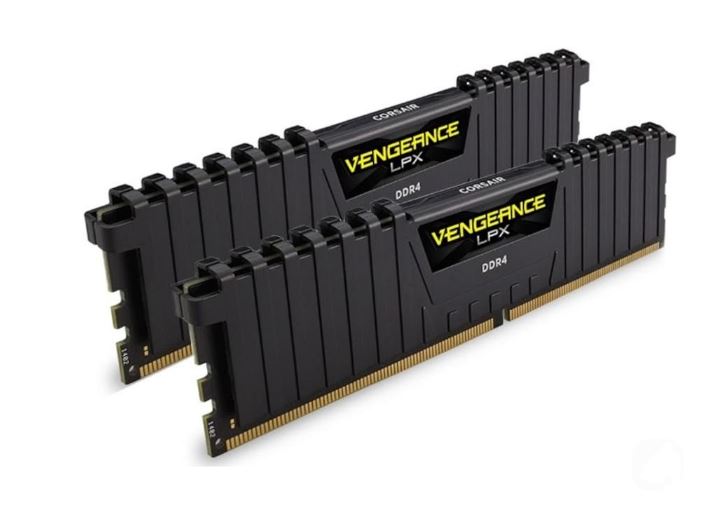
For this build, 16GB DDR4 3200MHz CL16 RAM is still more than enough for modern gaming in 2026. It provides:
- stable multitasking,
- smooth gameplay,
- and strong Esports gaming performance.
However, if your budget allows, upgrading to 32GB later will improve:
- streaming,
- editing,
- and heavy multitasking workloads.
If you want to understand RAM speed and gaming performance better, also check out:
SSD
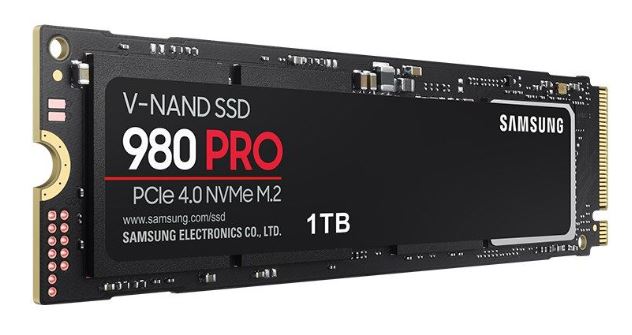
A 1TB NVMe Gen4 SSD is highly recommended for this gaming build. Modern games are becoming very large, and fast SSD storage helps improve:
- loading times,
- texture streaming,
- Windows responsiveness,
- and overall system speed.
A Gen4 SSD also gives the system a more futureproof storage setup for newer AAA games.
For more storage recommendations, check out:
Motherboard
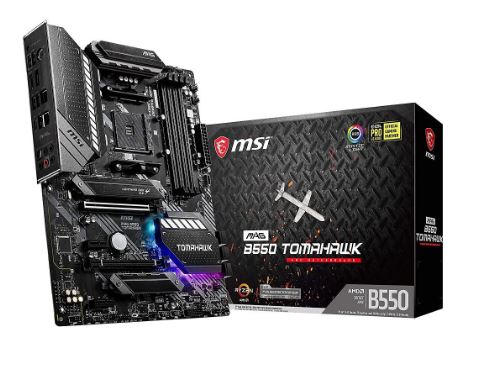
For AMD builds, excellent motherboard choices include:
- MSI B550 Tomahawk,
- or ASUS TUF B550.
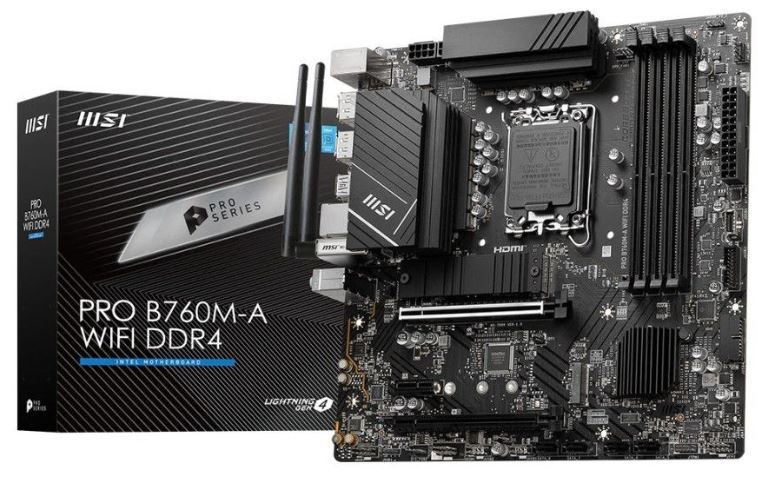
For Intel builds, the MSI PRO B760-P DDR4 is a very strong option for gaming and multitasking.
Before purchasing, always check the motherboard form factor because some models come in:
- ATX,
- or Micro-ATX sizes.
Usually, motherboards with an “M” at the end of the name indicate Micro-ATX versions, while standard ATX boards usually do not include the “M” naming.
If you want to understand motherboard compatibility better, also check out:
PSU
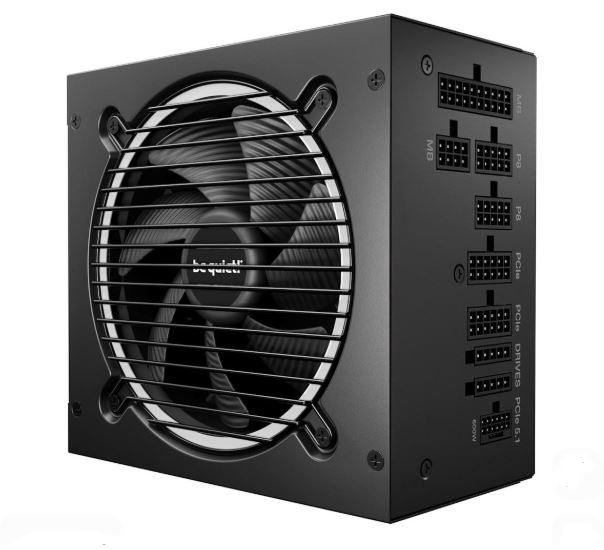
For this build, a quality 750W 80 Plus Gold power supply is highly recommended. A reliable PSU provides:
- stable voltage delivery,
- better efficiency,
- quieter operation,
- and safer long-term hardware usage.
A be quiet! 750W 80 Plus Gold PSU is an excellent choice for this setup and also provides room for future GPU upgrades.
If you want to learn more about PSU quality and efficiency ratings, check out:
Case
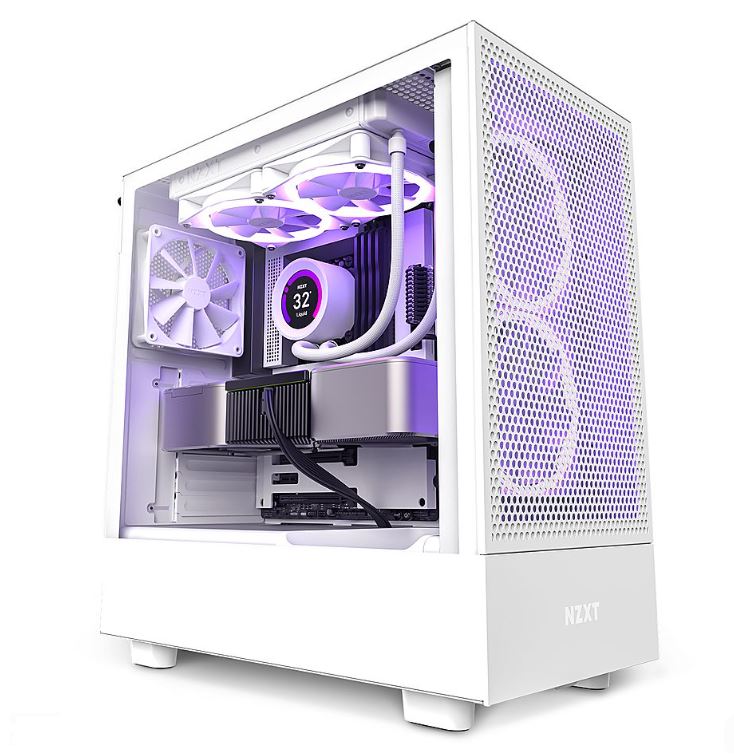
For ATX motherboard builds, the NZXT H5 Flow is an excellent airflow-focused gaming case with:
- strong cooling performance,
- clean aesthetics,
- and good cable management.
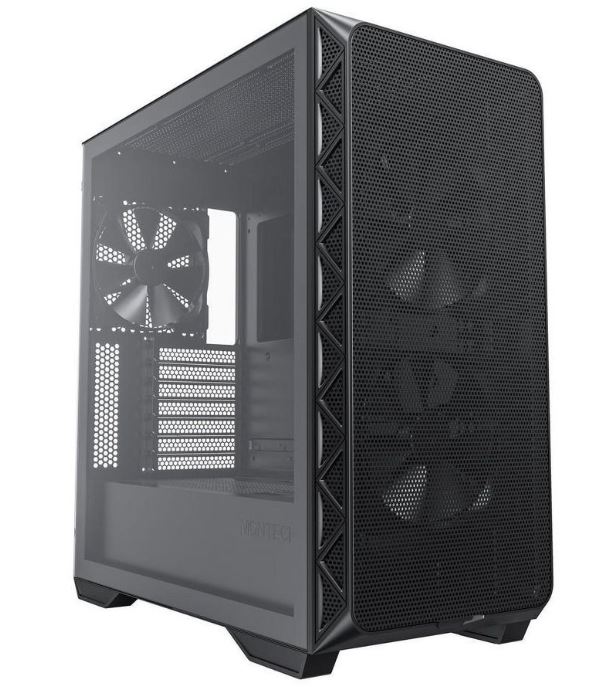
For Micro-ATX builds, the Montech AIR 100 ARGB is one of the best budget airflow cases currently available.
Both cases provide enough airflow and cooling support for modern gaming hardware.
If you want better airflow optimization, also check out:
CPU Cooler
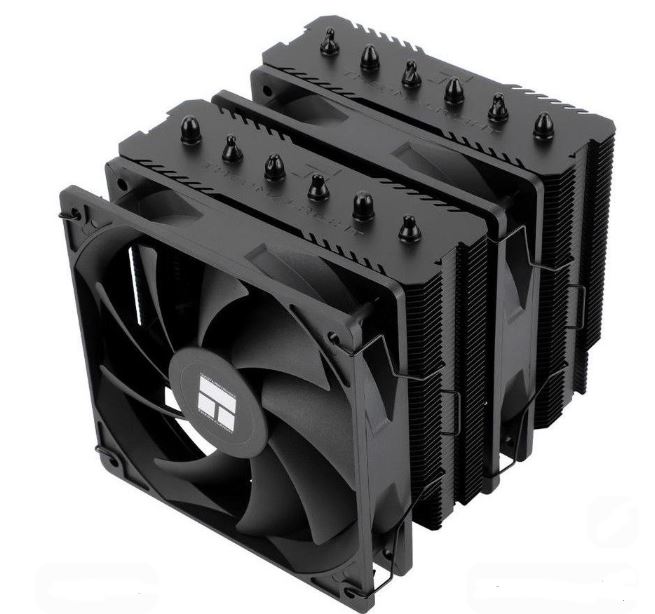
For a $1000 gaming PC build, the Thermalright Peerless Assassin 120 SE is one of the best value CPU coolers available. It delivers excellent cooling performance while remaining relatively affordable.
This cooler is more than capable of handling:
- modern gaming workloads,
- high FPS gaming,
- and long gaming sessions
without struggling thermally.
If you want more cooler recommendations, check out:
PC Fans
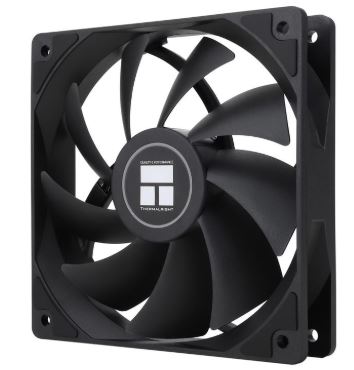
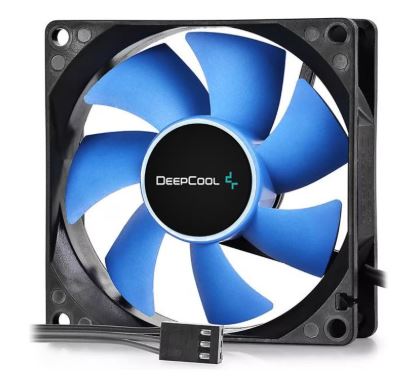
Since some PC cases already come with preinstalled fans, you do not need to overspend on extra cooling immediately. However, adding around 3 quality fans can significantly improve airflow and overall system temperatures.
A good setup would be 2 front intake fans and 1 rear exhaust fan. This creates balanced airflow inside the case and helps reduce both CPU and GPU temperatures during long gaming sessions.
For this build, budget-friendly fan options like the Arctic P12 PWM PST, Thermalright TL-C12C and DeepCool FK120 are excellent choices because they provide strong airflow, low noise and good long-term reliability without increasing the build cost too much.
If you want to understand airflow setup and choose the best fan for your build, also check out:
Option A: AMD – 5700X3D build. Best for gaming
| Part | Pick |
| CPU | Ryzen 7 5700X3D |
| Cooler | Thermalright Peerless Assassin 120 SE |
| Motherboard | MSI B550 Tomahawk or Asus TUF B550 |
| RAM | 16GB DDR4 3200 CL16 |
| GPU | RX 7700 XT 12GB |
| SSD | 1TB NVMe Gen4 |
| PSU | be quiet! 750W 80+ Gold |
| Fans | DeepCool FK120 |
| Case | NZXT H5 Flow or Montech Air 100 ARGB |
5700X3D + 7700 XT is the king of $1000 gaming rigs in 2026.
Option B: Intel – 13400F build. Better for productivity
| Part | Pick |
| CPU | Intel Core i5-13400F |
| Cooler | Thermalright Peerless Assassin 120 SE |
| Motherboard | MSI Pro B760-P DDR4 |
| RAM | 16GB DDR4 3200 CL16 |
| GPU | RX 7700 XT 12GB |
| SSD | 1TB NVMe Gen4 |
| Fans | Arctic P12 PWM PST |
| PSU | be quiet! 750W 80+ Gold |
| Case | NZXT H5 Flow or Montech Air 100 ARGB |
Common Mistakes When Building a $1000 Gaming PC
Overspending on RGB Instead of Performance
One of the biggest mistakes beginners make is spending too much money on RGB lighting instead of prioritizing performance hardware. Fancy RGB fans and expensive aesthetics may make the setup look good, but your:
- GPU,
- CPU,
- and cooling
should always come first in a gaming build.
Performance matters far more than visuals when your goal is smooth gaming and stable FPS.
Pairing a Weak PSU With Expensive Hardware
A low-quality power supply can cause:
- random shutdowns,
- instability,
- overheating,
- and even hardware damage.
Many gamers underestimate how important the PSU is because it does not directly increase FPS. Always invest in a reliable 80 Plus Gold PSU from a trusted brand.
Using Single Channel RAM
Another common mistake is buying a single RAM stick instead of dual-channel memory.
For example:
- 1x16GB RAM
performs worse in gaming compared to:
- 2x8GB RAM.
Dual-channel memory improves:
- frametimes,
- gaming smoothness,
- and overall FPS consistency.
Ignoring Airflow and Cooling
Some gamers buy compact cases with poor airflow or use very few fans inside the system. This causes:
- higher GPU temperatures,
- CPU overheating,
- and thermal throttling.
Good airflow is extremely important for maintaining stable gaming performance during long gaming sessions.
Conclusion
A $1000 gaming PC in 2026 is far more powerful than many gamers expect. With the right hardware combination, you can comfortably enjoy high FPS Esports gaming, smooth 1080p Ultra settings and very solid 1440p gaming performance without needing an extremely expensive setup.
The key to building a balanced gaming PC is choosing components that work well together. A strong GPU, capable CPU, proper airflow and quality supporting hardware all contribute to smoother gameplay, stable temperatures and long-term reliability.
This type of build also gives you a very strong upgrade path for the future, making it an excellent gaming setup for competitive gamers, casual players, streamers and content creators alike.