Refresh rate is one of the most important features of a gaming monitor, especially for competitive FPS games.
It is measured in:
Hertz (Hz)
For example:
- A 60Hz monitor refreshes the screen 60 times every second
- A 240Hz monitor refreshes the screen 240 times every second
The higher the refresh rate, the smoother and more responsive gameplay feels.
In fast-paced FPS games, smoother motion can help players:
- Track enemies more easily
- React faster during fights
- Aim more consistently
- Experience lower perceived input lag
That’s why competitive players often prioritize higher refresh rate monitors over pure visual quality.
But does upgrading from:
- 144Hz → 240Hz
actually make a noticeable difference?
And is it really worth the extra money for most gamers?
In this guide, we’ll compare 144Hz vs 240Hz for FPS games, explain the real-world differences, and help you decide which refresh rate is best for your setup and playstyle.
Why Refresh Rate Matters
Higher refresh rates provide:
- Smoother motion
- Better enemy tracking
- Reduced motion blur
- Lower perceived input lag
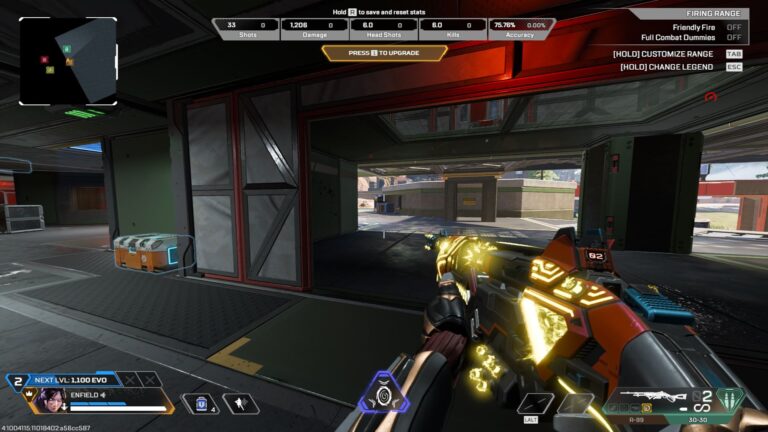
This is especially important in fast-paced FPS games like:
- Apex Legends
- Valorant
- Counter-Strike 2
Competitive players benefit heavily from higher refresh rates because fast movements appear much clearer on screen.
Refresh Rate vs FPS
Refresh rate and FPS work together, but they are not the same thing.
- Refresh rate = how many frames your monitor can display
- FPS (Frames Per Second) = how many frames your PC produces
Example:
A 240Hz monitor can display up to 240 FPS visually, but your PC must also be powerful enough to generate those frame rates.
Input Lag & Smoothness
Higher refresh rates can also reduce perceived input lag because the monitor updates information faster.
This makes gameplay feel:
- More responsive
- Smoother
- More immediate during fast fights
That’s why upgrading from:
60Hz → 144Hz
often feels like one of the biggest improvements in competitive gaming.
60Hz vs 144Hz
Back in the day, 60Hz monitors were the standard because games were much less demanding and competitive gaming was not as advanced as it is today.
Older games were simpler and easier to run, so 60Hz felt completely normal for most players.
But modern games have evolved significantly with:
- Faster gameplay
- More realistic graphics
- Advanced technologies like DLSS and Frame Generation
- Competitive multiplayer environments
As gaming evolved, higher refresh rates became far more important.
The Difference Feels Massive
The jump from:
60Hz → 144Hz
is one of the biggest upgrades a gamer can experience.
Many players describe the difference as:
“night and day.”
Gameplay on 144Hz feels:
- Much smoother
- More responsive
- Easier to track enemies with
- More comfortable during fast movement
Why 144Hz Feels Better
Compared to 60Hz, a 144Hz monitor:
- Updates the image more than twice as often
- Reduces motion blur
- Improves tracking clarity
- Lowers perceived input lag
This is especially noticeable in fast-paced FPS games like:
- Apex Legends
- Valorant
- Counter-Strike 2
Enemies appear smoother during movement, making aiming and tracking easier.
Should You Upgrade?
If you currently use:
a 60Hz monitor …upgrading to 144Hz is highly recommended for competitive gaming.
Even budget 144Hz monitors provide a huge improvement in:
- Smoothness
- Responsiveness
- Competitive gameplay feel
For most gamers, upgrading from 60Hz to 144Hz provides a much bigger difference than upgrading from 144Hz to 240Hz.
144Hz vs 240Hz
144Hz is currently the most popular refresh rate for gaming monitors because it provides an excellent balance between:
- Smooth gameplay
- Good visual quality
- Affordable pricing
For many gamers, 144Hz already feels extremely smooth compared to 60Hz.
Who Is 144Hz Best For?
144Hz is perfect for:
- Casual competitive gamers
- Story game players
- Budget-to-mid-range gaming setups
- Players who want both visuals and smoothness
Many modern:
- 1440p monitors
- 4K gaming monitors
still use 144Hz refresh rates because they focus on balancing:
visual quality and performance.
For most players, 144Hz is already more than enough for smooth competitive gaming.
Why 240Hz Exists
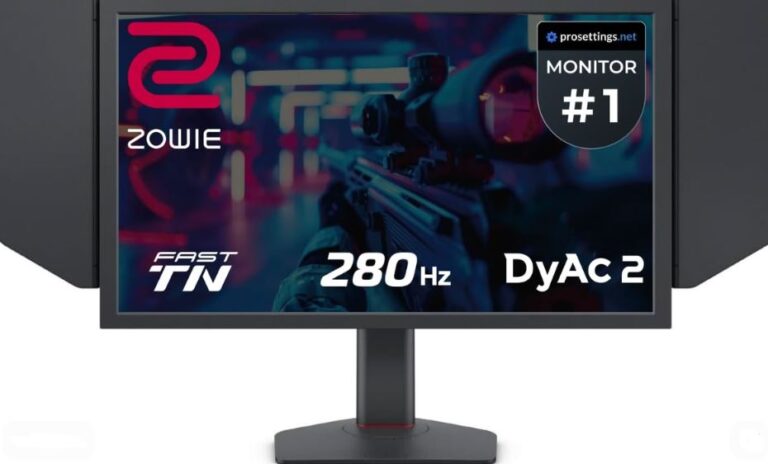
240Hz monitors are designed mainly for:
highly competitive esports gaming.
Professional players in games like:
- Apex Legends
- Counter-Strike 2
- Valorant
- Call of Duty: Warzone
often prefer 240Hz because:
- motion appears clearer,
- tracking feels smoother,
- and input responsiveness improves slightly.
Does 240Hz Feel Better?
Yes—but the jump from:
144Hz → 240Hz
is much smaller than:
60Hz → 144Hz.
The improvement is still noticeable, especially for:
- high-level competitive players,
- fast reaction gameplay,
- and tracking-heavy FPS games.
240Hz can provide:
- Reduced motion blur
- Clearer fast movement
- Slightly lower perceived latency
- Smoother tracking during fights
You Need Strong Hardware
A 240Hz monitor only becomes useful if your PC can actually produce:
200+ FPS consistently.
To fully benefit from 240Hz, you usually need:
- A strong CPU
- A powerful GPU
- Optimized game settings
Without high FPS, a 240Hz monitor loses much of its advantage.
Which One Should You Choose?
Who Should Buy a 240Hz Monitor?
A 240Hz monitor is best suited for players who value:
- Maximum smoothness
- Faster response times
- Lower perceived input lag
- Competitive performance during chaotic fights
If you are highly competitive and always strive to win, a 240Hz monitor can provide a noticeable advantage in fast-paced FPS games.
This is especially useful in games like:
- Apex Legends
- Counter-Strike 2
- Valorant
- Call of Duty: Warzone
where fast reactions and tracking matter heavily.
Best for Mid-to-High-End Gaming PCs
If you already own:
- A strong gaming PC
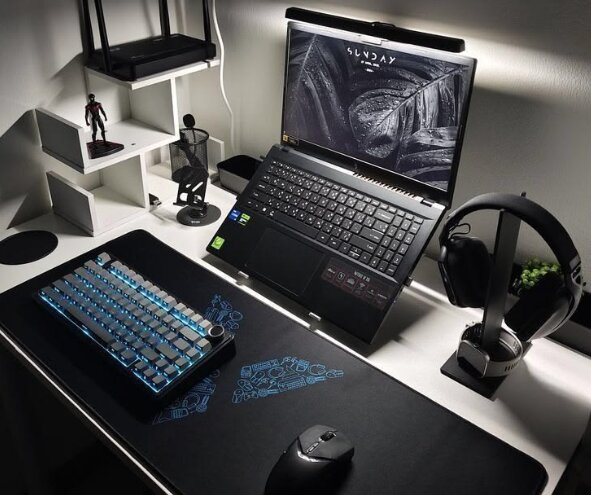
- A powerful gaming laptop
- Hardware capable of 200+ FPS
pairing it with a 240Hz monitor makes sense.
Using a lower refresh rate monitor like 120Hz or 144Hz on extremely powerful hardware can limit how much smoothness your system is capable of displaying.
When 144Hz Is Enough
144Hz is still excellent for the majority of gamers.
If you:
- Play casually
- Are on a budget
- Play both competitive and story games
- Do not consistently reach 240 FPS
then a 144Hz monitor is more than enough.
Why 144Hz Is Still Popular
Most budget gaming monitors use:
144Hz refresh rates
because they provide:
- Smooth gameplay
- Good responsiveness
- Affordable pricing
- Strong competitive performance
A good 144Hz monitor with solid response times is still highly capable of handling competitive FPS gaming.
Even many skilled competitive players still perform extremely well on 144Hz displays.
Final Recommendation
Choose 240Hz If:
- You are highly competitive
- You mainly play FPS games
- You already own powerful hardware
- You want the smoothest experience possible
Choose 144Hz If:
- You are on a budget
- You play casually or semi-competitively
- You want the best balance between price and performance
Common Refresh Rate & Monitor Mistakes
Many gamers buy high refresh rate monitors but never fully optimize them.
Here are some of the most common mistakes players make when setting up their gaming monitors.
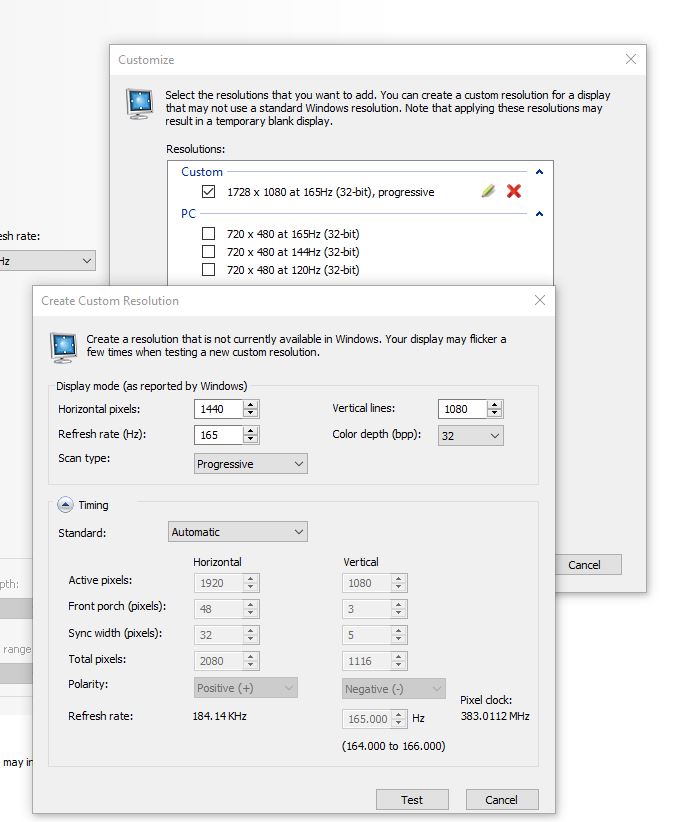
Not Changing the Refresh Rate After Buying the Monitor
One of the biggest beginner mistakes is using a new gaming monitor straight out of the box without changing the refresh rate settings.
Even if your monitor supports:
- 144Hz
- 165Hz
- 240Hz
Windows may still default it to:
60Hz.
How to Fix It
After connecting your monitor using:
- HDMI
or preferably - DisplayPort
Go to:
Settings → Display → Advanced Display Settings
Then manually select the highest refresh rate your monitor supports.
Thinking Refresh Rate Equals FPS
Refresh rate and FPS are connected, but they are NOT the same thing.
Think of:
- Refresh rate (Hz) = the maximum smoothness your monitor can display
- FPS = the performance your PC actually produces
Simple Example
You can own:
- A 240Hz monitor
…but still only get:
- 90 FPS
if your:
- GPU
- CPU
cannot produce higher frame rates.
At the same time, you could own a powerful gaming PC capable of 300 FPS, but a 60Hz monitor would still only visually display 60 frames per second.
Think of refresh rate like:
a cup.
The bigger the cup, the more water it can hold.
A 240Hz monitor is a larger cup because it can display more frames smoothly.
A 60Hz monitor is a smaller cup, meaning extra FPS beyond 60 cannot be fully displayed visually.
Leaving Overdrive Disabled
Many gaming monitors include:
Overdrive settings
but players often leave them on:
- Normal
or - Default.
Overdrive helps reduce:
- Ghosting
- Motion blur
- Smearing during movement
This is especially important in fast-paced FPS games.
Recommended Overdrive Settings
Most monitors perform best on:
- Medium
- Fast
Avoid extreme overdrive settings unless they perform well on your specific monitor because too much overdrive can create:
- Inverse ghosting
- Overshoot artifacts
Conclusion
Refresh rate plays a massive role in how smooth and responsive games feel, especially in competitive FPS titles.
The jump from:
- 60Hz → 144Hz
is one of the biggest upgrades most gamers will ever experience because gameplay becomes:
- smoother,
- clearer,
- and more responsive.
And while the upgrade from:
- 144Hz → 240Hz
is smaller, competitive players can still benefit from:
- reduced motion blur,
- smoother tracking,
- and lower perceived input lag.
For most gamers:
144Hz is the perfect balance between price, performance, and smoothness.
But if you:
- play FPS games competitively,
- own powerful hardware,
- and want the smoothest experience possible,
then a 240Hz monitor is absolutely worth considering.
No matter which refresh rate you choose, remember:
- your monitor settings matter,
- your PC performance matters,
- and optimizing both together creates the best gaming experience.
If you want to optimize your setup further, check out:
- the best monitor settings for FPS games
- the best FPS settings for competitive gaming
- how to reduce input lag in FPS games
- /the best sensitivity settings for FPS games
And if you’re planning to build a smoother competitive gaming setup, check out the best gaming setup under $1000.