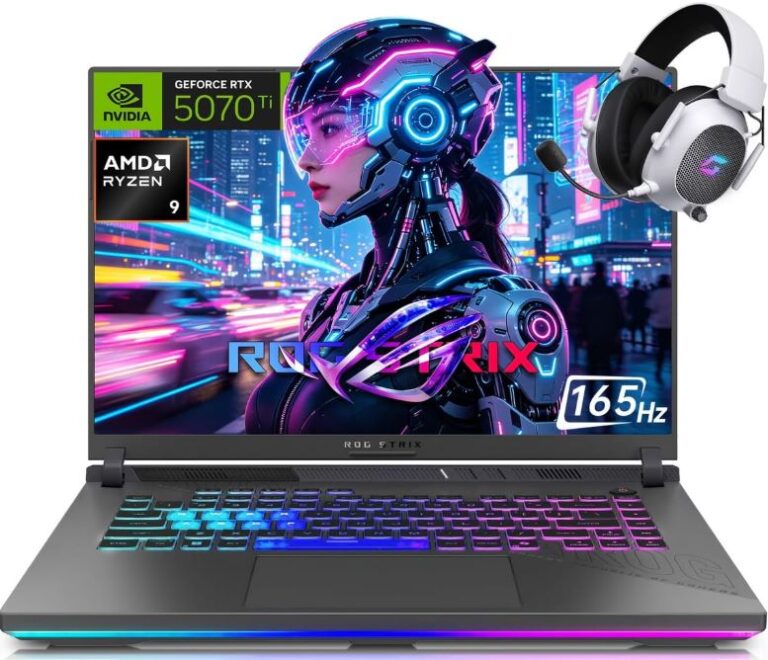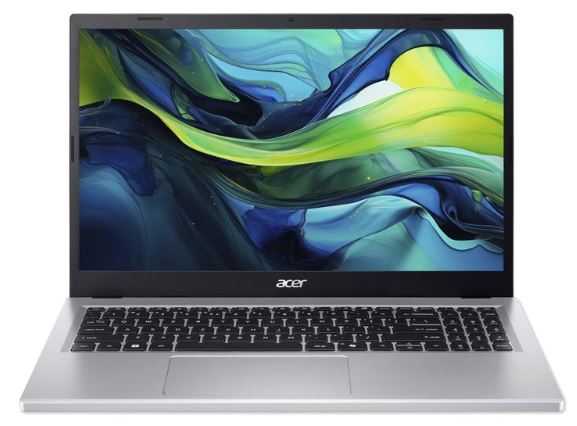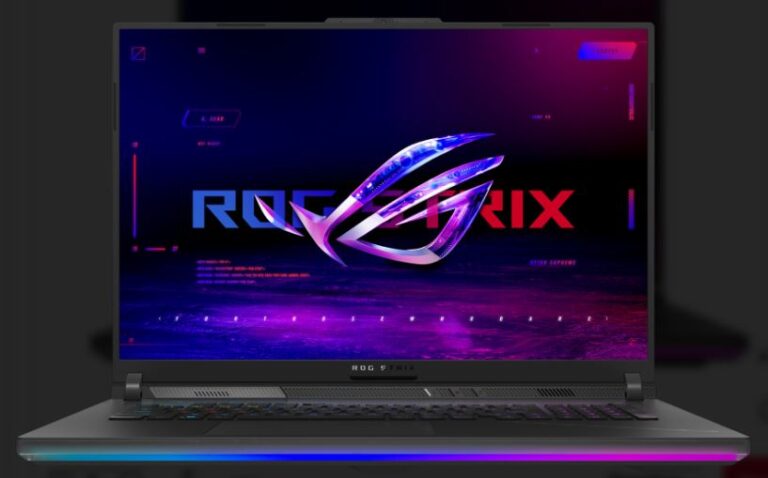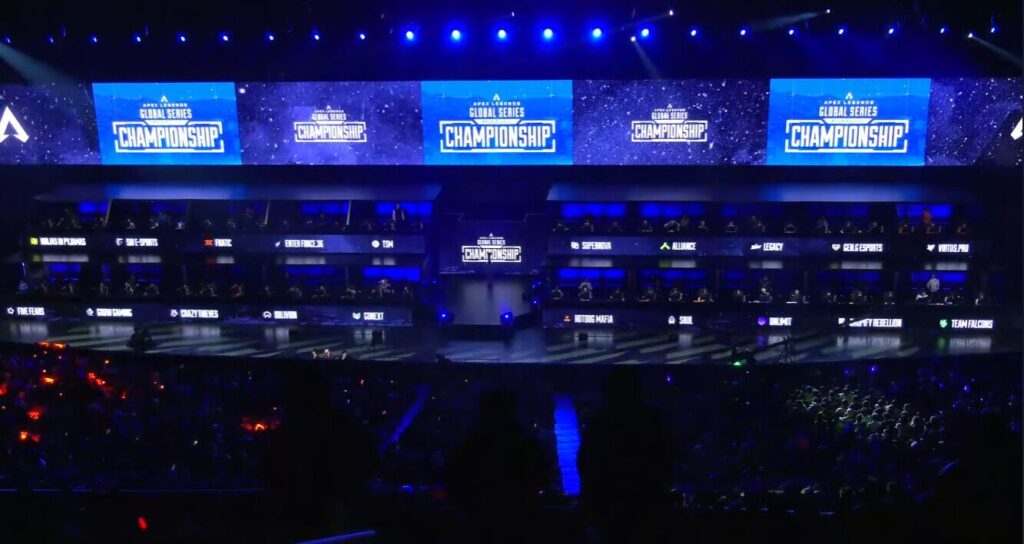
Gaming in 2026 is more demanding than ever, with many modern titles requiring powerful hardware to run smoothly. This has made high-end gaming laptops expensive—but the good news is, you don’t need one to enjoy competitive gaming. I personally have a low-end gaming laptop which has a GTX 1650ti and Ryzen 5 4600H CPU and I happily play Apex Legends every day, I get my ass whooped but I still have fun.
E-sports titles are designed to run on a wide range of systems, making them perfect for budget gamers. Games like Apex Legends, Valorant, Dota 2, League of Legends, and Counter-Strike 2 are well-optimized and can run smoothly even on affordable laptops. But if you want a detailed guide on, how to increase FPS in Apex legend I’ve got you covered.
In this guide, you’ll discover the best gaming laptops under $700 for esports in 2026, along with what to expect and how to choose the right one for smooth, competitive performance so you don’t set unrealistic expectations.
Affiliate Disclosure
Some of the links in this article are affiliate links, which means I may earn a small commission if you purchase a product through one of these links, at no additional cost to you. This helps support me and allows me to continue creating gaming guides and hardware recommendations for you.
What to Expect From a $700 Gaming Laptop
Performance
With $700 depending on the E-sports title you play expect 90–144 FPS. This is a realistic expectation because the GPU’s in this price range are entry levels. When I play Apex, I tweak all my settings to low, even texture streaming budget to none. I also have an external monitor which relieves my laptop from using all its resources. And my average FPS is 100fps- 120 which is stable enough for the game.
This is more than enough for smooth and competitive gameplay.
Graphics Settings
To achieve stable FPS:
- Use low to medium settings
- Avoid ultra graphics
Higher settings will reduce performance and may cause stuttering or lag. And in competitive games, everyone is trying and sweating their behinds off so having your gaming laptop stutter midgame will be very demotivating.
Key Takeaway
Gaming laptops in this price range are optimized for:
- Smooth gameplay
- Consistent FPS
- Competitive performance
not high-end visuals.
Minimum Specs for Esports Gaming
At a $700 budget, you can get a laptop capable of running popular e-sports titles like Apex Legends, Valorant, and Counter-Strike 2 smoothly.
GPU (Graphics Card)
You should aim for:
- GTX 1650 / GTX 1650 Ti
- RTX 2050 / RTX 3050 (if available)
These GPUs can deliver stable FPS in e-sports games at optimized settings. And I personally use the GTX 1650 Ti for over 5rys and it is the same laptop I use to write this article. Anything above the 1650 is better.
CPU (Processor)
A mid-range CPU is essential for high FPS:
- AMD Ryzen 5
- Intel Core i5 (The Generation Matters)
For example, a Ryzen 5 4600H can run CS2 at around 165 FPS at low settings. Because games like CS2 and even Minecraft are CPU dependent and Ryzen 5 4600H is enough to run them.
RAM
- 8GB RAM (minimum)
- 16GB RAM (recommended)
More RAM improves multitasking and overall game performance. For having Microsoft Edge on and also game. But it’s not advisable. but you can.
Storage (SSD)
An SSD is essential for gaming:
- Faster load times
- Smoother performance
- Quicker game downloads
Always install your games on an SSD instead of an HDD. But having HDD isn’t bad, you can download movies and music and game installation files on the HDD and use the SSD for games you currently play and windows installation.
Best Gaming Laptops Under $700.
Acer Nitro 5 (2025 Edition)
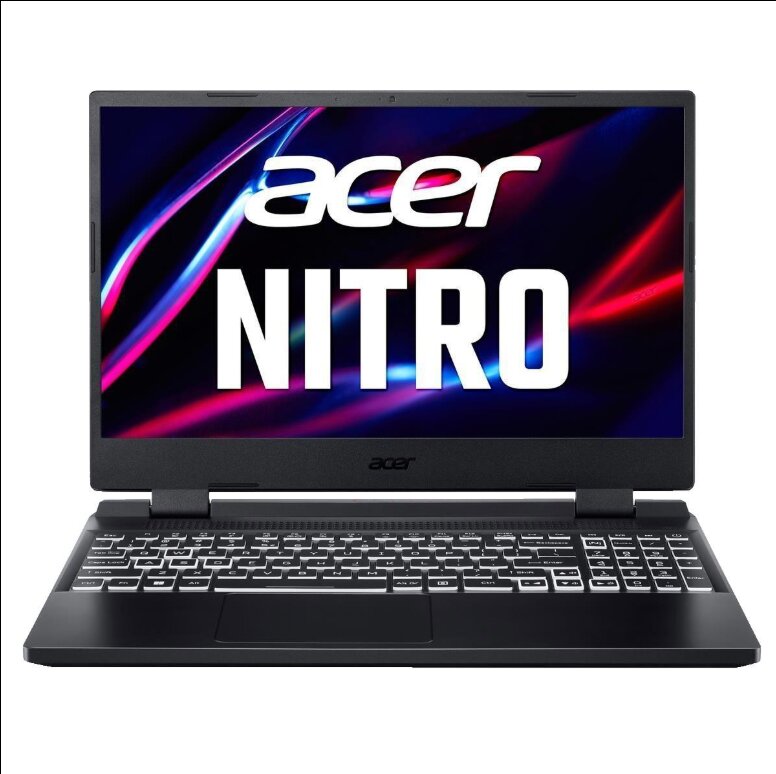
Key Specifications
- CPU: Intel Core i5-13420H (8-core)
- GPU: NVIDIA GeForce RTX 4050
- RAM: 16GB DDR4
- Storage: 512GB SSD (upgradeable)
Performance in Esports Games (1080p)
With optimized settings, the Acer Nitro 5 delivers excellent performance in competitive titles like Apex Legends, Valorant, and Counter-Strike 2.
Apex Legends
- Low Settings: 140–180 FPS
- Medium Settings: 110–140 FPS
- High Settings: 80–100 FPS
Easily supports 144Hz gameplay on competitive settings.
Valorant
- Low Settings: 280–350 FPS
- Medium Settings: 220–280 FPS
- High Settings: 180–220 FPS
Extremely smooth—mostly CPU-limited performance.
Counter-Strike 2
- Low Settings: 180–240 FPS
- Medium Settings: 140–180 FPS
- High Settings: 100–130 FPS
Stable high FPS for competitive play.
Pros
- Strong performance for the price
- 16GB RAM out of the box
- Good cooling with dual-fan system
- Upgradeable storage
Cons
- Average battery life (best used while plugged in)
- Slightly bulky design
Verdict
The Acer Nitro 5 (2025 Edition) is one of the best gaming laptops under $700 for esports.
It offers excellent FPS performance, solid cooling, and enough power to handle competitive games smoothly.
A great choice for budget gamers who want performance without overspending.
HP Victus 15 Gaming Laptop
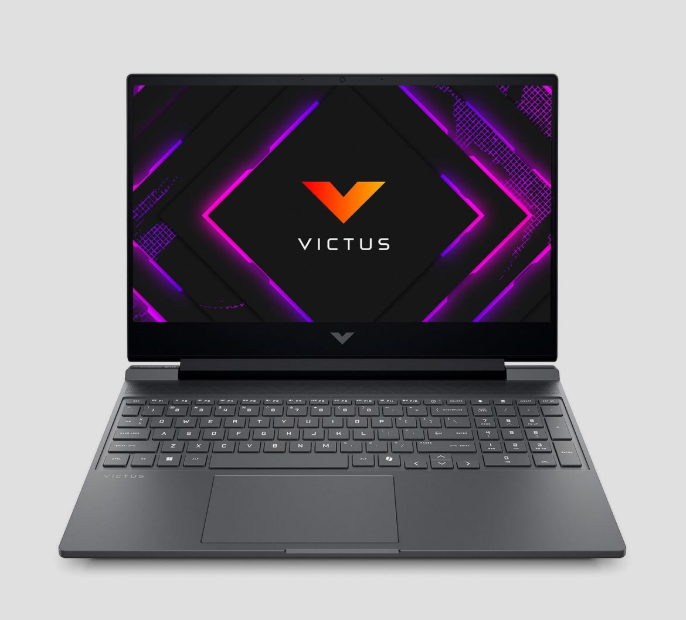
Key Features
- CPU: AMD Ryzen 5 7535HS
- GPU: AMD Radeon RX 6550M (4GB)
- RAM: 8GB DDR5
- Storage: 512GB SSD
Performance in Esports Games
Apex Legends (1080p)
- Low Settings: 100–130 FPS
- Medium Settings: 75–95 FPS
- High Settings: 55–70 FPS
The RX 6550M performs well, but struggles slightly at High settings due to VRAM limits.
8GB RAM can also cause stuttering if background apps (like Discord or Chrome) are running.
Best experience: Low–Medium settings for competitive gameplay
Valorant (1080p)
- Low Settings: 200–260 FPS
- Medium Settings: 160–200 FPS
- High Settings: 120–160 FPS
Valorant runs very smoothly. The Ryzen 5 7535HS handles it easily.
However, single-channel 8GB RAM can reduce performance by around 10–15%.
Still capable of 144Hz+ gameplay on Low settings
Counter-Strike 2 (1080p)
- Low Settings: 120–160 FPS
- Medium Settings: 90–120 FPS
- High Settings: 65–85 FPS
CS2 is more demanding than Valorant.
High settings may feel inconsistent, especially with only 8GB RAM.
Best to stick to Low–Medium for stable FPS
Pros
- Upgradeable: RAM and SSD can be upgraded for better performance
- Good Cooling: Maintains reasonable temperatures (~80–85°C under load)
- Strong CPU: Ryzen 5 7535HS handles esports titles well
Cons
- Build Quality: Plastic chassis with some screen wobble
- Battery Life: Around 2–4 hours (less during gaming)
- Ports: Some users report tight USB and headphone jacks
MSI Thin GF63 Gaming Laptop
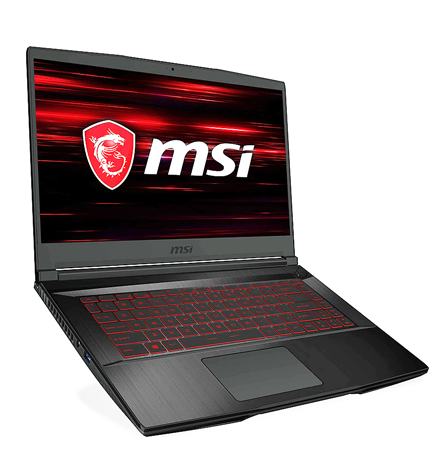
Key Features
- CPU: Intel Core i5-12450H
- GPU: NVIDIA GeForce RTX 2050 (4GB)
- RAM: 8GB DDR4
- Storage: 512GB SSD
Performance in E-sports Games
Apex Legends (1080p)
- Low Settings: 80–110 FPS
- Medium Settings: 60–80 FPS
- High Settings: 45–60 FPS
The RTX 2050 performs decently but is weaker than the RX 6550M by around 10–15%.
8GB RAM will cause stuttering, especially with background apps running.
Best experience: Low–Medium settings for stable FPS
Valorant (1080p)
- Low Settings: 180–240 FPS
- Medium Settings: 140–180 FPS
- High Settings: 100–130 FPS
The i5-12450H handles Valorant well.
However, single-channel 8GB RAM affects 1% lows (frame stability).
Still capable of 144Hz+ gameplay on Low settings
Counter-Strike 2 (1080p)
- Low Settings: 100–130 FPS
- Medium Settings: 75–95 FPS
- High Settings: 55–70 FPS
High settings can feel inconsistent, especially during heavy effects (smokes, grenades).
Best to use Low–Medium settings
Pros
- Affordable: One of the cheapest gaming laptops (around $450–$550)
- DLSS Support: Helps improve FPS in supported games
- MSI Center: Easy control over performance and fan settings
Cons
- Weak GPU: RTX 2050 (low wattage) struggles with newer AAA games
- 8GB RAM: Needs upgrade for smooth performance
- Thermals: Thin design leads to higher temperatures (90–95°C) and loud fans
- Build Quality: Flexible screen and budget plastic feel
Which Laptop Should You Choose?
Among the three options, the Acer Nitro 5 (2025 Edition) stands out as the best overall choice.
It comes with a more powerful setup, including:
- Intel Core i5-13420H
- NVIDIA GeForce RTX 4050
- 16GB RAM (already upgraded)
This makes it significantly stronger than the other laptops in both performance and future-proofing.
At around $699, it offers the best balance of price, performance, and value—making it the top pick for esports gaming on a budget. But it’s slightly challenging to find one in this price range, but rest assured I will be on the lookout on your behalf.
If you’re on a tighter budget, the MSI Thin is the cheapest option, while the HP Victus offers a strong balance between price and performance.
Conclusion
Finding a good gaming laptop under $700 can be challenging, but it’s definitely possible to get solid performance for esports titles.
Whether you’re playing Apex Legends, Valorant, or Counter-Strike 2, the laptops listed above can deliver smooth and competitive gameplay when properly optimized.
If you’re looking for the best overall value, the Acer Nitro 5 stands out with its stronger GPU and 16GB RAM. However, if your budget is tighter, options like the HP Victus and MSI Thin can still perform well with the right settings.
At the end of the day, you don’t need an expensive setup to compete—you just need the right laptop and proper optimization.
And I know the Pro Players don’t use the gaming laptops to make 360 no scope headshot with the sniper or neo strafe so I also recommend Best Wired Gaming Mouse Under $40 for FPS Games (2026 Guide) and Best Wireless Gaming Mouse Under $40 for FPS Games (2026 Guide). You can find yourself a gaming keyboard along the line.
Games like Apex legends, The Finals and other fast paced competitive games literally has no audio I can’t count how many times I die to someone beaming me at my backside. That’s why getting yourself a budget headset is so important, and good for us I’ve written and article Best Budget Gaming Headset for FPS (2026 Guide) the funny thing is that you will still get beamed at your back regardless you have a $3000 headset. But endulge me.
Thank You for your time. It means a lot to me.