In the CPU market, AMD and Intel are the two most dominant processor brands for gaming. Gamers usually have a side:
- Team Red 🔴 for AMD
- or Team Blue 🔵 for Intel.
No matter which side you are on, both companies currently make some of the best CPUs for gaming and competitive FPS performance. AMD and Intel processors are both excellent for gaming, but gamers, streamers, and content creators usually prefer different CPUs depending on what they mainly use their PC for. This is what creates two main groups:
- pure gamers,
- and multitaskers/content creators.
Some gamers focus mainly on:
- maximum FPS,
- low latency,
- smooth gameplay,
- and frame pacing,
while others also care about:
- streaming,
- video editing,
- multitasking,
- and productivity performance.
Your choice between AMD and Intel will usually depend on:
- your budget,
- the games you play,
- your gaming setup,
- and how you use your PC overall.
In this article, we are mainly focusing on what FPS gamers need most from a CPU. As an FPS gamer, the most important things I personally look for are:
- stable FPS,
- low latency,
- smooth frame pacing,
- and high responsiveness during gameplay.
Both AMD and Intel CPUs are capable of delivering excellent gaming performance, but each brand has different strengths that may benefit different types of gamers.
AMD VS INTEL : MAIN DIFFERENCES
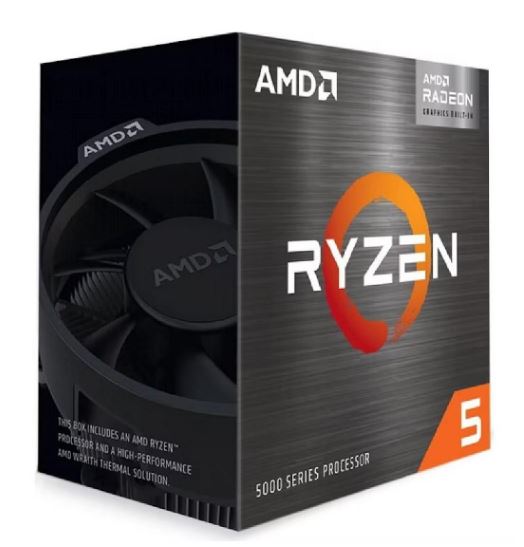
Even though both AMD and Intel CPUs provide excellent gaming performance, each brand has its own strengths and advantages depending on how you use your gaming PC.
Some CPUs are better for:
- pure FPS gaming,
- competitive esports,
- and stable frame pacing,
while others are better for:
- streaming,
- multitasking,
- and productivity work.
Let’s start with AMD CPUs.
AMD CPUs
Better Efficiency
AMD CPUs are known for their excellent efficiency and balanced core performance. AMD processors use their cores very effectively together, helping deliver:
- stable FPS,
- smoother gameplay,
- and better frame pacing during long gaming sessions.
This balanced core usage also helps the CPU work smoothly together with the graphics card to maintain consistent gaming performance.
Cooler Temperatures
AMD Ryzen CPUs are generally known for running cooler compared to Intel processors. Because AMD processors are more power efficient, they usually:
- consume less power,
- generate lower temperatures,
- and maintain stable gaming performance.
This is very useful for:
- long gaming sessions,
- budget gaming PCs,
- and quieter gaming setups.
Lower temperatures also help reduce:
- thermal throttling,
- FPS drops,
- and unstable gameplay.
Better Upgrade Path
One of AMD’s biggest advantages is upgrade flexibility. AMD CPUs mainly use:
- AM3,
- AM4,
- and AM5 motherboard platforms.
The newer:
AM5 motherboards
will support future Ryzen CPU generations for several years, allowing gamers to upgrade their processor later without completely changing the motherboard. This makes AMD CPUs very popular among:
- budget gamers,
- long-term PC builders,
- and gamers planning future upgrades.
Better Multi-Core Value
AMD CPUs are excellent for:
- multitasking,
- streaming,
- background applications,
- and gaming simultaneously.
Their strong multi-core performance helps improve:
- frame pacing,
- stable FPS,
- and smoother gaming performance,
especially in modern games that use multiple CPU cores.
Intel CPUs
Best Single-Core Performance
Intel CPUs are famous for their excellent single-core performance. This is extremely important in CPU-intensive FPS games like:
- Valorant,
- Counter-Strike 2,
- Minecraft,
- and Fortnite.
At competitive settings, mid-range and high-end Intel CPUs can achieve extremely high FPS numbers in esports titles. In many competitive games: single-core performance matters more than total core count. This is why Intel CPUs are still extremely popular among competitive gamers.
Higher Peak FPS
High FPS (Frames Per Second) is extremely important in FPS games because smoother gameplay improves:
- responsiveness,
- reaction time,
- and competitive performance.
With a strong Intel CPU, competitive FPS games can reach:
- very high frame rates,
- smoother gameplay,
- and lower latency.
This is especially important for gamers using:
- 144Hz monitors,
- 240Hz monitors,
- or higher refresh rate displays.
Strong for Esports Gaming
Games like:
- Counter-Strike 2,
- Valorant,
- Fortnite,
- and Rainbow Six Siege
are heavily CPU-dependent.
This is why pairing a good Intel CPU with the right graphics card is very important to avoid bottlenecks and maintain stable FPS during competitive gameplay. Intel CPUs remain some of the best processors for:
- esports gaming,
- low latency gameplay,
- and maximum FPS performance.
Better Productivity Performance
Intel processors are also excellent for:
- streaming,
- video editing,
- 3D rendering,
- multitasking,
- and content creation.
Many streamers and content creators prefer Intel CPUs because of their:
- strong productivity performance,
- fast rendering speeds,
- and Intel Quick Sync technology.
This makes Intel CPUs excellent for gamers who also:
- stream on Twitch,
- upload YouTube videos,
- or edit gameplay content.
Higher Power Usage
One downside of Intel CPUs is their higher power consumption. Even though Intel processors deliver excellent gaming performance and extremely high FPS, they usually:
- consume more power,
- generate more heat,
- and require stronger cooling.
Because of this, some budget gamers prefer AMD CPUs for their:
- better efficiency,
- lower temperatures,
- and lower overall power usage.
| AMD | INTEL |
| Better Efficiency | Better single-core |
| Cooler temps | Higher peak FPS |
| Better upgrade path | Strong esports performance |
| Better multi-core value | Better productivity in some apps |
| AM5 longevity | Higher power usage |
Which CPU Brand Gives More FPS?
This is probably the biggest question most gamers ask when choosing between AMD and Intel CPUs for FPS gaming. As gamers, we always want to get the maximum performance out of our gaming setup, which is why FPS matters so much in competitive gaming. The truth is: both AMD and Intel CPUs can deliver extremely high FPS, but the better option usually depends on the game you play and the type of gaming performance you want.
Intel CPUs for Higher FPS in CPU-Intensive Games
Intel CPUs are known for their extremely strong single-core performance. This helps Intel processors achieve very high FPS in CPU-intensive games like:
- Valorant,
- Counter-Strike 2,
- Fortnite,
- League of Legends,
- and World of Warcraft.
These games rely heavily on fast single-core performance, which is why Intel CPUs can massively boost FPS in competitive esports titles.
For gamers focused mainly on:
- maximum FPS,
- low latency,
- and competitive gaming,
Intel processors remain excellent choices.
AMD X3D CPUs Dominate Modern Games
Even though Intel CPUs have strong single-core performance, modern AMD X3D processors are currently dominating many modern games.
Why?
Because AMD’s:
3D V-Cache technology
gives Ryzen X3D CPUs a massive amount of cache memory which modern games heavily benefit from.
This helps:
- reduce render times,
- improve asset loading,
- improve frame pacing,
- and work more efficiently with the GPU.
Modern games like:
- Apex Legends,
- Warzone,
- Battlefield,
- and Call of Duty
benefit heavily from AMD’s X3D technology and can achieve extremely high FPS with smoother gameplay.
It Depends on the Game Engine
Different games use different game engines, and some engines favor AMD while others favor Intel.
Game engines like:
- Unreal Engine 5,
- Anvil Engine,
- and Creation Engine 2
are often more cache and memory dependent.
AMD X3D CPUs perform extremely well here because the extra cache helps improve gaming performance and can sometimes provide:
15–30% more FPS
compared to some Intel processors.
However, engines like:
- Source Engine,
- Frostbite,
- and RE Engine
rely more heavily on:
- clock speeds,
- strong main threads,
- and single-core performance.
This is where Intel CPUs usually perform extremely well.
GPU Pairing Also Matters
Pairing your CPU with the right GPU is extremely important for FPS gaming. Even the best CPU can perform poorly if paired with a weak graphics card.
A balanced:
- CPU,
- GPU,
- RAM,
- and cooling setup
helps reduce bottlenecks and improves:
- stable FPS,
- frame pacing,
- and overall gaming smoothness.
That is why choosing the right CPU and GPU combination is one of the best ways to maximize gaming performance.
BEST FOR COMPETITIVE GAMING
For competitive gaming, both AMD and Intel CPUs are excellent choices, but when it comes to:
- smoother gameplay,
- frame pacing,
- and stable FPS,
modern AMD X3D processors currently have a strong advantage.
Frame Pacing
Frame pacing describes how consistent the timing between frames is during gameplay. Good frame pacing makes your game feel:
- smooth,
- responsive,
- and stable.
Bad frame pacing can cause:
- micro stutters,
- inconsistent gameplay,
- and sudden FPS spikes
even if your average FPS is high. For example: A game running at a stable 200 FPS usually feels smoother than a game constantly jumping between 120 FPS and 300 FPS.
Why AMD X3D CPUs Have Better Frame Pacing
AMD X3D processors use:
3D V-Cache technology
which gives the CPU a massive amount of cache memory.
This helps reduce:
- frame time spikes,
- loading delays,
- and stuttering.
Modern games often stutter when the CPU has to constantly wait for system RAM. AMD X3D CPUs reduce this problem because the:
96MB–128MB cache
stores more game data directly on the CPU itself.
This helps deliver:
- smoother gameplay,
- better frame pacing,
- fewer hitches,
- and more stable FPS.
This is one of the main reasons why CPUs like the:
- Ryzen 7 7800X3D
- and Ryzen 9 9950X3D
are considered some of the best gaming processors for competitive gaming.
1% Lows Matter
1% lows are extremely important in competitive FPS gaming.
1% lows measure the worst FPS drops during gameplay.
When your:
- CPU,
- GPU,
- RAM,
- and cooling
are properly balanced, your 1% lows become much closer to your average FPS.
This helps make gameplay feel:
- smoother,
- more responsive,
- and more stable.
For competitive FPS games like:
- Valorant,
- Counter-Strike 2,
- Apex Legends,
- and Fortnite,
stable FPS and good 1% lows are often more important than simply having extremely high average FPS numbers.
BEST BUDGET CPU BRAND
Between AMD and Intel, there is honestly no simple winner when it comes to budget gaming CPUs because both brands offer excellent processors for FPS gaming.
However, when it comes to:
- price-to-performance,
- upgrade path,
- and overall gaming value,
AMD CPUs usually provide slightly better value for budget gaming builds.
With AMD, you can build a cheaper gaming PC while still enjoying:
- smooth gameplay,
- stable FPS,
- and excellent gaming performance
especially when paired with optimized graphics settings.
Most budget AMD CPUs use:
AM4 motherboards
which are:
- affordable,
- easy to upgrade,
- and widely available.
Best Budget AMD CPUs
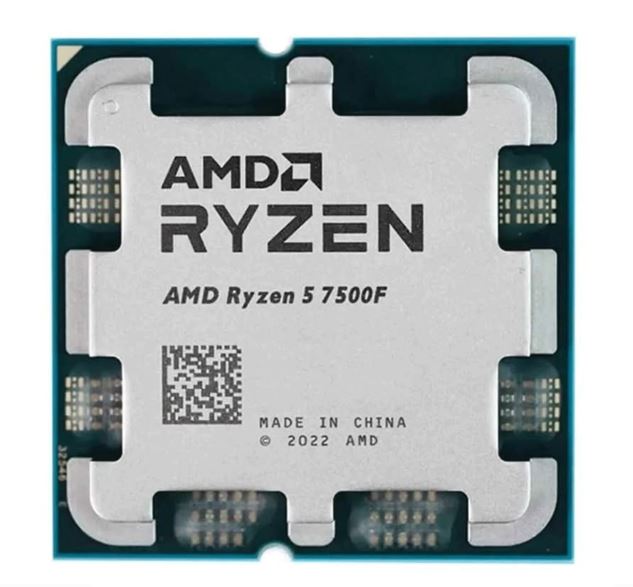
Ryzen 5 5600G
One of the best things about the Ryzen 5 5600G is that it includes:
integrated graphics
This allows gamers to build a gaming PC even before buying a dedicated graphics card.
Performance
- Boost Clock up to 4.4GHz
- Excellent upgrade path
- Great for beginner gaming PCs
This CPU is perfect for:
- ultra budget gaming builds,
- esports gaming,
- and gradual PC upgrades.
Ryzen 5 5600
Price
Around $95–$110
The Ryzen 5 5600 is one of the best value AMD gaming CPUs currently available.
It delivers around:
90% of the Ryzen 5 5600X performance
while costing much less.
Gaming Performance
When paired with GPUs like:
- RX 7600,
- or RTX 4060,
this CPU can comfortably handle:
- 1440p gaming,
- medium-to-high settings,
- and competitive FPS gaming.
Best For
$600–$800 gaming PC builds
Best Budget Intel CPUs
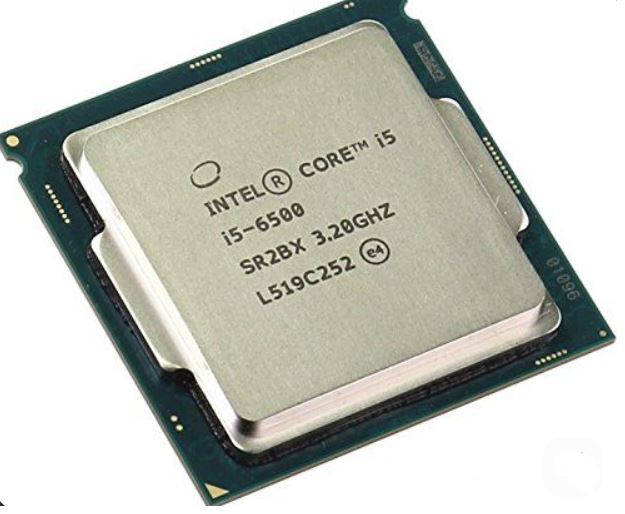
Intel also has some excellent budget gaming processors for FPS gaming.
Intel Core i5-12400F
Price
Around $95–$110
Specifications
- 6 Cores
- 12 Threads
- No Integrated Graphics
The Intel Core i5-12400F delivers gaming performance very close to the Ryzen 5 5600 and is often available at very affordable prices.
When paired with:
- RX 7600,
- or RTX 4060,
it performs extremely well for:
- 1080p gaming,
- 1440p gaming,
- and competitive FPS games.
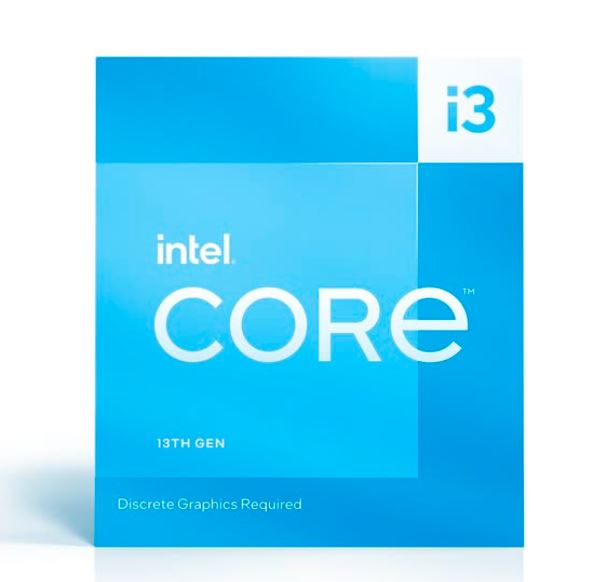
Intel Core i3-13100F
Price
Around $85–$95
The Intel Core i3-13100F is one of the best ultra budget CPUs for esports gaming.
Why It’s Good
- Excellent single-core performance
- Great for competitive FPS games
- Very affordable price
Because of its strong single-core speed, this CPU performs very well in:
- CS2,
- Valorant,
- Fortnite,
- and other esports titles.
However, it can struggle slightly in:
- open-world games,
- and newer AAA titles
that use more CPU cores.
Best For
$450–$600 esports gaming builds focused on:
- 1080p gaming,
- competitive FPS,
- and high refresh rate gaming.
BEST HIGH-END GAMING CPU
When it comes to the absolute best high-end gaming CPUs for FPS gaming, two processors currently dominate the market:
AMD Ryzen 9 9950X3D
Intel Core i9-14900KS
Both processors deliver insane gaming performance, extremely high FPS, and excellent multitasking capabilities. However, each CPU focuses on different strengths.
The AMD Ryzen 9 9950X3D focuses heavily on:
- gaming efficiency,
- frame pacing,
- and cache-heavy gaming performance.
The Intel Core i9-14900KS focuses more on:
- raw clock speeds,
- peak FPS,
- and strong single-core gaming performance.
Let’s compare both processors.
🔴 AMD Ryzen 9 9950X3D
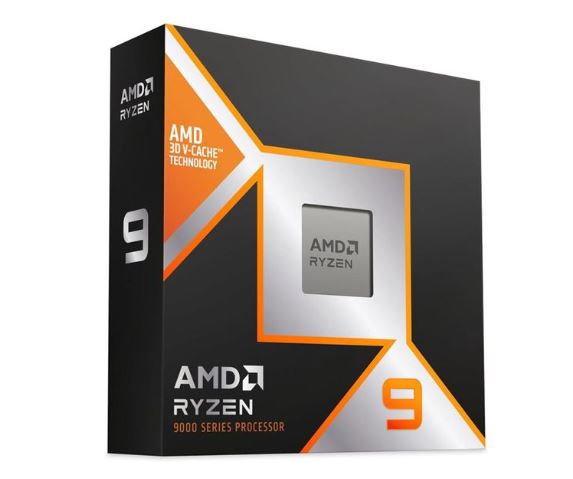
Specifications
- Cores / Threads: 16C / 32T
- Boost Clock: Up to 5.7 GHz
- Architecture: Zen 5 + Dual 3D V-Cache
- L3 Cache: 128 MB
- Power Usage: 170W–230W
- Platform: AM5 + DDR5-6000
- Price: Around $680–$720
Why It’s Great for FPS Gaming
The Ryzen 9 9950X3D is one of the best CPUs for modern FPS games because of AMD’s:
3D V-Cache technology
The massive:
128MB cache
helps modern games:
- load assets faster,
- reduce frame time spikes,
- improve frame pacing,
- and deliver smoother gameplay.
This CPU performs extremely well in games like:
- Apex Legends,
- Warzone,
- Battlefield,
- and Call of Duty
where modern game engines benefit heavily from large cache memory.
The AM5 platform also gives gamers:
- future upgrade support,
- DDR5 performance,
- and better long-term value.
🔵 Intel Core i9-14900KS
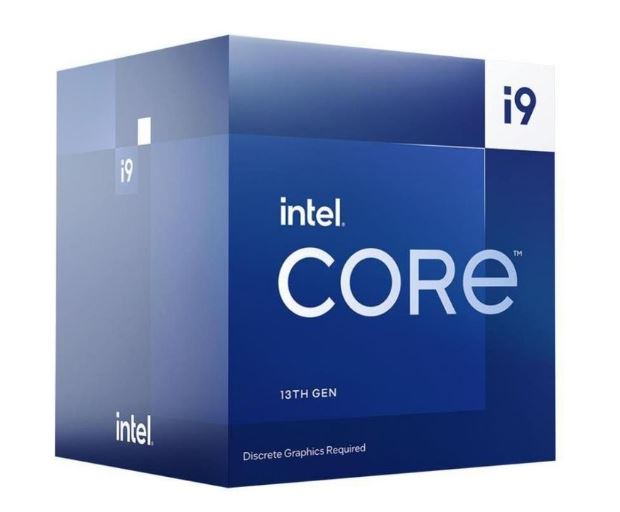
Specifications
- Cores / Threads: 8P + 16E / 32T
- Architecture: Raptor Lake Refresh
- Boost Clock: Up to 6.2 GHz
- L3 Cache: 36 MB
- Power Usage: 150W–320W
- Platform: LGA1700 + DDR4/DDR5
- Price: Around $700–$740
Why It’s Great for FPS Gaming
The Intel Core i9-14900KS is built for:
- maximum clock speeds,
- peak FPS,
- and elite esports gaming performance.
Its:
6.2GHz boost clock
makes it one of the fastest gaming CPUs for:
- Valorant,
- Counter-Strike 2,
- Fortnite,
- Minecraft,
- and other CPU-intensive games.
Intel’s strong single-core performance helps competitive gamers achieve:
- extremely high FPS,
- low latency,
- and excellent responsiveness.
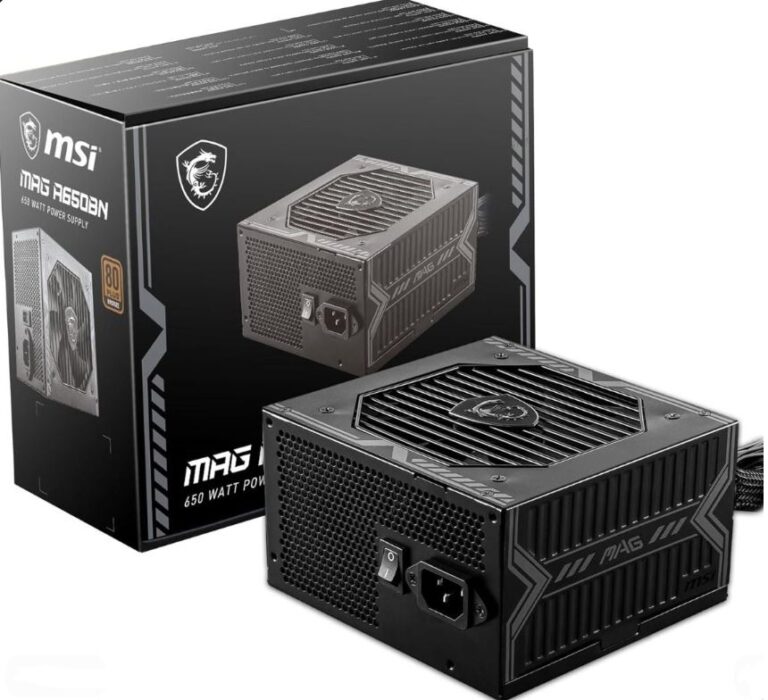
However, the i9-14900KS consumes significantly more power and usually requires:
- strong cooling,
- high-end motherboards,
- and larger power supplies.
Final Verdict
If you mainly play:
- modern AAA games,
- cache-heavy games,
- and want smoother frame pacing,
the AMD Ryzen 9 9950X3D is one of the best gaming CPUs currently available.
If you mainly focus on:
- esports gaming,
- extremely high FPS,
- and competitive gaming performance,
the Intel Core i9-14900KS remains one of the strongest CPUs for pure peak FPS performance.
COMMON MISTAKES WHEN CHOOSING BETWEEN AMD AND INTEL CPUs
Building a gaming PC is not just about buying the most expensive CPU. Many gamers make mistakes when choosing between AMD and Intel processors which can hurt:
- FPS,
- temperatures,
- frame pacing,
- and overall gaming performance.
Here are some common mistakes you should avoid.
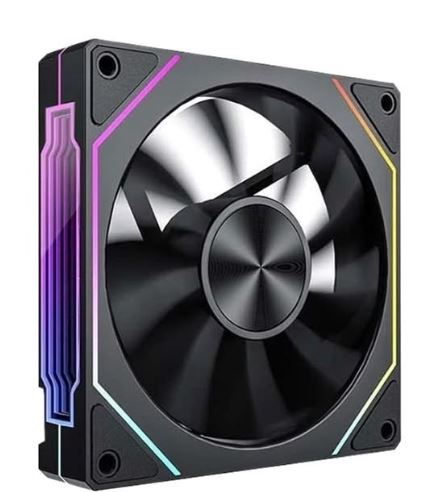
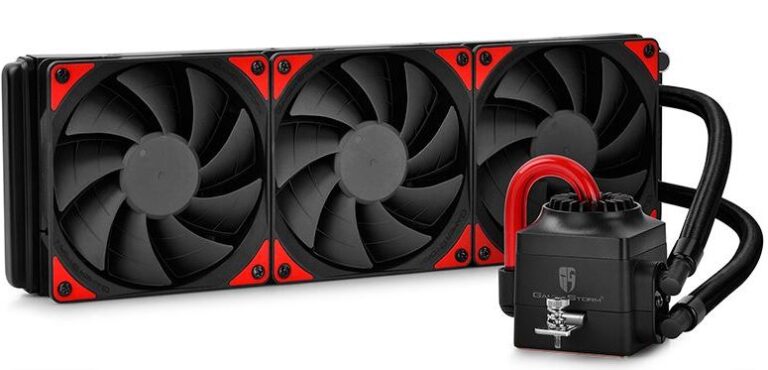
Weak Cooling
One of the biggest mistakes gamers make is using poor cooling for high-end CPUs.
Processors like:
- Ryzen 9 9950X3D,
- Intel Core i9-14900KS,
- and Ryzen 7 7800X3D
can generate a lot of heat during gaming and multitasking.
Without proper cooling, your CPU can:
- thermal throttle,
- reduce clock speeds,
- lose FPS,
- and cause unstable gameplay.
To avoid this:
- use a strong air cooler,
- or a high-quality AIO liquid cooler.
Good cooling helps maintain:
- stable FPS,
- smoother gameplay,
- and lower temperatures.
Buying the Wrong Motherboard
Another major mistake is buying the wrong motherboard for your CPU.
AMD CPUs mainly use:
- AM4,
- and AM5 motherboards.
Intel CPUs use:
- LGA1700 motherboards.
Using the wrong motherboard or unsupported chipset can cause compatibility issues.
Always check:
- motherboard socket support,
- RAM compatibility,
- BIOS compatibility,
- and future upgrade options
before buying your CPU.
Poor CPU and GPU Pairing
Pairing a weak GPU with a powerful CPU or the opposite can create bottlenecks.
For example:
Pairing an RTX 5070 with an old Ryzen 3 processor can heavily reduce FPS in CPU-intensive games.
Likewise:
Pairing a Ryzen 9 9950X3D with a weak GTX 1650 wastes CPU performance.
Balanced CPU and GPU combinations help improve:
- stable FPS,
- smoother frame pacing,
- and better gaming performance.
If you need the best GPU recommendations, check out:
Ignoring RAM Speed
RAM speed is extremely important for modern gaming performance.
For AMD Ryzen CPUs especially, faster RAM helps improve:
- frame pacing,
- FPS stability,
- and responsiveness.
Recommended RAM speeds:
DDR4
3200MHz–3600MHz
DDR5
5200MHz–6000MHz
Using slow RAM can limit your CPU’s gaming performance.
CONCLUSION
Both AMD and Intel CPUs are excellent choices for FPS gaming and competitive gaming performance.
Your final choice mainly depends on:
- your budget,
- the games you play,
- your gaming setup,
- and what you use your PC for.
Intel CPUs are excellent for:
- maximum FPS,
- strong single-core performance,
- esports gaming,
- and competitive FPS titles like Valorant and CS2.
AMD CPUs are excellent for:
- frame pacing,
- gaming efficiency,
- lower temperatures,
- multitasking,
- and modern AAA gaming performance.
Modern AMD X3D processors are currently some of the best CPUs for smooth gameplay and stable FPS because of their massive cache technology.
However, Intel CPUs still remain extremely strong for gamers who want:
- ultra high FPS,
- fast responsiveness,
- and strong esports performance.
No matter which brand you choose, pairing your CPU with:
- the right GPU,
- fast RAM,
- proper cooling,
- and optimized settings
is the key to achieving the best FPS gaming experience.
If you are still deciding on the best processor, check out:
- Best Intel CPUs for FPS Gaming (2026 Guide)
- Best AMD CPUs for FPS Gaming (2026 Guide)
- NVIDIA vs AMD GPUs for FPS Games (2026 Guide)
You should also optimize your setup using:
- Best FPS Settings for Competitive Gaming (2026 Guide)
- Best Monitor Settings for FPS Games (2026 Guide)
- How to Reduce Input Lag in FPS Games (Complete Guide)
for even smoother gameplay and lower latency.