Introduction
NVIDIA has spent years developing technologies that improve gaming performance, image quality and productivity. Features like DLSS, Ray Tracing, NVIDIA Reflex and the excellent NVENC encoder have made NVIDIA graphics cards a favorite among gamers, streamers, video editors, 3D artists and AI enthusiasts.
If you’re mainly interested in FPS games, NVIDIA GPUs are an excellent choice thanks to their strong driver support, low latency technologies and consistent performance in competitive titles like Apex Legends, Counter-Strike 2, Valorant, The Finals and Battlefield. If you also plan to stream your gameplay or edit videos after your gaming sessions, NVIDIA’s productivity features make them even more appealing.
The good news is that you don’t need to spend a fortune to enjoy those benefits. There are plenty of excellent budget NVIDIA GPUs that deliver high frame rates, smooth gameplay and modern features without emptying your wallet. That said, what are you to look for when buying an Nvidia GPU
What to Look for When Buying an Nvidia GPU
Choosing the right GPU is not only about buying the newest graphics card. New doesn’t mean better because there are several important things to consider before making a purchase, especially if you want the best gaming performance for your budget.
VRAM (Video Memory)
VRAM is the dedicated memory your GPU uses for texture rendering, frame buffers, visual effects, game assets loading. The more VRAM your GPU has, the easier it can handle higher resolutions, better textures and more demanding modern games
4GB VRAM
Some VRAM sizes to consider based on your budget, knowing this will help you have a mental note on the games you can and can’t play and some expected performance so you stay grounded. Entry Level 4GB VRAM is good for 1080p low-to-medium settings for older games from 2010’s to 2021, esports titles running at 90-120FPS at low settings
6GB VRAM
For 6GB VRAM, depending on the GPU’s performance, you’ll be able to run esports titles like Valorant and Counter-Strike 2 at 1080p on high settings, as these games are generally less demanding. You can also game at 1440p in many titles released between 2013 and 2019, although you’ll likely need to lower some graphics settings to maintain smooth performance and avoid putting too much strain on your GPU.
One thing before I continue: GPU speed matters. For example, the NVIDIA RTX 4050 (Laptop GPU) and the NVIDIA GTX 1660 both have 6GB of VRAM, but their architecture, features and overall performance are vastly different. The RTX 4050 significantly outperforms the GTX 1660 thanks to its newer architecture and modern technologies like DLSS and Frame Generation.
Also, pay attention to the VRAM type. Look for GDDR6, which is the faster and more modern memory standard. GDDR5 belongs to the previous generation. While it’s still capable, it simply can’t match the speed and bandwidth offered by GDDR6.
8GB VRAM+
8GB of VRAM and above is considered the modern standard for gaming GPUs. Many NVIDIA graphics cards across the RTX 30, RTX 40 and RTX 50 Series come with 8GB of VRAM, while the more expensive, high-end models typically feature 12GB to 24GB of VRAM.
GPUs with 12GB or more of VRAM can handle almost every modern game with ease. If you experience poor performance on these cards, it’s often due to poor game optimization rather than a lack of GPU power. They are also excellent for 4K gaming at high settings and deliver very high frame rates in competitive FPS games.
However, even with a modern GPU architecture, 8GB of VRAM can become a limitation in some newer AAA games. Titles like Cyberpunk 2077, especially with Ray Tracing enabled, can exceed the available VRAM, leading to lower frame rates or forcing you to reduce graphics settings for smoother gameplay.
8GB VRAM is currently considered the sweet spot for many mid-range gaming GPUs.
VRAM Speed & GPU Clock Speed
GPU performance is not determined by the amount of VRAM alone. Clock speed also plays an important role. Clock speed measures how fast the GPU’s processor operates and is usually measured in megahertz (MHz) or gigahertz (GHz). Higher clock speeds generally improve performance, but they are only one part of a GPU’s overall power. The GPU’s architecture, core count and memory bandwidth also contribute significantly to its gaming performance.
Laptop GPU vs Desktop GPU
Laptop GPUs usually perform slower than desktop GPUs with the same name because gaming laptops are more compact, have limited airflow and operate at lower power limits. Since laptops have less space for cooling, they generate more heat, which can cause the GPU to reduce its performance through thermal throttling to protect itself from overheating.
Desktop PCs don’t have this problem to the same extent. Their larger cases allow for better airflow, larger CPU coolers, bigger graphics cards and the addition of multiple case fans or liquid cooling. This helps desktop GPUs maintain higher clock speeds for longer periods, resulting in better gaming performance than their laptop counterparts with the same GPU name.
DLSS (Deep Learning Super Sampling)
DLSS is NVIDIA’s AI upscaling technology designed to increase FPS while maintaining good visual quality. Instead of rendering a game fully at 1080p the GPU may internally render at a lower resolution like 720p then use AI to upscale the image. This provides higher FPS, better performance and lowers GPU load without heavily reducing image quality. DLSS is currently available only on NVIDIA RTX GPUs.
Power Usage
GPUs are usually the most power-hungry component inside a gaming PC because modern games rely heavily on graphical processing. Some GPUs are more power efficient, easier to cool and better for smaller systems while high-end GPUs may require strong power supplies, Better airflow, more cooling capacity since it generate more heat because it uses more power for optimum performance.
Best Budget Entry-Level GPUs
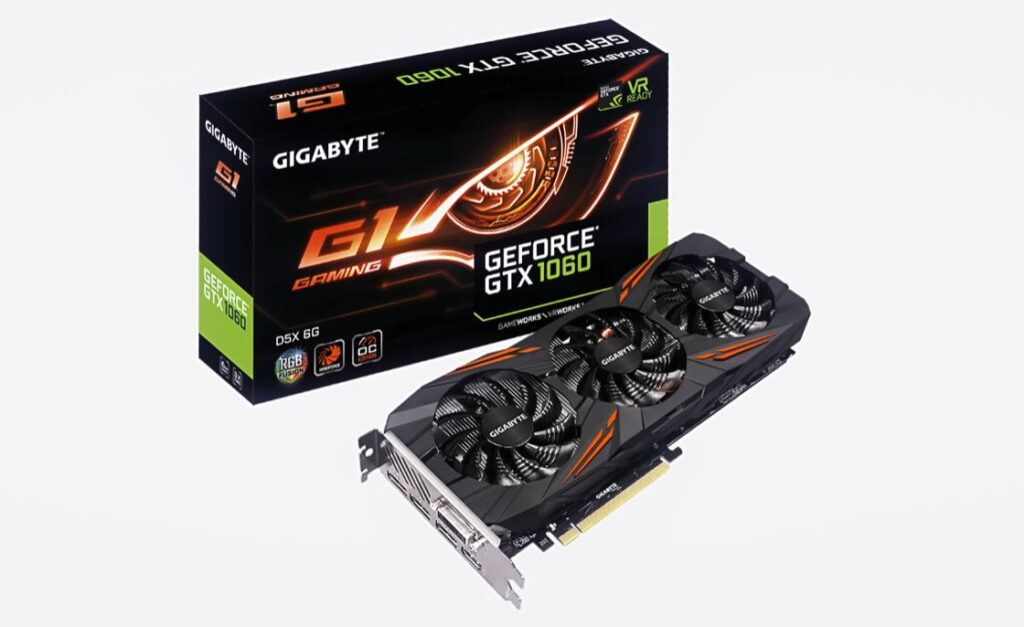
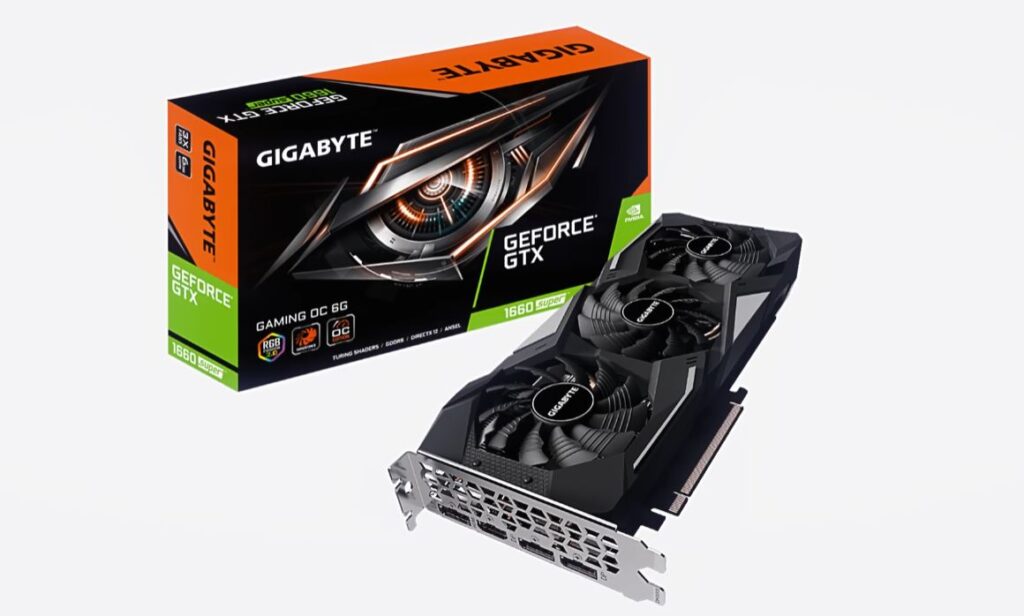
If you are building a budget gaming PC, older NVIDIA GPUs still provide excellent performance for competitive FPS gaming. Some of the best budget entry-level GPUs include:
- NVIDIA GeForce GTX 1060
- NVIDIA GeForce GTX 1660
- NVIDIA GeForce GTX 1660 SUPER
- NVIDIA GeForce RTX 2060
Performance Expectations
These GPUs are still capable of 1080p gaming medium-to-high FPS and are good enough for competitive esports titles. especially in games like The Finals, Valorant and Counter-Strike 2. You may need to adjust your settings to medium to low in newer AAA games, but esports titles will still run very well.
Best Budget Mid-Range GPUs
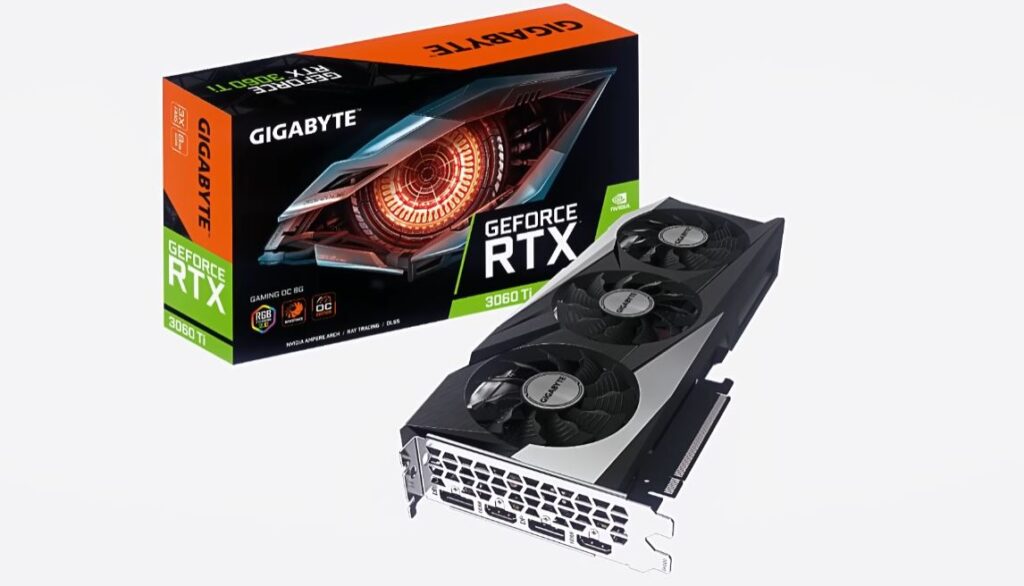
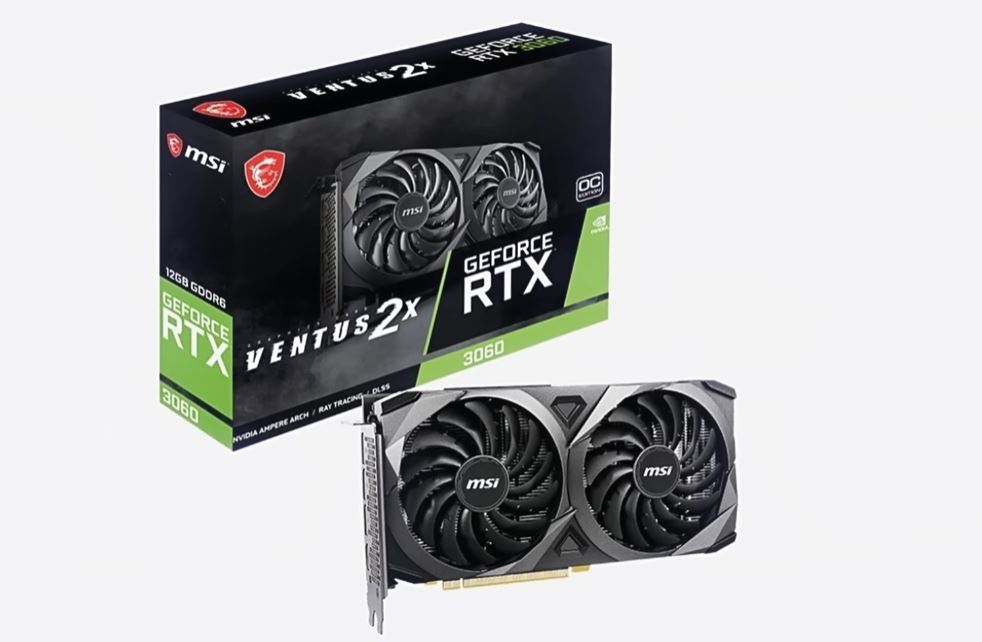
If you want stronger 1080p performance and better future-proofing, these mid-range GPUs are excellent choices:
- NVIDIA GeForce RTX 2070
- NVIDIA GeForce RTX 2070 SUPER
- NVIDIA GeForce RTX 3050
- NVIDIA GeForce RTX 3060
- NVIDIA GeForce RTX 3060 Ti
- NVIDIA GeForce RTX 4060
Why These GPUs Are Great
These GPUs support modern technologies like DLSS, Ray Tracing, better power efficiency have higher FPS performance. They perform extremely well at 1080p High-to-Ultra settings and can also handle 1440p gaming in many titles.
Competitive Gaming Performance
For FPS games, these GPUs can provide Stable high FPS, better 1% lows, smoother gameplay lower input latency feel especially when paired with high refresh rate monitors, optimized graphics settings and strong CPUs.
Best Overall Value GPU
NVIDIA GeForce RTX 3060
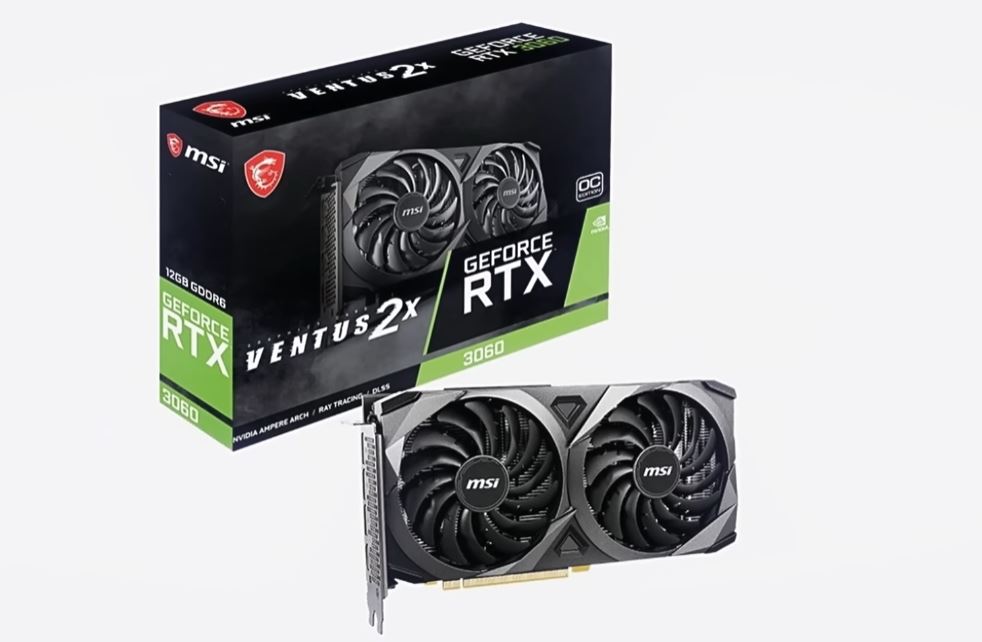
Because it balances price, VRAM, FPS performance, DLSS, ray tracing, and longevity better than the others overall.
Why the RTX 3060 Is the Best Value
It has 12GB VRAM which is more than enough for playing modern games and editing videos. Many newer budget cards still ship with 8GB VRAM but the RTX 3060 has has a 12GB at $10-$50 more. But more VRAM in this case is the best.
Excellent 1080p gaming. The RTX 3060 easily handles competitive FPS games at high settings, high refresh rate gaming and stable frame rates.
The RTX 3060 also has DLSS Support more FPS, lower GPU strain and elongate the lifespan for the card. That alone increases its value massively.
The Power Efficiency of the RTX 3060 compared to older cards like RTX 2070 SUPER the RTX 3060 uses less power and produces less heat.
Second Best Value
NVIDIA GeForce RTX 3060 Ti
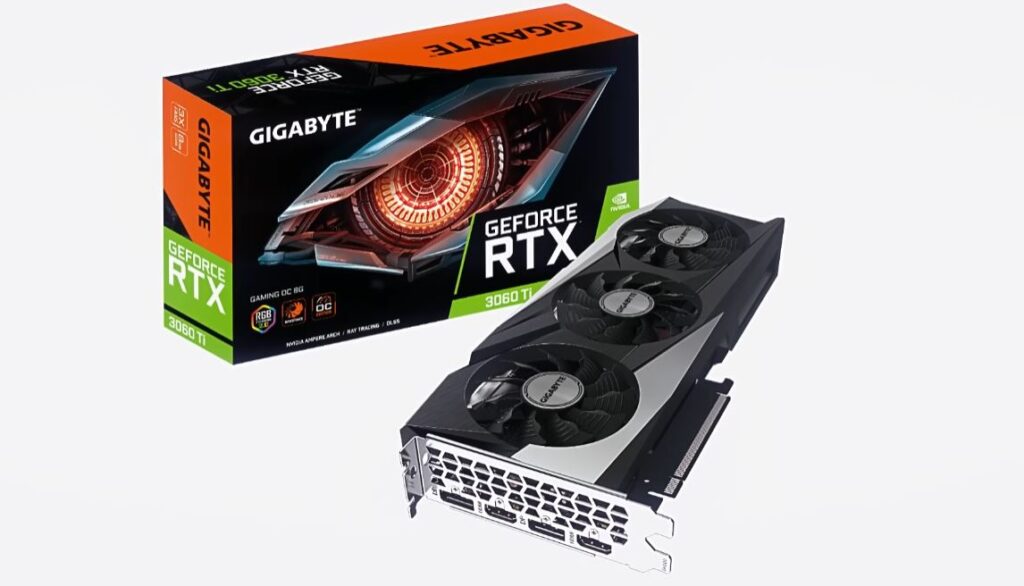
This is stronger for raw FPS performance but the lower VRAM (8GB) hurts long-term value slightly compared to the RTX 3060’s 12GB.
Best Ultra Budget Value
NVIDIA GeForce GTX 1660 SUPER
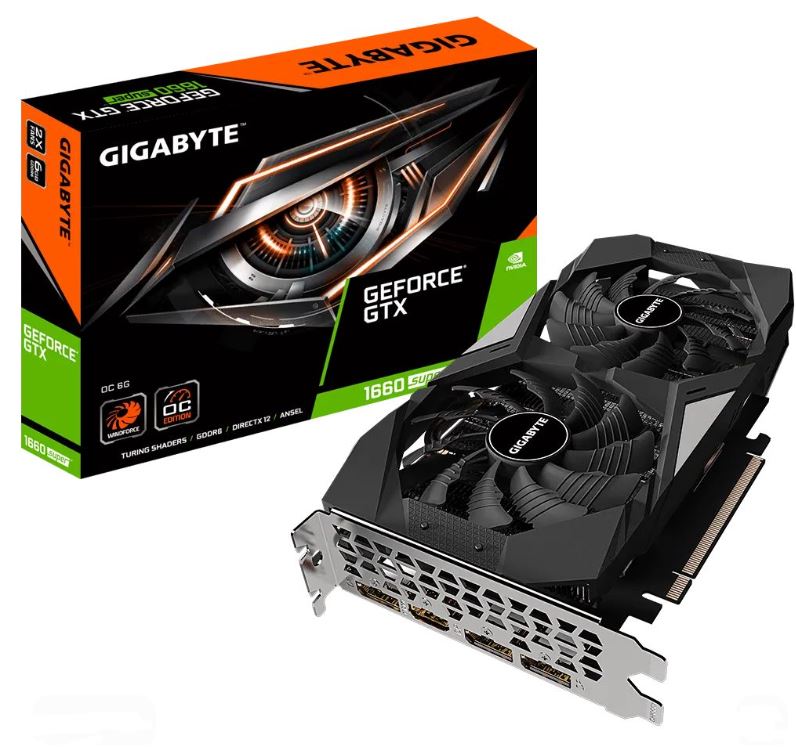
Released in 2019 its still one of the best budget esports GPUs ever made. Unlike RTX cards, it has no dedicated RT cores, so hardware-accelerated ray tracing isn’t available. It’s 6GB GDDR6 VRAM is excellent for competitive games like The Finals, Valorant, CS2 and Fortnite.
Common GPU Buying Mistakes
Building a gaming PC is exciting, but many beginners make mistakes when choosing a graphics card. Here are some of the most common GPU mistakes gamers should avoid.
Buying a GPU Before Everything Else
Many first-time builders buy the GPU first because it is the most exciting component in the PC. However, GPUs are expensive, delicate and require careful handling. If left unused for too long, accidental damage can happen. It is usually safer to buy your GPU later after purchasing the CPU, motherboard, power supply and case.
Focusing Only on VRAM
More VRAM does NOT automatically mean a faster GPU. For example a weaker 12GB GPU may still perform worse than a stronger 8GB GPU. VRAM matters, but architecture, CUDA cores, clock speed and overall GPU power also matter heavily.
Ignoring the Power Supply
Many gamers buy powerful GPUs without checking PSU wattage. High-end graphics cards require strong power supplies, stable power delivery and proper cooling. A weak PSU can cause crashes, instability and worst case scenario, blow up your pc entirely.
Pairing a Powerful GPU With a Weak CPU
A powerful GPU paired with a weak CPU creates bottlenecks. This limits FPS performance because the CPU cannot keep up with the graphics card. For competitive FPS gaming, both CPU and GPU matter heavily.
Conclusion
The GPU is one of the most important components in a gaming PC because it directly affects FPS, graphics quality, smoothness and overall gaming performance. A good GPU can completely transform your gaming experience, especially in competitive FPS games where higher frame rates matter a lot.
When choosing a graphics card, always consider VRAM, cooling, power usage, DLSS support and your overall budget. And remember the most expensive GPU is not always the best value. For most budget and mid-range gamers, cards like the:
- NVIDIA GeForce RTX 3060
- NVIDIA GeForce RTX 3060 Ti
- NVIDIA GeForce GTX 1660 SUPER
still provide excellent gaming performance for the price. So now you have gracefully chosen your GPU so what type of gaming monitor do you want to pair it with? Luckily I have written an article just for that which is the best budget gaming monitor for FPS games and if you find the specs and panel types of the monitor confusing check out IPS vs TN vs VA vs OLED for FPS Games. Pairing your GPU with the best CPU is also a big step in preventing bottlenecking so you can check out which is better for your RTX 3060 in AMD vs Intel CPUs for FPS Gaming .
And again, Thank You so much for clicking my page on google or returning to my website. You are the reason I do this.