The CPU is one of the most important parts of a gaming PC build. When building a gaming setup, you need to make sure you pair your GPU with the right CPU to avoid performance issues and bottlenecks. In this article, we will focus mainly on Intel CPUs for FPS gaming and competitive gaming performance. Every game uses hardware differently.
Some FPS games rely heavily on CPU performance, making the processor just as important as the graphics card. Competitive games like Valorant, Counter-Strike 2, Fortnite and Rainbow Six Siege depend a lot on CPU power for stable FPS and smooth gameplay. This means that even if you have a decent GPU, pairing it with a weak CPU can still cause:
- FPS drops,
- stuttering,
- input lag,
- and unstable frame rates.
For stable FPS and better gaming performance, it is important to pair your graphics card with the right processor. If you are looking for the best GPU to pair with your CPU, check out the Best Budget NVIDIA GPUs for FPS Games (2026 Guide). It will be a great idea if you pair your Intel CPU with an NVIDIA graphics card if you stream, video edit and do lots of 3d and video rendering since they are best for productivity.
For low latency, smoother gameplay, and better FPS in CPU-intensive games, Intel CPUs remain some of the best options for competitive gaming. In this article, we will go through some of the best Intel CPUs for FPS gaming and recommended picks for different budgets.
WHY CPUs Matter for FPS Gaming
One of the biggest mistakes inexperienced PC builders make is buying hardware that bottlenecks other components in the setup. This prevents the PC from performing at its full potential. That is why it is always important to research the best CPU for your GPU or the best GPU for your CPU before building your gaming PC.
For example:
Pairing a high-end Intel Core i9 14th Gen processor with a GTX 1660 is not balanced. In this situation, the GPU is too weak to keep up with the CPU, meaning the processor cannot fully utilize its performance potential. This creates a GPU bottleneck. The same thing can also happen the other way around where a powerful GPU is paired with a weak CPU. In CPU-intensive games, this can lead to:
- FPS drops,
- stuttering,
- unstable gameplay,
- and lower overall performance.
That is why balancing your CPU and GPU is very important for smooth FPS gaming.
What Are 1% Lows?
1% lows are one of the most important things in FPS gaming performance.
1% lows measure the worst frame drops during gameplay.
For example:
- Average FPS = 120 FPS
- 1% Low = 30 FPS
This means that during the most demanding moments in the game, your FPS can temporarily drop to around 30 FPS.
Large FPS drops like this usually indicate:
- bottlenecks,
- unstable hardware performance,
- poor optimization,
- or weak components in the setup.
Good 1% lows are extremely important because they help make gameplay feel:
- smoother,
- more responsive,
- and more stable.
Frame Rate Consistency Matters
The CPU also plays a huge role in frame rate consistency. In competitive FPS gaming, stable FPS is often more important than extremely high FPS numbers.
For example:
A stable 100 FPS feels much smoother than FPS constantly jumping between 60 FPS and 200 FPS.
Consistent frame rates help improve:
- gameplay smoothness,
- aiming consistency,
- reaction time,
- and overall competitive gaming performance.
This is why choosing the right CPU is extremely important for competitive FPS games.
WHY GAMERS CHOOSE INTEL CPUs
Intel CPUs are some of the best processors for FPS gaming and competitive gaming because of their strong gaming performance, high clock speeds, and excellent single-core performance. Many competitive FPS games rely heavily on CPU power, which is why Intel processors remain very popular among gamers.
Strong Single-Core Performance
One of the biggest reasons gamers choose Intel CPUs is because of their excellent single-core speed. Many FPS and esports games are heavily CPU-dependent and benefit more from faster single-core performance rather than having a very high number of cores.
Games like:
- Counter-Strike 2
- Valorant
- League of Legends
- World of Warcraft
- StarCraft
depend heavily on CPU performance for:
- stable FPS,
- low latency,
- and smoother gameplay.
Intel’s Performance Cores (P-Cores), especially in newer Intel Core Ultra and Intel Core i-series processors, deliver extremely strong single-thread performance which helps increase FPS in competitive games.
Good for Streaming and Video Editing
Intel CPUs are also excellent for:
- streaming,
- recording gameplay,
- video editing,
- and multitasking.
Intel includes:
Intel Quick Sync
Quick Sync is Intel’s built-in hardware encoder that helps improve:
- streaming quality,
- video rendering speed,
- and recording performance.
This is one of the reasons many streamers and content creators prefer Intel + NVIDIA gaming setups for gaming and content creation. If you’re wondering what monitor panel is the best for fps gaming check out IPS vs TN vs VA vs OLED for FPS Games
Room for Overclocking
Intel also offers unlocked:
“K” and “KF” processors
These CPUs allow gamers to manually overclock their processor for even better gaming performance. For gamers who enjoy tweaking and optimizing their gaming PC, Intel CPUs usually provide:
- more overclocking control,
- higher clock speeds,
- and better performance tuning options.
This makes Intel CPUs very popular among enthusiasts and competitive gamers looking to maximize FPS performance.
WHAT THE NUMBERS AND LETTERS IN INTEL CPUs MEAN
Understanding Intel CPU names is very important when building a gaming PC. Many beginner PC builders get confused by Intel processor names, which can sometimes lead to buying weaker CPUs thinking they are high-end.
We will use this processor as an example:
Intel Core i7-14700K
Once you understand the numbers and letters, choosing the right Intel CPU becomes much easier.
What Do i3, i5, i7, and i9 Mean?
The:
- i3
- i5
- i7
- i9
represent the performance tier of the Intel CPU.
Generally:
Intel Core i3
- Entry-level performance
- Good for basic gaming and office work
Intel Core i5
- Mid-range performance
- Excellent for gaming and FPS games
Intel Core i7
- High-end performance
- Better multitasking and stronger gaming performance
Intel Core i9
- Enthusiast/high-end CPU
- Best for extreme gaming, streaming, editing, and heavy workloads
In most cases: The higher the number, the more powerful the CPU is within the same generation.
What Does the Generation Mean?
The generation is the number after the hyphen.
Example:
Intel Core i7-14700K
The “14” means:
14th Generation Intel CPU
Intel processors started from:
- 1st Generation in 2008
- up to newer generations like 12th, 13th, and 14th Gen CPUs.
One mistake many beginner PC builders make is assuming every i7 processor is powerful.
That is NOT always true.
For example:
Intel Core i7-5650U
is much weaker than:
Intel Core i7-14700K
Even though both are “i7” processors, the newer generation CPU is far more powerful.
Some sellers intentionally hide the generation number to increase sales, so always check the full CPU name before buying.
What Do the Letters at the End Mean?
The letters at the end of Intel CPU names tell you extra information about the processor.
Here are some of the most common Intel CPU letters:
K = Unlocked for Overclocking
“K” processors allow manual overclocking for higher performance.
Example:
Intel Core i5-14600K
F = No Integrated Graphics
“F” CPUs do not include integrated graphics.
This means you MUST use:
- an NVIDIA GPU,
- or an AMD graphics card.
Example:
Intel Core i5-12400F
KF = Overclockable + No Integrated Graphics
“KF” processors:
- support overclocking,
- but also require a dedicated GPU.
Example:
Intel Core i7-14700KF
H / HK = High Performance Laptop CPUs
These are usually found in:
- gaming laptops,
- high–performance laptops.
“H” and “HK” processors use more power and deliver stronger gaming performance.
Example:
Intel Core i7-13700H
U = Ultra Low Power
“U” processors are designed for:
- thin laptops,
- office laptops,
- battery efficiency.
They are not ideal for serious gaming.
Example:
Intel Core i5-1335U
T = Power Optimized
“T” processors are designed for:
- lower power usage,
- lower temperatures,
- energy efficiency.
P = Performance Optimized
“P” processors are usually found in thin-and-light laptops and offer a balance between:
- performance,
- power efficiency,
- and battery life.
S = Special Edition
“S” CPUs are special edition Intel processors optimized for performance.
Y = Extremely Low Power
“Y” processors are older ultra-low-power CPUs mainly found in:
- very thin laptops,
- low-power devices,
- lightweight notebooks.
Best Ultra Budget Intel CPUs
If you are building a budget gaming PC and want high FPS without spending too much money, these Intel CPUs are some of the best ultra budget processors for FPS gaming.
These CPUs are excellent for:
- competitive gaming,
- esports titles,
- budget gaming PCs,
- and high FPS gaming at 1080p.
Intel Core i3-14100F
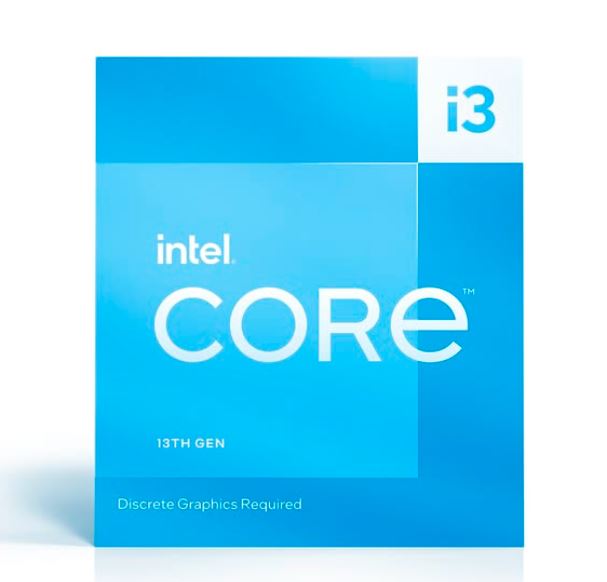
The Intel Core i3-14100F is currently one of the best ultra budget Intel CPUs for FPS gaming.
Price
Around $85–$90
Clock Speeds
- Base Clock: 3.5 GHz
- Boost Clock: Up to 4.7 GHz
Because this is an:
“F” series processor
it does NOT include integrated graphics, meaning you will need a dedicated graphics card such as:
- NVIDIA GPU,
- or AMD Radeon GPU.
Why It’s Good for FPS Gaming
The i3-14100F delivers excellent single-core performance which is very important for games like:
- Valorant,
- Counter-Strike 2,
- Fortnite,
- and Apex Legends.
For the price, this CPU offers incredible value for competitive gaming.
Second Best Budget Pick
Intel Core i5-12400F
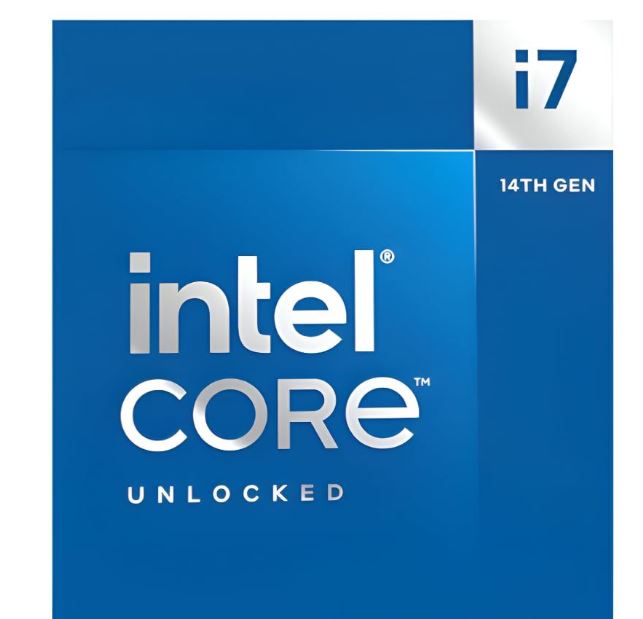
The Intel Core i5-12400F is another excellent budget Intel CPU for FPS gaming.
Price
Around $100
Clock Speeds
- Base Clock: 2.5 GHz
- Boost Clock: Up to 4.4 GHz
Core Count
6 Cores
Compared to budget i3 processors, the i5-12400F performs much better for multitasking, streaming, newer games and heavy background tasks.
This makes it an excellent choice for gamers who also:
- stream gameplay,
- record videos,
- or run multiple applications while gaming.
Cheapest Budget Intel CPU
Intel Core i3-12100F
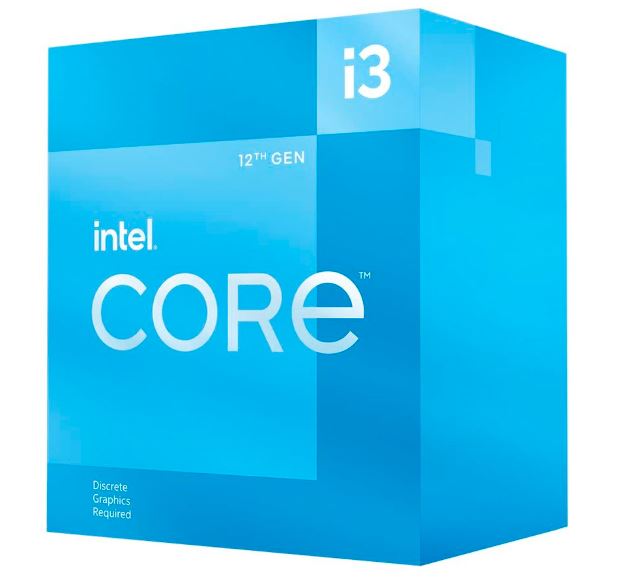
If you are building a very cheap gaming PC, the Intel Core i3-12100F is one of the best entry-level gaming CPUs available.
Price
Around $55–$65
Clock Speeds
- Base Clock: 3.3 GHz
- Boost Clock: Up to 4.3 GHz
One of the biggest advantages of this CPU is that it provides an affordable entry point into:
DDR5 gaming builds
This CPU is excellent for:
- ultra budget gaming PCs,
- esports gaming,
- and beginner gaming setups.
Best Use Case
The i3-12100F is a very good processor for:
- $300 gaming PC builds,
- competitive gaming,
- and stable 1080p FPS gaming without overspending.
BEST MID-RANGE INTEL CPUs
If you want stronger gaming performance for:
- high FPS gaming,
- competitive esports titles,
- streaming,
- multitasking,
- and 1440p gaming,
then these Intel CPUs are some of the best mid-range processors you can buy right now.
Want to pair your intel CPU with an Nvidia graphics , check out the full guide on the best budget NVIDIA GPUs for FPS games.
These CPUs are excellent for pairing with powerful GPUs like:
- RTX 5070,
- RTX 4060 Ti,
- RX 7800 XT,
- and RX 9070 XT.
Best Overall Mid-Range Intel CPU
Intel Core i5-14600KF
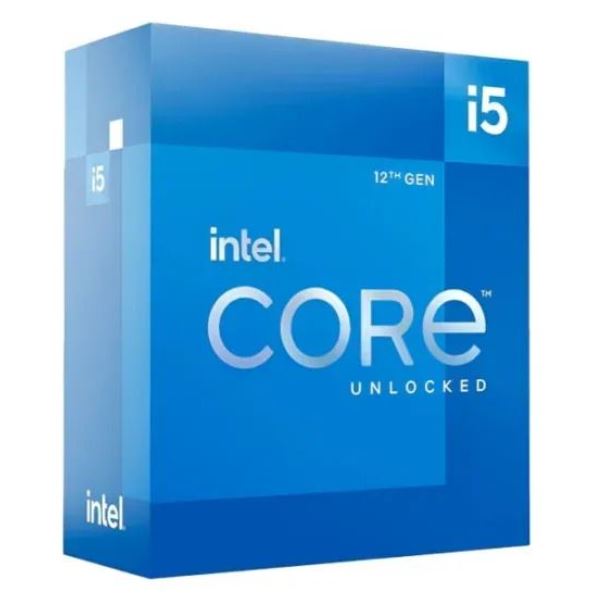
The Intel Core i5-14600KF is currently one of the best value mid-range Intel CPUs for FPS gaming.
Price
Around $210–$230
Clock Speeds
- Base Clock: 3.5 GHz
- Boost Clock: Up to 5.3 GHz
This processor delivers extremely strong gaming performance and is excellent for:
- competitive gaming,
- streaming,
- multitasking,
- and high refresh rate gaming.
Even though it is a last-generation Intel processor, it still delivers around:
90% of the gaming performance of newer high-end CPUs for much lower cost. This makes it an incredible value CPU for gamers who want high FPS without overspending. Best GPU Pairings
The i5-14600KF pairs extremely well with:
- RTX 5070
- RX 9070 XT
- RTX 4070 Super
- RX 7800 XT
especially for:
- 1080p competitive gaming,
- 1440p gaming,
- and high refresh rate monitors.
Second Best Mid-Range Intel CPU
Intel Core i5-14400F
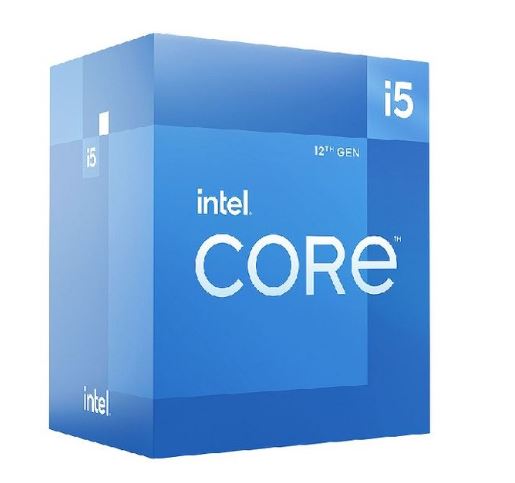
The Intel Core i5-14400F is another excellent mid-range Intel CPU for gaming.
Price
Around $180–$195
Clock Speeds
- Base Clock: 2.5 GHz
- Boost Clock: Up to 4.7 GHz
Core Count
10 Cores
One of the biggest advantages of this CPU is that it offers:
- strong gaming performance,
- excellent multitasking,
- and modern core counts
at a lower price compared to higher-end Intel processors.
Gaming Performance
When paired with a strong GPU, the i5-14400F can deliver around:
95% of the gaming performance of the i5-14600KF at 1080p and 1440p gaming.
This makes it one of the best budget-friendly mid-range CPUs for:
- competitive gaming,
- streaming,
- and modern AAA gaming.
For gamers who want excellent gaming performance without spending too much money, the Intel Core i5-14400F is a very strong option.
BEST HIGH-END INTEL CPU
If you want one of the most powerful Intel gaming CPUs currently available, then the:
Intel Core i9-14900KS
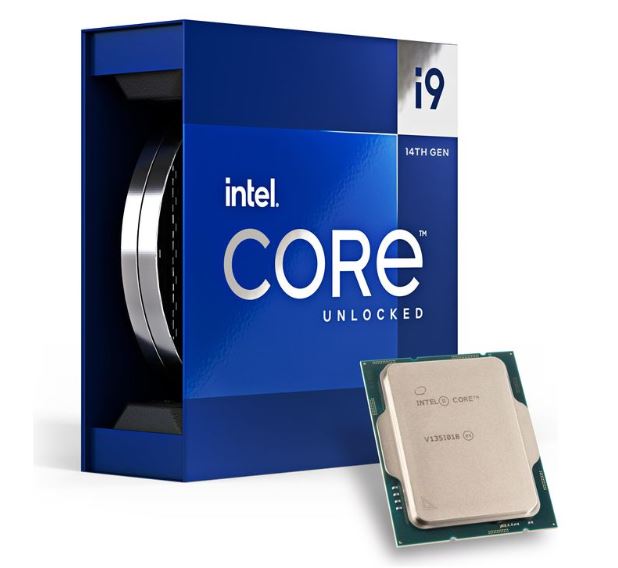
is easily one of the best high-end Intel processors for FPS gaming and extreme gaming performance.
Price
Around $520–$550
This CPU is built for extreme gaming performance, high refresh rate gaming, streaming, multitasking and heavy workloads.
The Intel Core i9-14900KS delivers incredibly high clock speeds and excellent single-core performance, making it perfect for competitive FPS gaming, esports titles and demanding AAA games.
Best Gaming Use Cases
This processor is excellent for: 1440p gaming, 4K gaming, 240Hz gaming, streaming while gaming and high-end gaming PC builds.
When paired with powerful GPUs like:
- RTX 5090,
- RTX 5080,
- RX 9070 XT,
- or RTX 5070 Ti,
the i9-14900KS can deliver extremely stable FPS and excellent gaming performance. Want more on AMD graphics cards, check out the full guide on the best budget AMD GPUs for FPS games.
Who Should Buy This CPU?
This CPU is mainly for:
- enthusiast gamers,
- competitive gamers,
- streamers,
- content creators,
- and gamers building premium gaming setups.
For gamers who want maximum gaming performance without compromise, the Intel Core i9-14900KS is one of the best high-end Intel CPUs available right now.
COMMON MISTAKES WHEN BUYING A CPU FOR FPS GAMING
Choosing the right CPU is very important for gaming performance, but many gamers still make mistakes that can hurt FPS, temperatures, and overall gameplay experience.
Here are some common mistakes you should avoid when building your gaming PC.
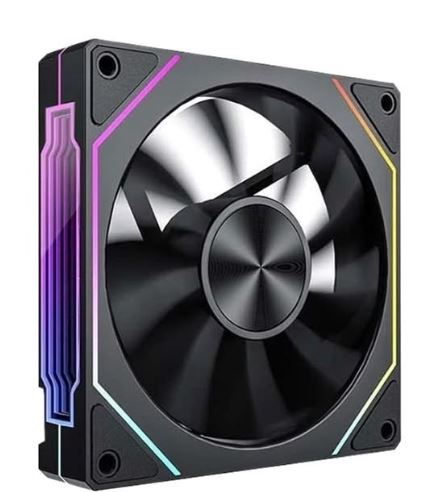
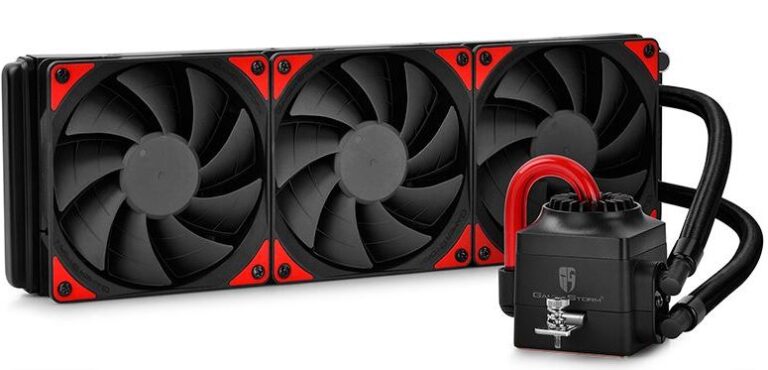
Weak Cooling
One of the biggest mistakes gamers make is pairing a powerful CPU with poor cooling.
Without proper cooling, your CPU can start:
- overheating,
- thermal throttling,
- losing performance,
- and causing unstable FPS during gameplay.
Thermal throttling happens when the CPU reduces its speed to lower temperatures, which can negatively affect gaming performance.
To avoid this:
- use a good CPU cooler,
- improve airflow inside your PC case,
- and monitor CPU temperatures while gaming.
Good cooling helps maintain stable FPS, smoother gameplay and better overall performance.
Weak Motherboard
Using a weak or low-quality motherboard can:
Your motherboard is extremely important because it connects and powers all the components in your gaming PC. limit CPU performance, reduce upgrade options and cause stability issues.
It is important to choose a motherboard with proper VRMs, good power delivery, compatible sockets and support for your CPU generation. A good motherboard helps your CPU perform efficiently and improves system stability during gaming.
Weak GPU Pairing
Pairing a strong CPU with a weak GPU can create a GPU bottleneck and hurt gaming performance.
For example:
Using a mid-range Intel CPU with a very low-end graphics card may prevent your setup from reaching high FPS. Relying only on integrated graphics can also heavily reduce gaming performance in modern FPS games. For balanced performance, always pair your CPU with a suitable:
- NVIDIA GPU,
- or AMD graphics card.
This helps improve FPS stability, gaming smoothness and overall system performance.
Ignoring RAM Speed
Many gamers focus only on RAM size and completely ignore RAM speed. RAM speed is very important for FPS gaming, frame consistency and CPU performance. For modern gaming PCs, it is recommended to use:
DDR4 RAM
Around 3200MHz
DDR5 RAM
Around 5200MHz–6000MHz
Faster RAM can help improve FPS stability, loading times and overall gaming responsiveness,
especially in CPU-intensive games like:
- Valorant,
- Counter-Strike 2,
- Fortnite,
- and Warzone.
Conclusion
Intel CPUs remain some of the best processors for FPS gaming and competitive gaming because of their strong single-core performance, stable frame rates, and excellent gaming optimization. Whether you are building a budget gaming PC, a mid-range setup or a high-end gaming build, there is an Intel CPU capable of delivering excellent gaming performance for your budget.
For competitive FPS games like:
- Valorant, Counter-Strike 2, Fortnite and Apex Legends,
having the right CPU is extremely important for:
- stable FPS,
- lower latency,
- smoother gameplay,
- and better frame consistency.
Intel processors are especially strong in CPU-intensive games where high clock speeds and strong single-core performance matter the most. However, your CPU alone is not enough. To get the best gaming performance, you also need:
- a good GPU,
- fast RAM,
- proper cooling,
- and a balanced gaming setup.
Overall, Intel CPUs remain an excellent choice for gamers looking for high FPS gaming performance, competitive gaming responsiveness, and strong overall gaming stability.
If you have made a decision on your GPU and CPU its best to get yourself a decent monitor that can fully utilize it’s ability you can check out the Best Gaming Monitor Under $200 for FPS Games (2026 Guide). If your main goal is achieving the highest possible FPS in games and you don’t stream or perform heavy productivity tasks, be sure to check out our Best AMD Graphics Cards for FPS Gaming (2026 Guide).
Thank you for reading.